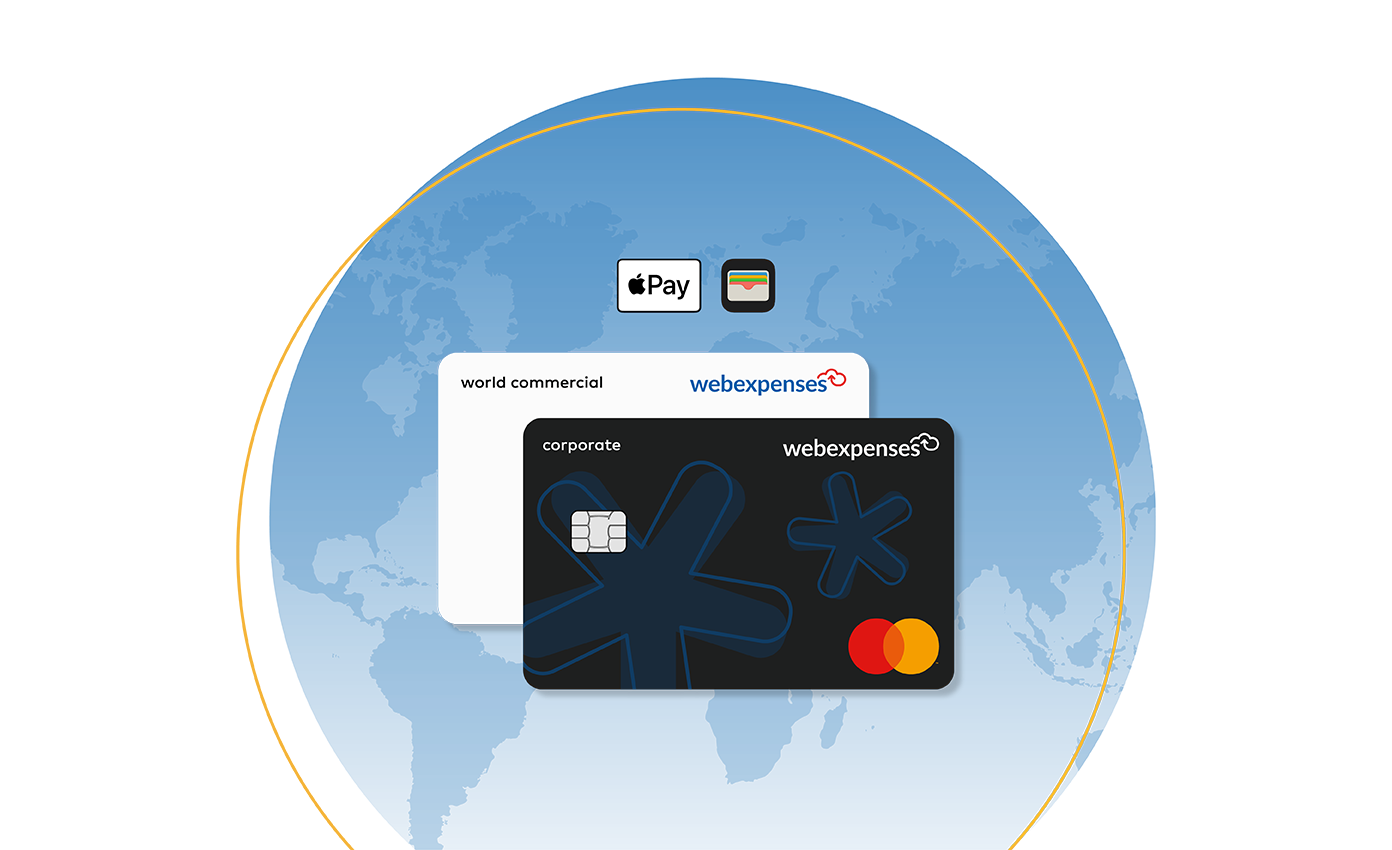
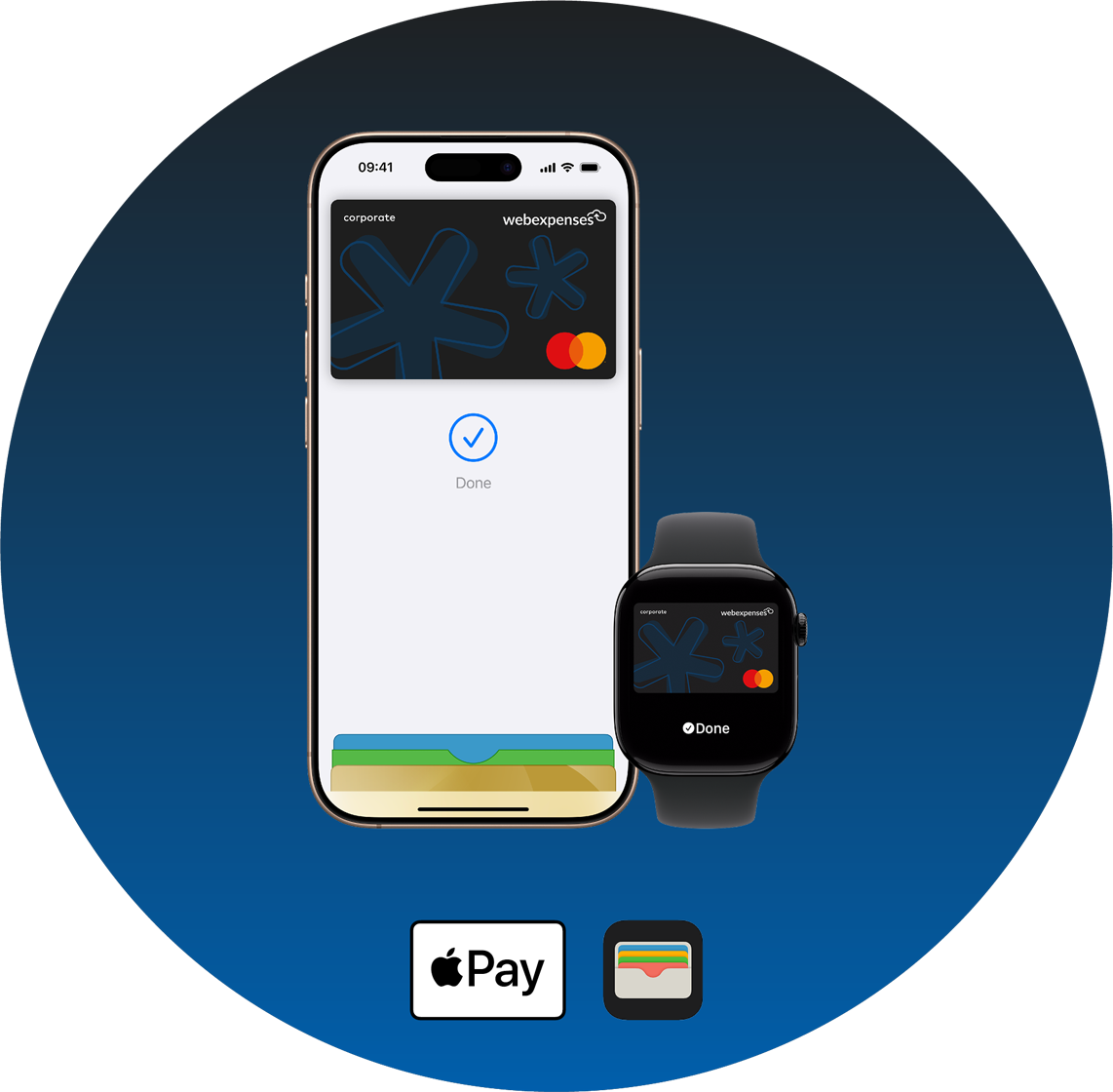
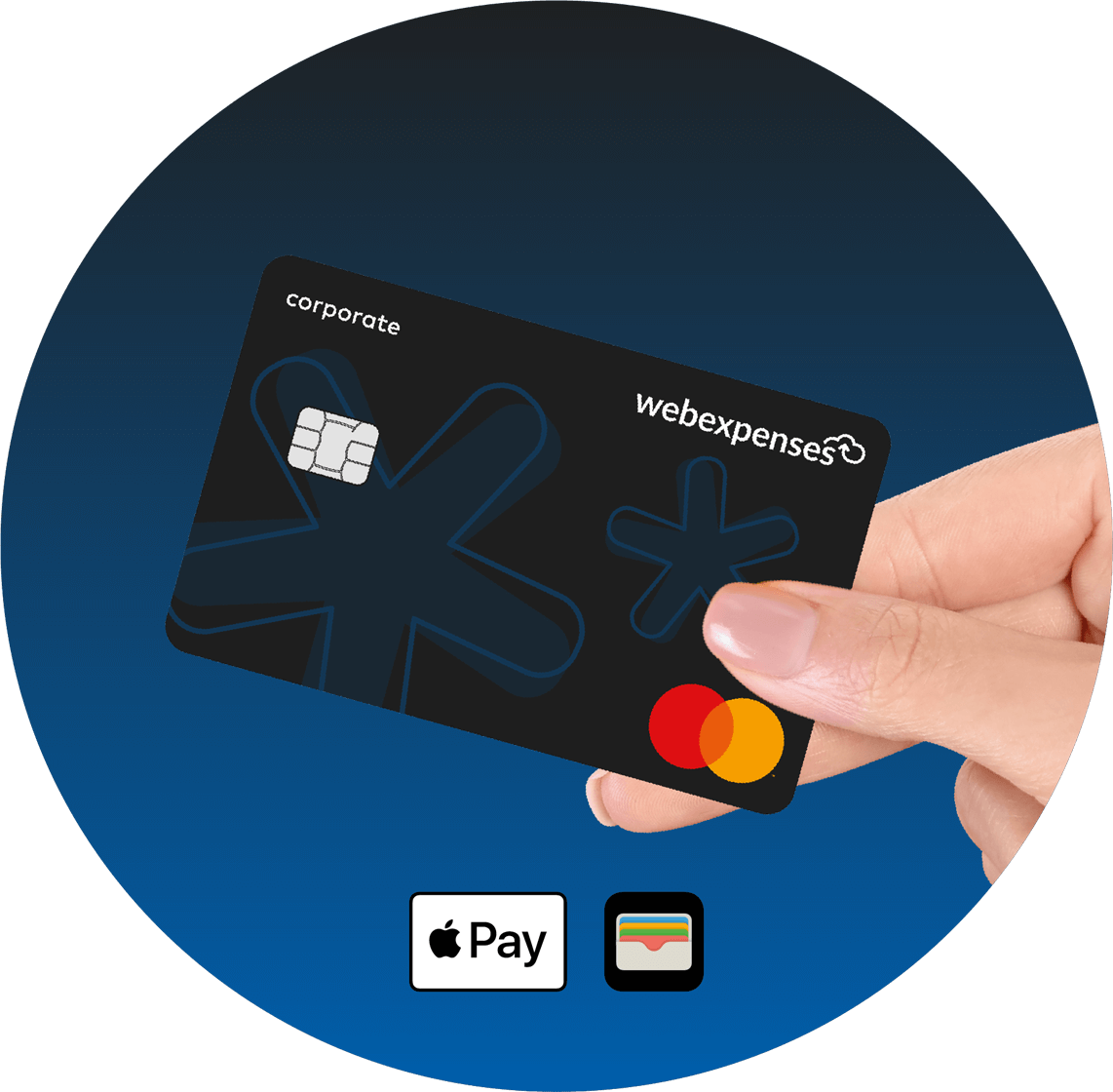
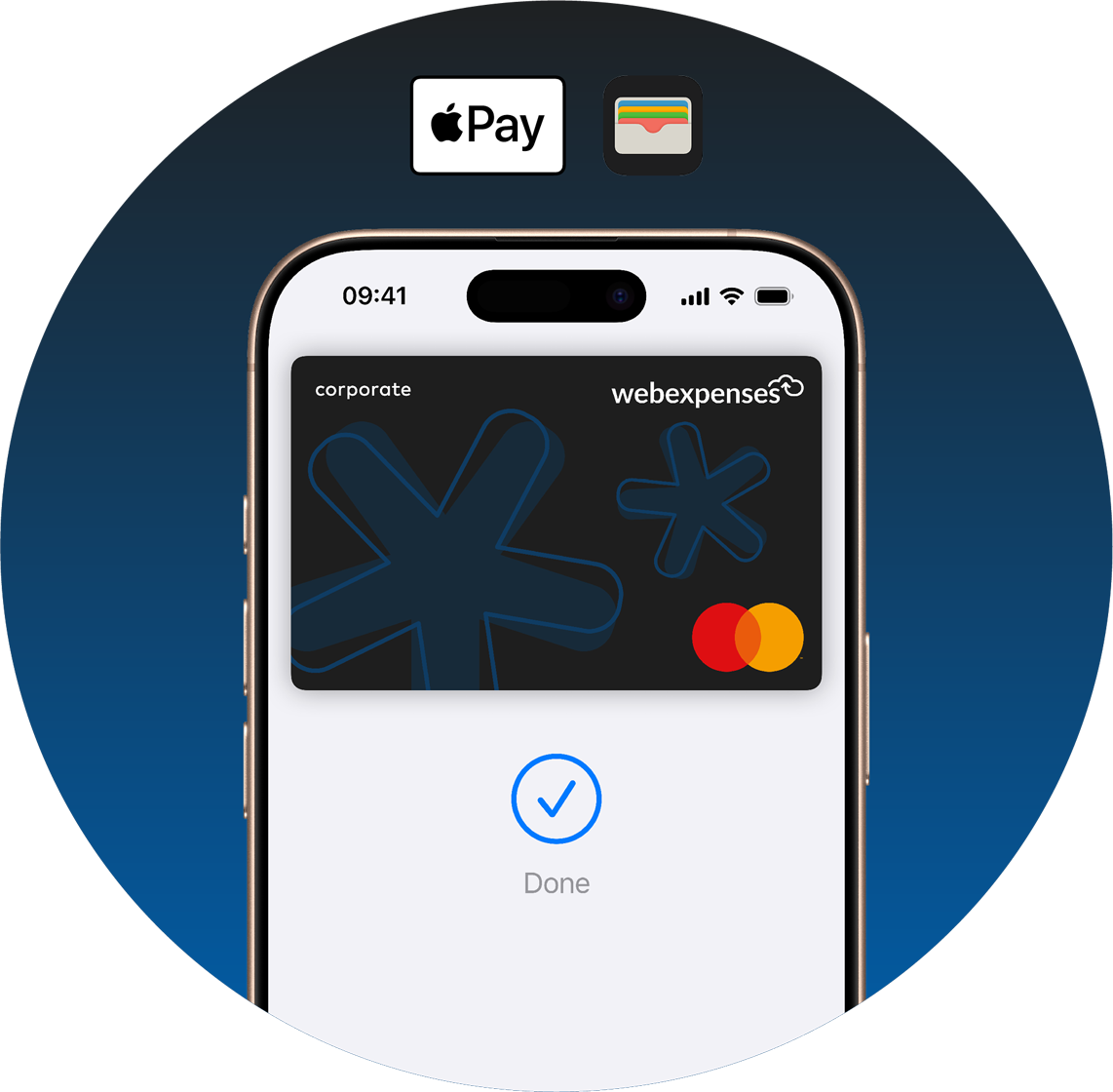
A safe and effortless way to pay. Add your Expense Card to Apple Pay and enjoy quick, secure payments from your iPhone, Apple Watch, iPad, or Mac—wherever business takes you.


With Apple Pay, your Expense Card becomes even more powerful. No need to carry a physical card—just tap, authenticate, and pay securely in-store, online, or in your favourite apps.
With Apple Pay, business spending is even more sustainable. Issue virtual Expense Cards and add them to your Apple Wallet in seconds—no plastic required.
Your Expense Card transactions are protected by Apple’s advanced security features:
Apple Pay ensures that only you can authorise payments, keeping your business spending safe at all times.
Expense Cards bring together real-time spend management, proactive controls, and seamless integration, offering a comprehensive solution trusted by finance teams worldwide. Transition from reactive management to a proactive approach, giving your business unparalleled visibility, efficiency, and control.
Yes. Once available, you can add your card to Apple Wallet and make payments instantly.
Anywhere that accepts contactless payments—just look for the Apple Pay or NFC symbol.
You’ll see a confirmation screen in Apple Wallet once your card is activated.
Apple Pay transactions are protected by Face ID, Touch ID, or your password. If your device is lost or stolen, you can use Find My iPhone to remotely disable payments.
Yes, your physical and virtual cards work together—Apple Pay just makes payments faster and more convenient.