The transition to home working is taking place at a particularly tough time for finance teams.
While some are battling to complete financial year-end reports, others are starting to get finance and AP processes back up and running after the disruptions caused by the coronavirus pandemic.
To add to the mix, many finance teams are themselves having to cope with all of the challenges posed by the transition from office-based to remote working operations.
As home working looks set to become the new normal for many companies, it requires a fresh look at some of the basic methods we use to manage employee costs.
Here’s a look at some of the issues:
Problems with a manual process
The transition to home working presents a particular challenge for those finance teams who rely on a more traditional approach. Typically, this means they use processes that involve paper documents and on-premise tools.
Paper-based processes
Physical paperwork is still commonly with AP functions and the use of printed invoices. It’s also found in expense management with bundles of paper receipts attached to reports to support claims.
Normally, an office acts as the hub where all of these documents are received and processed by the finance team. The obvious problem is…what happens if you don’t have an office?
The problem is highlighted by the fact many of the expense reports posted to finance teams in the days prior to the restrictions may still be sitting in the office, completely untouched.
These same kinds of issues are found wherever there’s any kind of reliance on physical paperwork. For remote workers, it means documents need to be posted or delivered to each team member.
On-premise tools
If the tools used by a finance team require on-premise access, this also creates basic problems for a remote working team. A typical example of this is with Excel spreadsheets that are saved to an employee’s PC.
When that information is stored on an office-based computer, there’s no easy way for a remote working team to access and share the data.
To access the information requires access to the computer on which the document is stored. The data can be copied and sent to others but this creates multiple versions of the original document; creating problems with information being outdated and fragmented.
Benefits of digital management
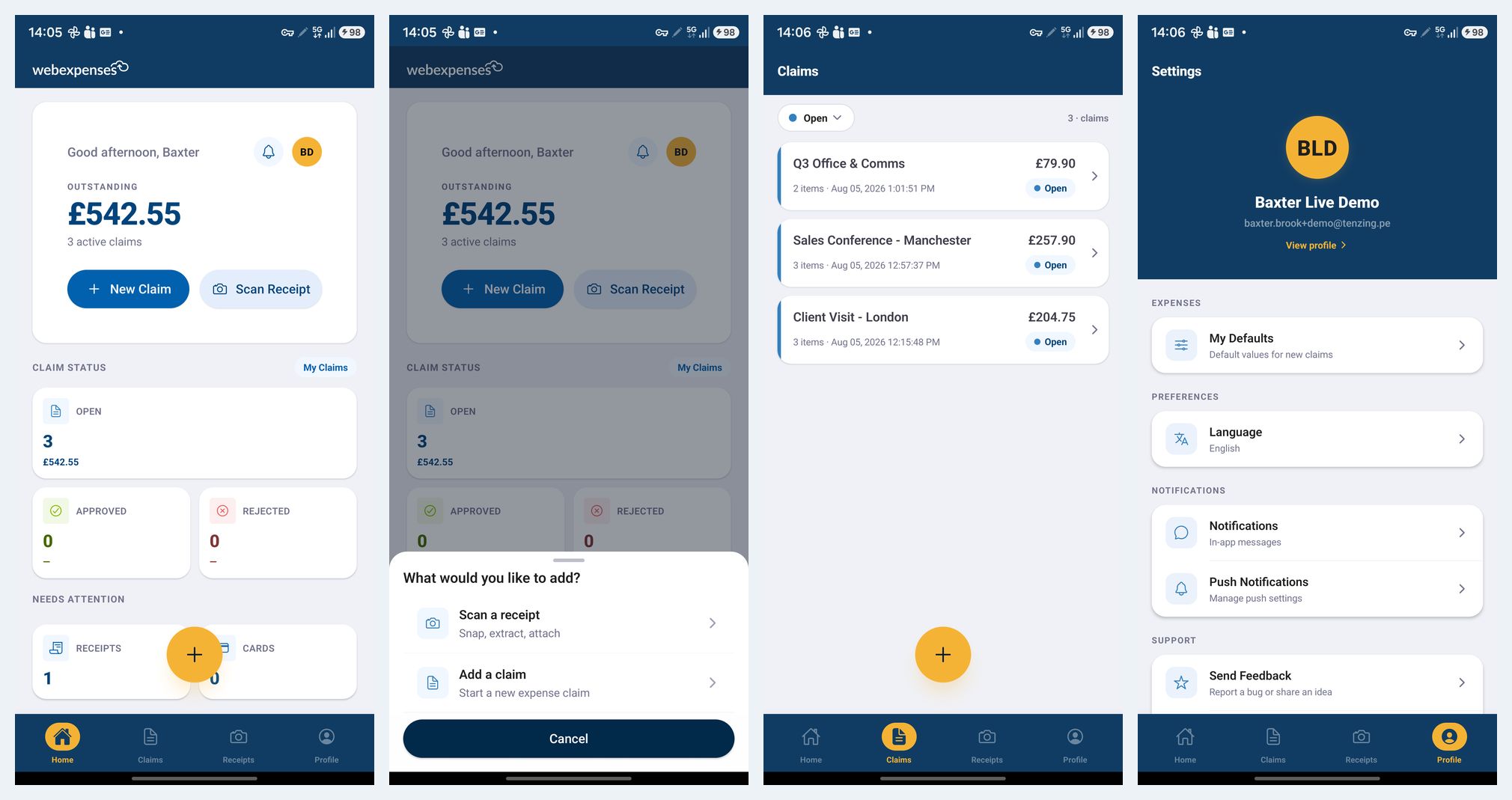
Finance teams using cloud-based tools are best placed to handle the transition to remote work. A digitally connected expense management system provides home-based employees with access to the same quality of information as if they were in the office.
All of the information is stored online, allowing finance professionals to access the data and tools they need from wherever they have an online connection. Systems will collate and digitally connect information with manual tasks automated.
They can also provide notifications and alerts to coordinate tasks across a team. On-screen notifications and reminders help to ensure that jobs get done and each member of a team knows what’s required.
Cloud-based systems are available for just about every financial task and with digital connectivity, each service can seamlessly share data. For a remote worker, it provides a simple and reliable way to monitor spend and maintain financial function.
Future-proofing for flexible work
As employers have to consider the possibility of home working becoming a long-term requirement, the tools used to manage business finances will have to change.
Paper-based and manual processes are possible when a finance team sits within the same location but it becomes prohibitively difficult when teams are dispersed.
With digital tools and real-time processes, finance teams can continue to achieve their reporting goals at the end of a financial year. Here’s how:
Cloud-based data management
A digital expense management solution will automatically track expenditures and store all of the information securely in the cloud. This means that it can be accessed by any finance professional who has an online connection – wherever they are located.
Integrated reporting tools
A system such as Webexpenses provides integrated reporting tools for easy handling of reporting tasks. All of the data that’s required, whether it’s for tax submissions or end of year reports, is available from within the software.
Paperless operation
The main barrier for a remote team when handling reporting duties is a reliance on paper documents. Digital tools remove the need for any information or paperwork to be physically handled, creating a fast and adaptable operation.
Real-time processes
A digital approach eliminates the information lag that makes reporting such a slow and cumbersome task. The moment a claim is submitted, the information is made accessible to a remote working finance team – there’s no reliance on paperwork being posted or manually processed.
Performance analytics
The switch to a digitally connected process changes the way that a remote team can use spending data. With easy access to the data, analytics can be used to improve insights, monitor performance and help to predict future spending patterns.
Working together – need any help?
With businesses having to make unprecedented changes, this is a time for all companies to be working together. If you need any help or guidance on how to handle expenses with a remote team, our team can help: support