How can it transform how we manage business expenses?
A recent survey of Australian businesses found that employees are spending an average of 37 minutes each month on sorting out their expenses.
The research, commissioned by Webexpenses, highlights the amount of time that’s wasted when expense reimbursements are managed manually. Multiplied by the number of claimants within an organisation, it represents a significant and ongoing drain on company resources.
For the majority of businesses, traditional methods are still used to control these costs – a combination of paperwork and Excel spreadsheets. Employees will typically submit their expenses at the end of each month, a painstakingly slow task that most workers dread.
What makes it so time-consuming is the need to manually transfer reimbursement information from paper receipts to claim forms. It’s an area of inefficiency that companies no longer have to endure as digital innovations allow this process to be automated.
Automated scanning of business expenses
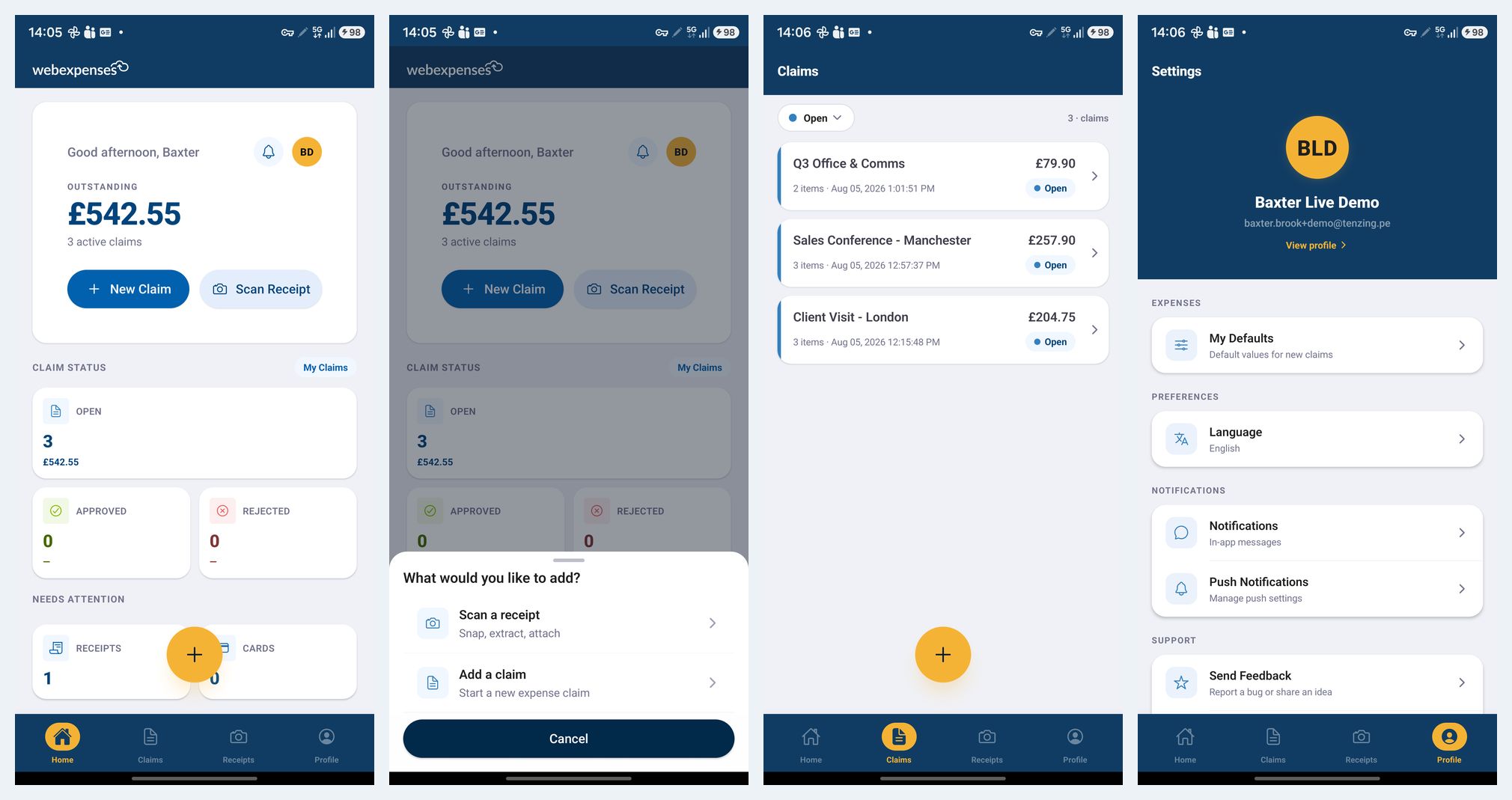
The latest feature to be added to Webexpenses is ACR scanning technology which allows the smartphone app to instantly convert any paper receipt into a digital form. As well as creating a digital image, the ACR (Automatic Character Recognition) tool extracts all of the relevant information that’s needed for a business expense claim.
It means that an employee can convert a paper receipt into an accurate digital claim in less than 20 seconds. By removing any reliance on paper processing, these speed benefits are passed along throughout the administrative process.
Bundles of paper receipts no longer have to be mailed between offices with all expense information being immediately accessible to finance teams as soon as it’s submitted. Switching from a manual to an automated system typically reduces processing times by 25%.
Real-time handling of employee expenses
By simplifying the way expense claims are created, it also means that reports can be submitted as and when costs are incurred – it could be from a coffee shop or a hotel foyer. It allows a finance team to avoid the monthly deluge of paper claims and to adopt a more ‘real-time’ view of reimbursement costs.
Digital versions of receipts are fully compliant when it comes to expense reporting and external authorities. The ATO (Australian Taxation Office) actively encourages businesses to manage their financial information via software systems.
Find out for yourself the benefits of automated receipt scanning by requesting a demo of Webexpenses.