Employees snap their receipts the moment they spend and it’s straight into the system. No paper to lose, no backlog to dread, no scramble at month-end.
“The app is a great feature as we have many field-based colleagues across the group. This means they can submit their own claims and approve those of their direct reports on the go rather than having to wait until they are sat at a desktop.””
Spend as normal with your Webexpenses Card, where every transaction is automatically synced. Or use a bank card or spend out-of-pocket.
Snap your receipt
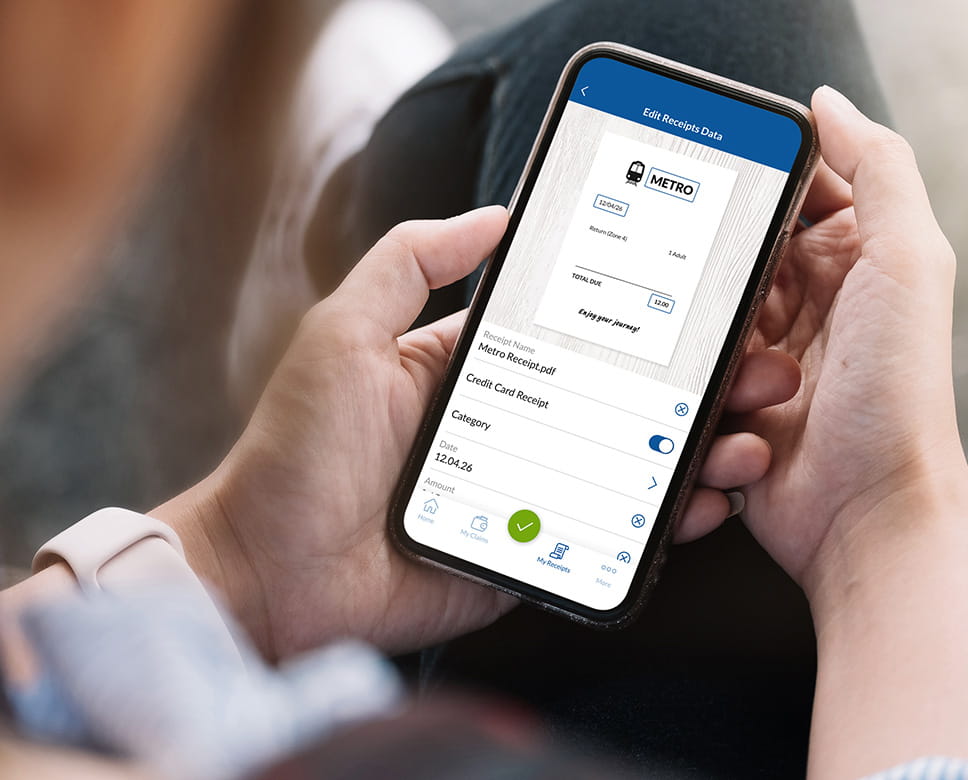
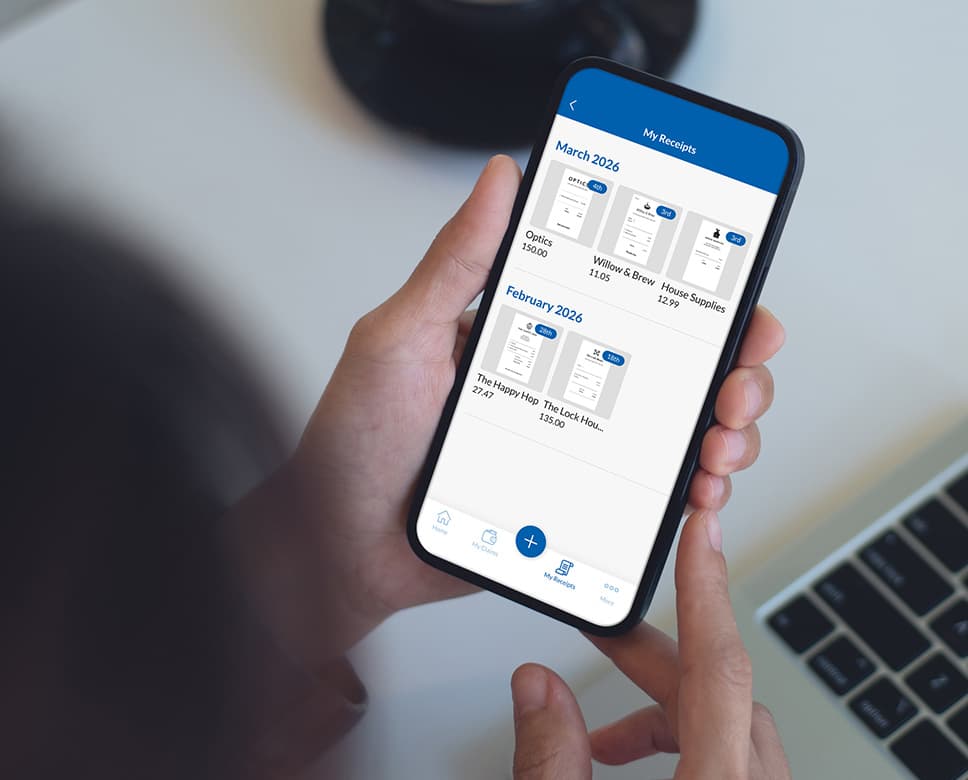
Capture it with your phone and upload it to the app or easily share a digital receipt directly into the mobile app where it’s matched to your transaction.
Submit the expense
Claims are processed, reconciled (and reimbursed when necessary) without the usual back-and-forth.
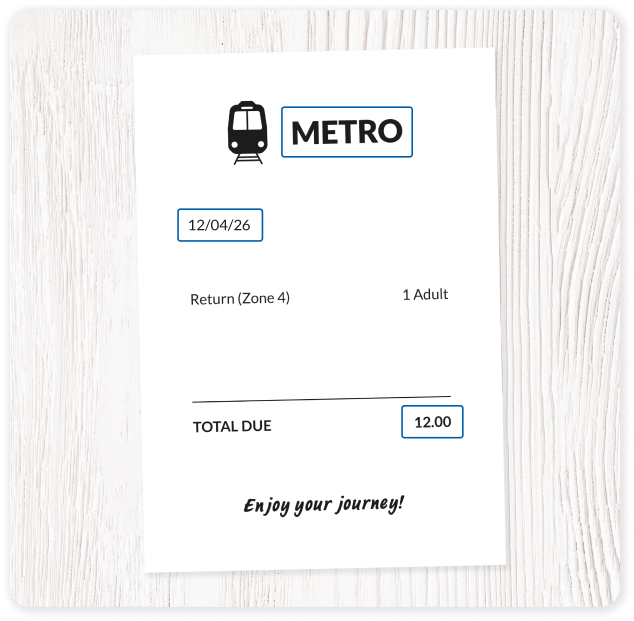
Our receipt scanning technology extracts key details like merchant name, date, total, and VAT automatically. Although rarely necessary, your people can edit any details before submission.
Can you organise receipts by category with Webexpenses?
Yes, our applets you organise receipts by category as part of its expensemanagement workflow. Alongside categories receipts can be organised using projects, departments, or cost centres for reporting and chargeback.
Does receipt scanning support tax compliance?
Yes, for sure. Our app automatically detects VAT and/or GST and highlights claimable tax where applicable. Digital receipts are stored securely and meet tax authority requirements (including HMRC guidelines), making audits faster and simpler.
How easy is it for employees to use?
Very easy. Employees simply take a photo of a receipt using their phone or upload a file. We do the rest. Submissions take seconds, helping increase compliance and reduce delays.
Can scanned receipts integrate with approval workflows?
Yes, scanned receipts fully integrate with approval workflows in Webexpenses. The receipt capture and approval process are designed to work together as one end‑to‑end flow.
What if the receipt scan is incorrect?
On the off chance that something doesn’t look quite right, users can quickly edit the details on a claim before submitting, choosing whether to use the claim’s information or that picked up by the receipt scan. Finance teams can review and approve expenses as usual, ensuring accuracy without slowing down the process.
How long are uploaded receipts stored for?
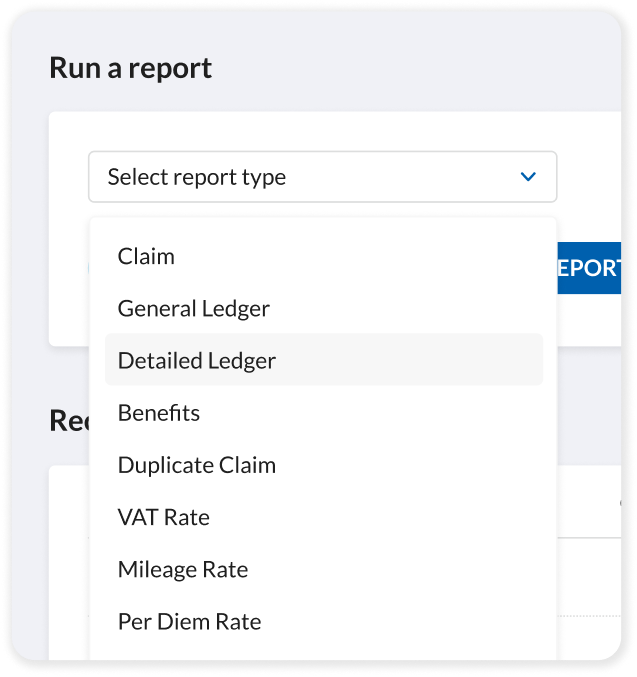
As long as you want. You can download receipts from a timeframeof your choice from our Detailed Ledger Report
Is expense receipt scanning software suitable for businesses of all sizes?
Expense receipt scanning software is suitable for businesses of all sizes, from solo entrepreneurs to large enterprises. The value it delivers simply scales differently depending on company size and complexity.