Capability · Rules and Configuration

Set up the way your finance team already works

Rules written in plain sentences, not code. Your ERP’s fields, dimensions and segments, not ours. Permissions by role or by person. And when the business changes, your team changes the rules.

What it does

Every finance team runs differently. The software shouldn't make you change.

Most finance systems ask you to fit their way of working: their field names, their approval logic, their idea of who sees what. The FinOps platform works the other way round. It takes on your ERP’s structure, and your team writes and changes the rules in plain sentences, so the process matches the business.


How it works

1

Connect your ERP

The platform reads your suppliers, codes, dimensions and segments, and writes back to the same structure.

2

Write your rules

How documents are coded, checked and routed, written as sentences. Start from ready-made automations.

3

Set who sees what

Permissions by role or by person, across every entity and module.

4

Change it yourself

New cost centre, new approver, new entity: your admins update the rules, without a development project.

Features

No-code builder

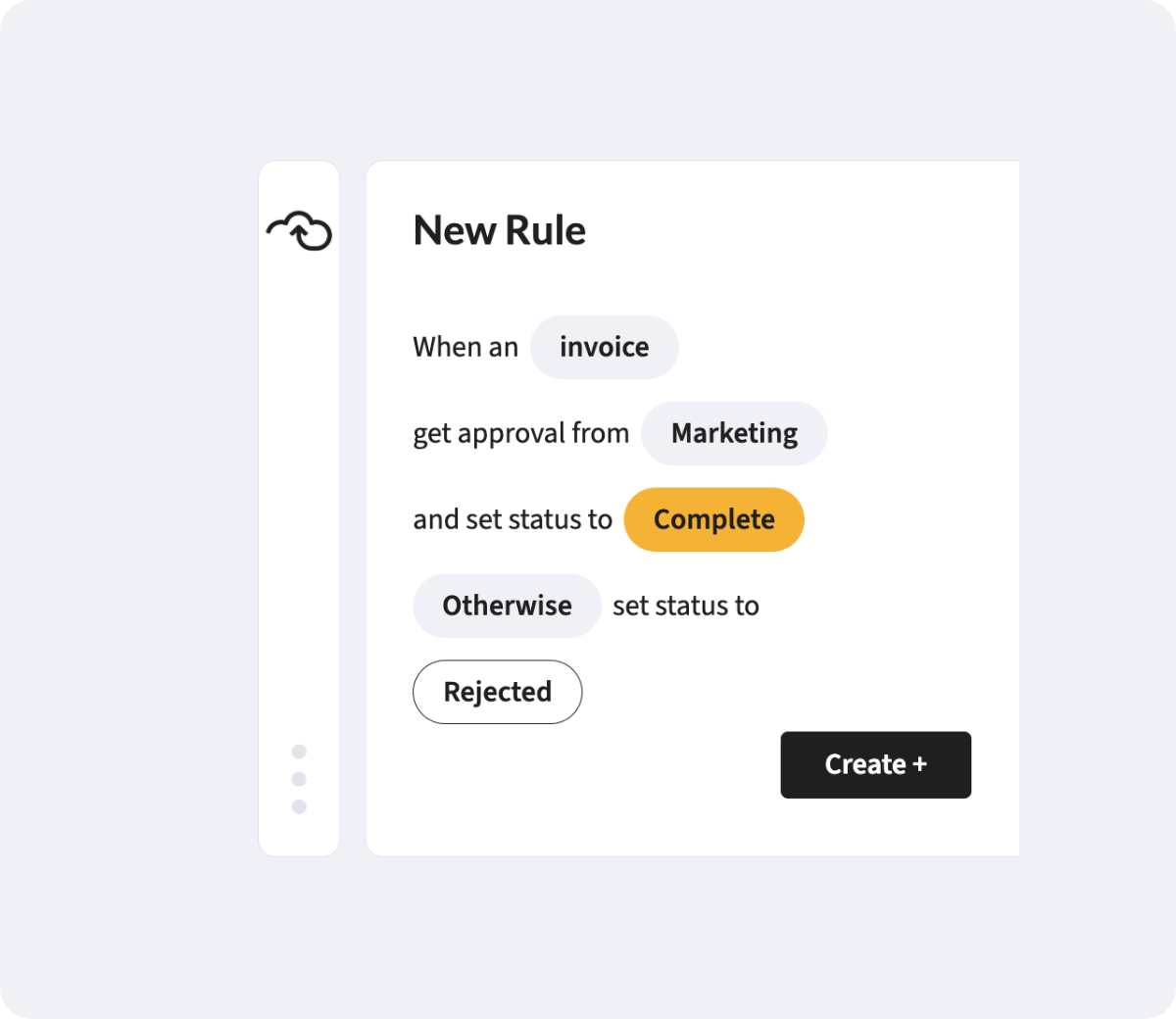
Rules written in plain sentences

“When an invoice is over £5,000, get approval from Finance.” Rules for extracting, checking and routing documents are written like that, not in code. Start from thousands of ready-made automations and adjust them to fit.

ERP fit

Your ERP's language, not ours

The platform takes on your ERP’s naming, custom fields, dimensions and segments. What your team sees matches what your ERP expects, so nothing needs translating at month end.

Permissions

Access by role or by person

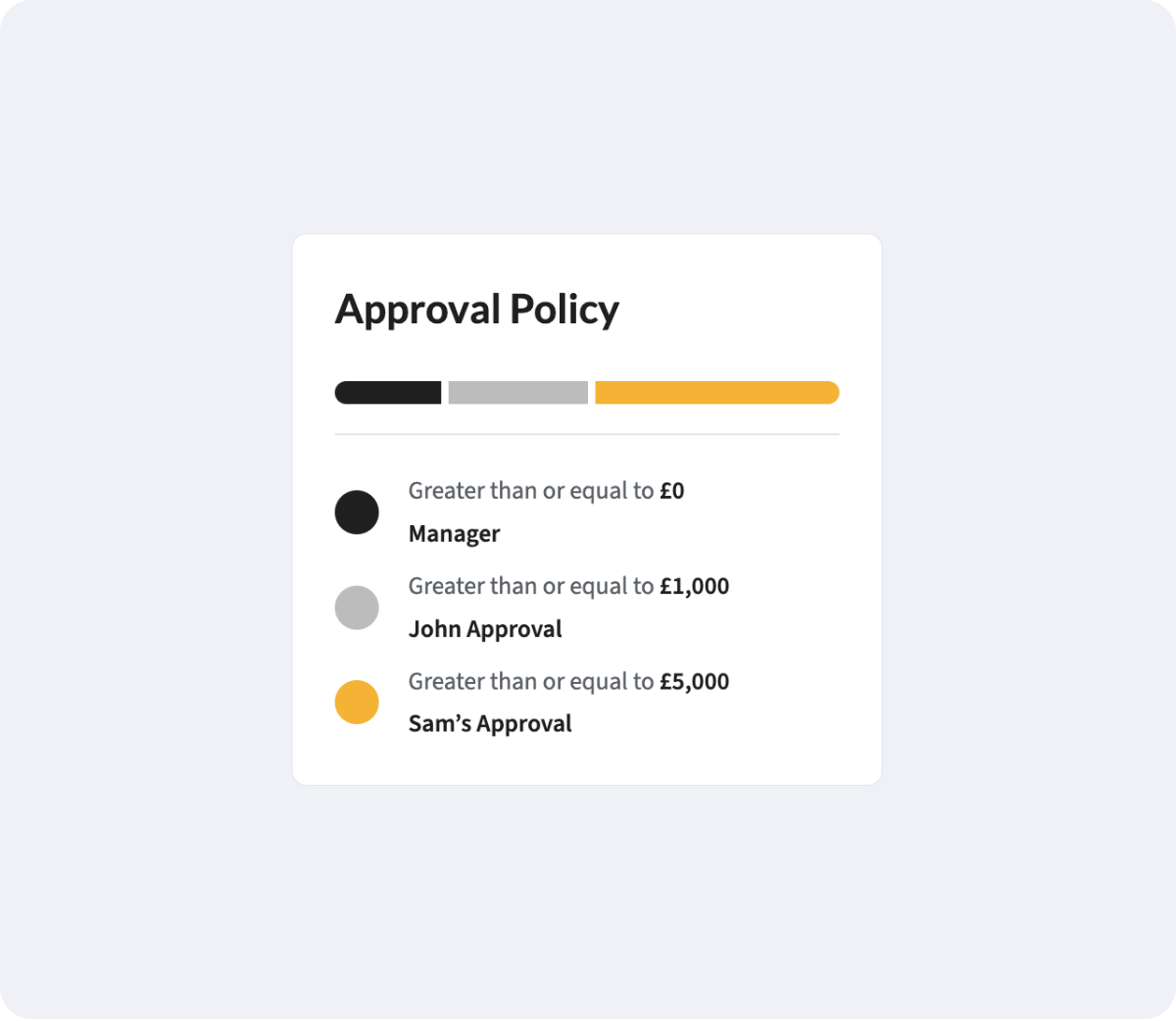
Decide who can see, edit and approve what, by role or by individual, across every entity and module. Approval limits sit with the person, not in a spreadsheet.

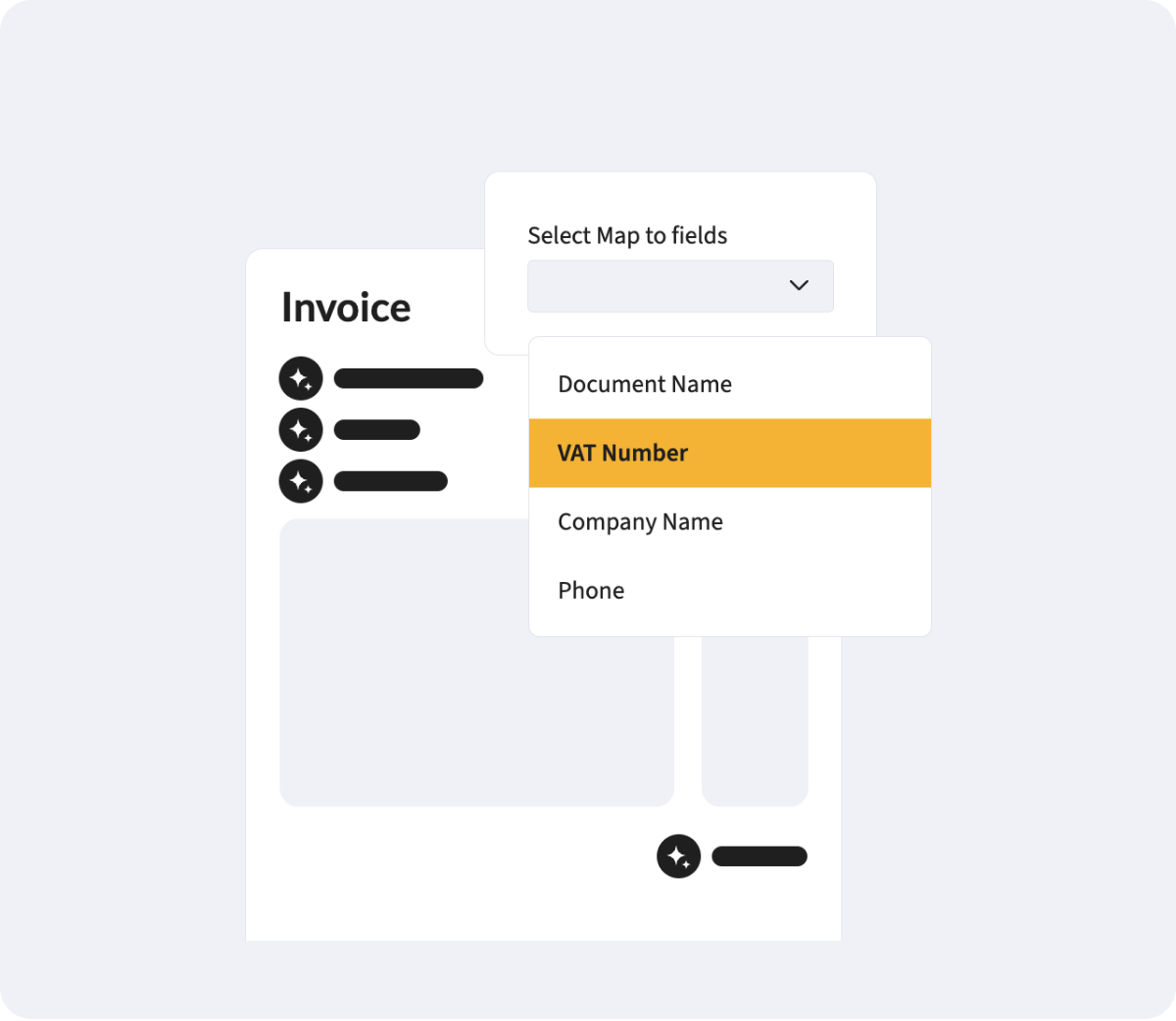
Custom fields where you need them

Capture the extra details your process depends on, mapped to the custom fields already in your ERP.

The same check, every time

Every document is checked against the same rules, so the process runs the same way whoever handles it.

Different rules for each entity

Each entity keeps its own coding, approvers and rules, under one login.


Built to change

Rules, routes and permissions are updated in the platform as the business changes, by your own admins.

Where it's used

Every platform module runs on the same rules engine, so a rule written once can apply wherever it’s needed.

Accounts Payable

Coding and approval rules for every invoice.

Purchase Orders

Request fields and routes on your delegation of authority.

Budgets

Budget structures built on your own dimensions

Contract Management

Contract fields, key dates and who can see them.

Order Management

Pricing and product code checks on incoming orders.

Expense Management has its own policy and approval settings today. Full integration with the platform is coming soon.

What next

Configuration in more detail

Approval workflows

Routes that mirror your delegation of authority, with reminders, cover and escalation.

Multi-entity finance

One login and one view across every entity, each with its own currency, coding and approvers.

Security and integrations

ISO 27001, AWS hosting and the ERPs the platform reads from and writes back to.

FAQs

Do we need developers to set up rules?

No. Rules are written in plain sentences, and your admins can add or change them in the platform.


Yes. The platform takes on your ERP’s naming, custom fields, dimensions and segments, and writes back to the same structure.


Yes. Permissions are set by role or by person, and each entity can have its own coding, approvers and rules.


No. You start from ready-made automations and adjust them to fit your process.


Our implementation team configures the platform with you during onboarding. After that, your admins can make changes themselves.


Expense Management has its own policy and approval settings today. Full integration with the platform is coming soon.