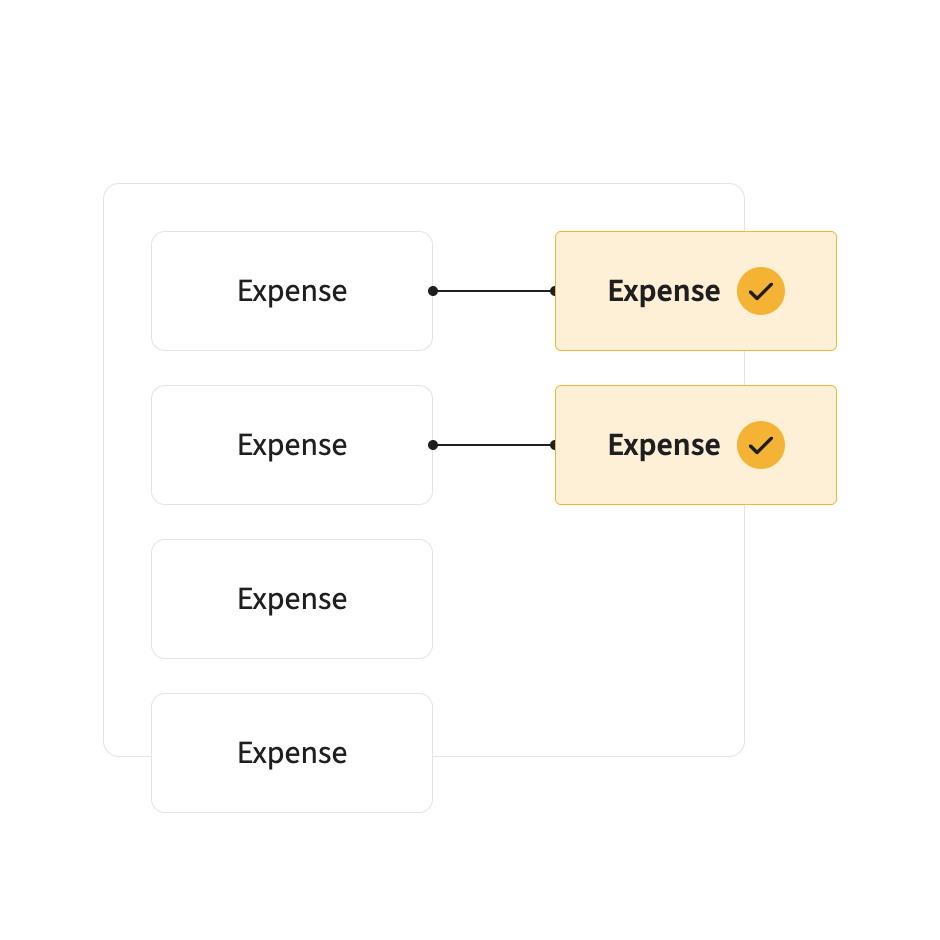
Every supplier statement matched automatically against the invoices you hold for the period. Mismatches and missing invoices highlighted, and a copy requested from the supplier in one click.
Statement reconciliation is one of the most manual jobs at month end: print the statement, tick it off against the ledger, find the invoice that never arrived, email the supplier, then do it again. Automated reconciliation does the ticking, so your team only deals with the differences.
A business that buys from 300 suppliers gets 300 statements a month. Many finance teams reconcile the biggest 20 and leave the rest to pile up. Those are where invoices go missing, until a supplier chases or puts the account on stop.
Statement reconciliation matches every statement against the invoices held for the period and requests a copy of anything missing.
Read like any other document.
Each line checked against invoices, POs and receipts on the platform and in your ERP.
Missing invoices, amount differences and duplicates highlighted.
Request a missing invoice or query a difference in one click, with every message logged.
Statements reconciled against your records in real time.
A copy requested from the supplier automatically.
Raise a discrepancy from inside the platform.
Every supplier message recorded for review and audit.
Discrepancies found early, so invoices are paid within terms.
Matching covers invoices on the platform and in your ERP.
Average review
Yes. Relevant invoices are matched to the statement for the period, with mismatches or missing invoices highlighted.
A copy can be requested from the supplier automatically, and the request is logged.
Yes, in one click, with every message recorded.
Yes.
Discrepancies are resolved faster and invoices paid within terms.
No. Statements are read in whatever format they arrive, the same way invoices are.
Pay for what you ordered and what arrived, nothing more.
Card transactions matched to receipts and claims.
Claims and invoices reach the ledger coded, matched and approved.
Not ready to talk yet? See how your purchase-to-payment controls score →
Platform
FRONT OFFICE
BACK OFFICE
Capabilities
EXPENSES
ACROSS THE PLATFORM
TRUST AND ROADMAP
By Role
By Industry
By Industry
Platform
Help you decide
Vendor Validation
Broader Audience