
Most businesses find out about overspend when the invoice arrives, or at month end. By then the money is committed and the only option left is to explain it. Webexpenses checks every purchase against budget, policy and contract at the point of request, while the decision can still change.
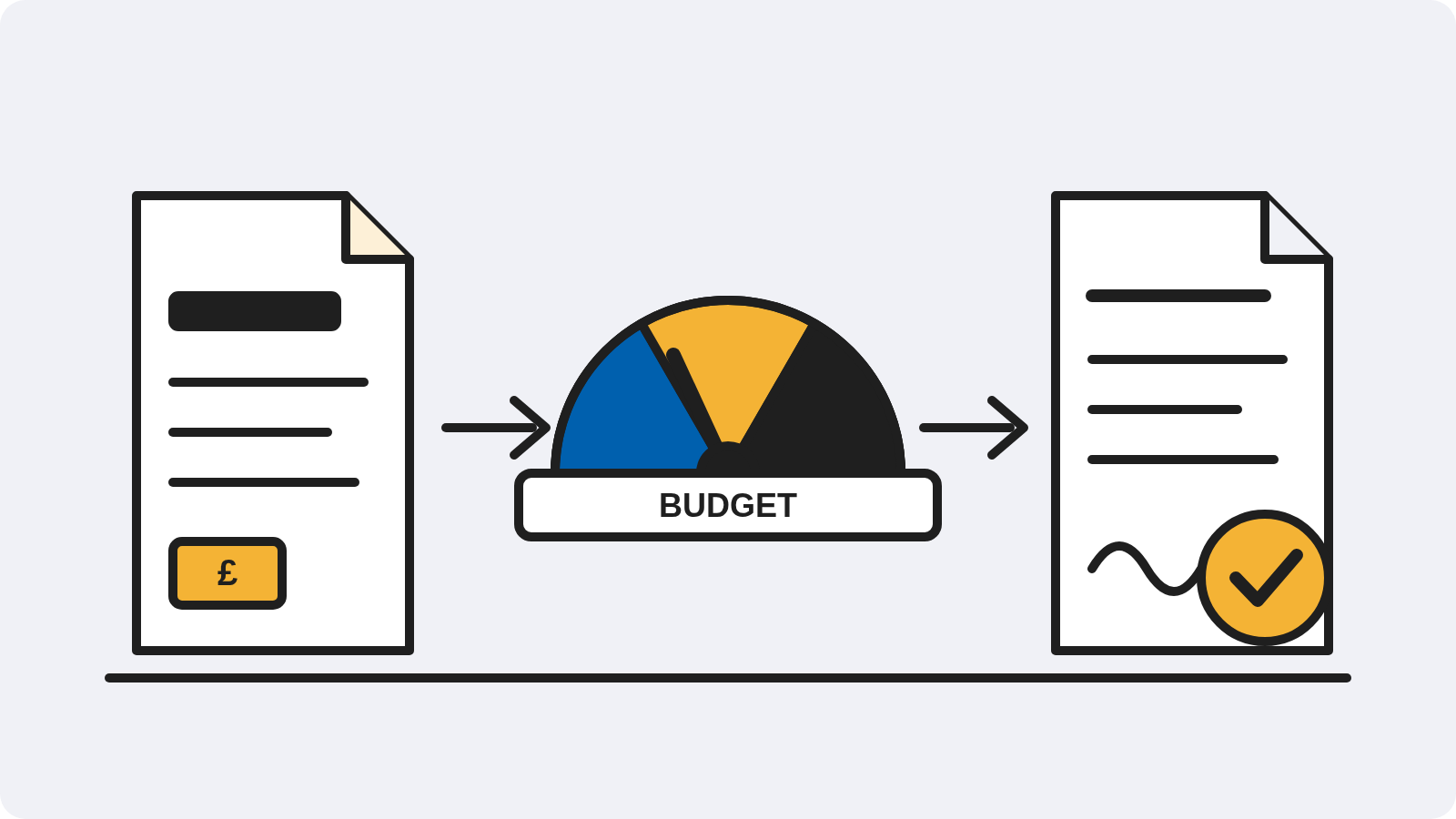
Someone needs something. They ask by email, or in passing, or they just order it. The supplier invoices. Finance finds it in AP, codes it and posts it. At month end the budget report shows the overspend, and everyone agrees it shouldn’t have happened.
Nothing in that sequence was checked at the moment it could have been stopped. Spend is found afterwards. Agreed terms sit in a drawer. The budget position is a report, not a control.
Purchase requests are measured against the right budget as they are raised. Approvers see what the spend does to the budget before they say yes. Out-of-budget requests follow their own approval route, with the exception recorded.
Preferred suppliers, catalogues and contracted prices are applied as the request is raised. Off-contract and over-contract spend is flagged before an order is placed, not after the invoice is paid.
When a purchase order is raised, it counts against the budget immediately. The position you see is spent plus committed, so the forecast can still change while there's something to change.
One route for every request, approved on your delegation of authority.
Every request measured against the right budget, with a live position that includes committed spend.
Agreed suppliers and prices enforced at request stage, renewals flagged before the date.
When the invoice arrives, Accounts Payable matches it against the order that was already approved. The control you set at the start holds all the way to payment.
Committed spend visible when orders are raised, not a month later. The board sees the position as it stands.
Nothing reaches the ledger that wasn't approved against a budget and a contract.
See your budget position as you approve, without emailing finance to find out what's left.

“Some systems are very rigid. You have to change the business process to fit the system, which is not ideal. We looked for something that could go the other way, flexible enough to fit the business process. It moulds itself to our business systems and processes, which means we can run and evolve our business how we want.”
Reiner Low, CFO, Storage King Australia & New Zealand
Spend you've agreed to but haven't been invoiced for yet, usually an approved purchase order. Counting it against the budget straight away means the position shows what you've actually committed, not just what has been paid.
Yes. Every approval shows the impact on the relevant budget.
It follows an out-of-budget approval route you define. The exception, the approver and the reason are all recorded.
Yes. Preferred suppliers and catalogues are applied at request stage, and purchases outside an agreement are flagged before an order is placed.
Purchase Orders and Budgets together give you control at request stage. Contract Management adds supplier and price enforcement.
Yes. Budgets, suppliers and codes sync with your ERP, and purchase orders post to it.
Put the control where the decision is made. Every request checked against budget, policy and contract before anyone commits.
Platform
FRONT OFFICE
BACK OFFICE
Capabilities
EXPENSES
ACROSS THE PLATFORM
TRUST AND ROADMAP