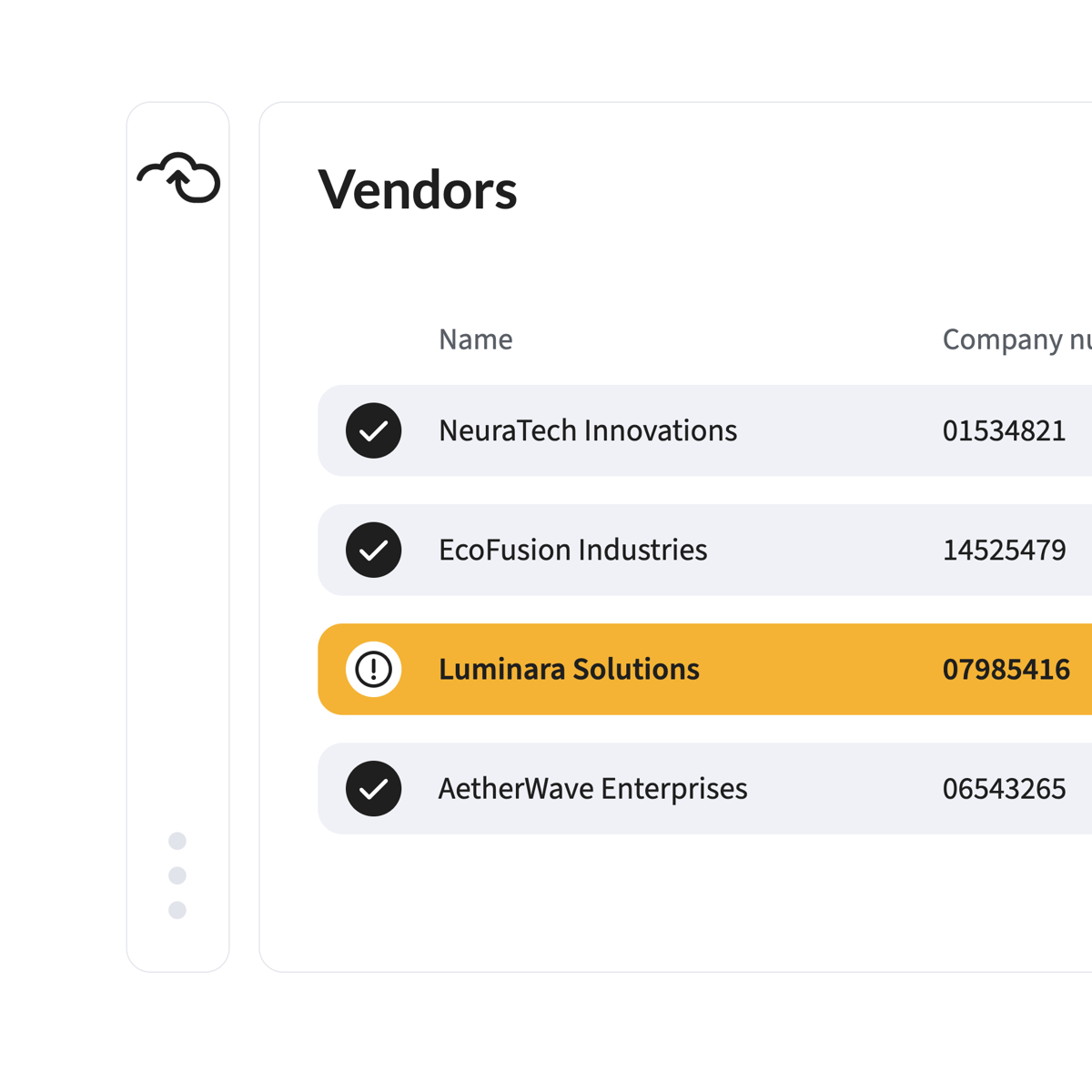
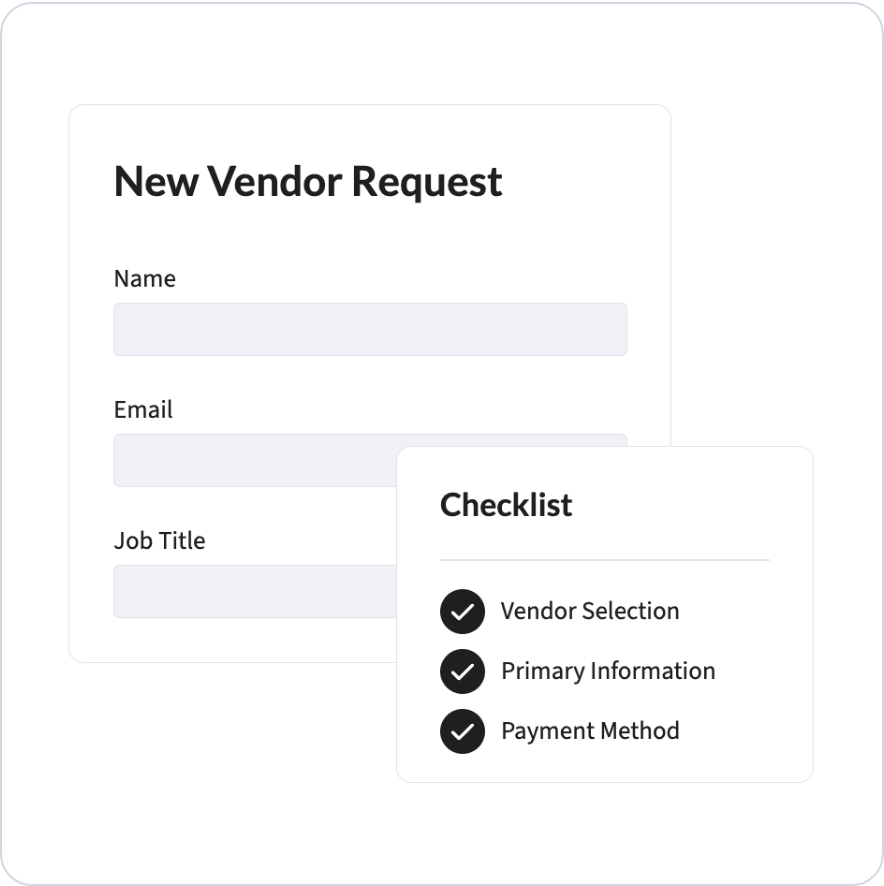
Every supplier onboarded through a defined process, their records in one place, and every change to key details like bank accounts approved before anyone is paid. Procurement and payments work from the same record.
A convincing email asks you to update a supplier's bank details, and the next payment goes somewhere else. Most supplier payment fraud doesn't beat your controls. It happens where the controls weren't in the process at all.
A routine-looking email
“We’ve changed our bank details”
A multi-site business can use hundreds of local suppliers: cleaners, locksmiths, electricians, a different set for every site. They all send invoices to the same AP inbox. So when an email says a supplier has new bank details, it looks routine. It’s also one of the most common ways invoice fraud starts.
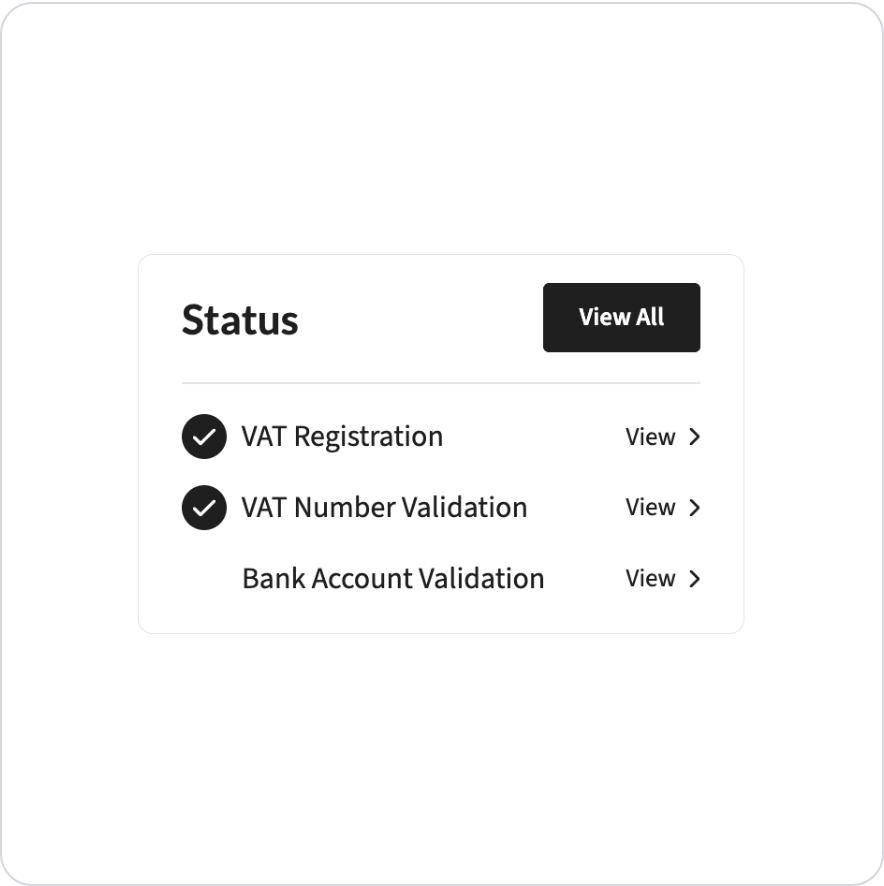
Supplier Management flags any change to bank details before the next payment goes out, so it can be confirmed with the supplier before money moves to a new account.
From: accounts@local-supplier.example To: AP inbox Subject: Updated bank details
Hi team,
Please note we’ve changed banks. Can you pay all future invoices to the account below?
Sort code: ••-••-•• Account: ••••••••
Flagged
Bank details changed
Confirm with the supplier before the next payment goes out.
How it works
Onboard
A structured process following your policy and approvals before any transaction.
Hold
Supplier data and documents central, current and searchable.
Control changes
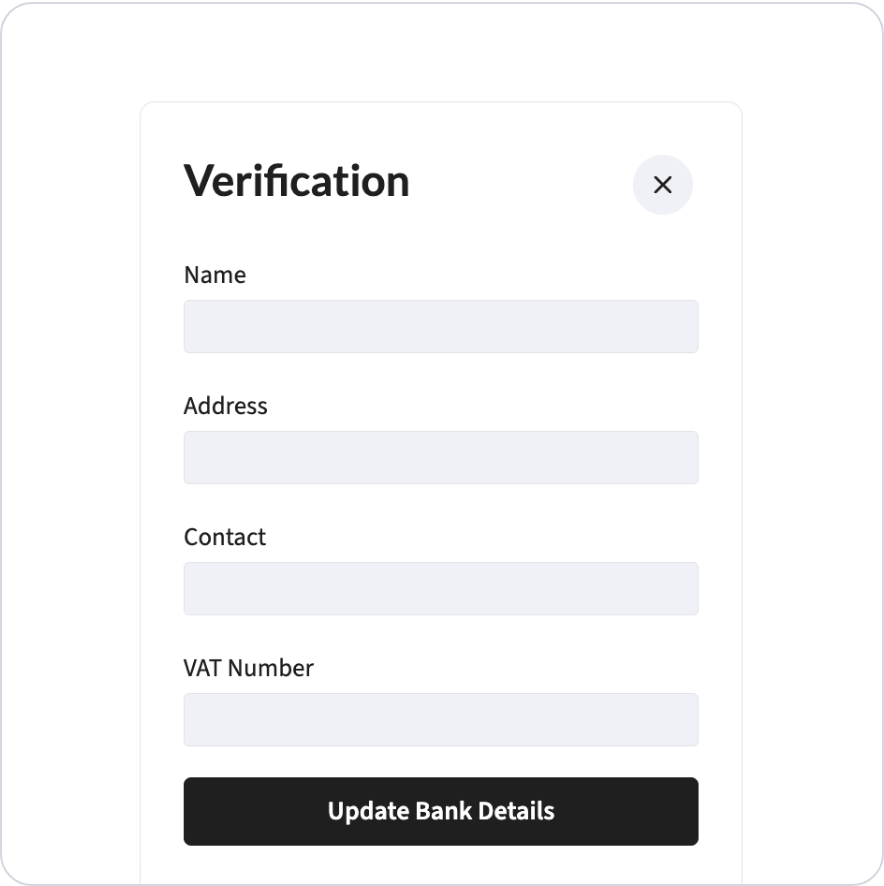
Changes to key fields such as bank details approved and checked in real time.
Buy from approved suppliers
Only pre-approved suppliers used in purchase requests.
Features
Structured onboarding
A defined route for new suppliers before they can be used.
Central supplier records
Contacts, documents, terms and history in one place.
Bank detail controls
Changes to payment details approved and checked before they take effect.
Pre-approved supplier lists
Purchase requests limited to suppliers you've approved.
Linked to contracts
Agreements, pricing and renewal dates alongside the supplier record.
Performance visibility
Spend, invoices and issues by supplier to inform renewals.
“Since we implemented Zudello it's really taken a lot of pressure off the team. Zudello brings us so much value at an incredibly competitive price.”
FAQs
How does it help prevent supplier fraud?
Changes to key supplier details, including bank accounts, must be approved and are checked in real time before any payment goes to the new details.
Can we restrict purchasing to approved suppliers?
Yes.
Can suppliers onboard themselves?
Yes. Zudello has a supplier onboarding form that they can fill in themselves. However, if a supplier record already exists in the ERP these records would be merged, with no duplicate record being created.
Where are supplier documents stored?
Centrally, alongside the supplier record, contracts and invoice history.
Does it sync supplier records with our ERP?
Yes – supplier records sync between Zudello and the ERP, with the ERP treated as the master data. We have numerous, native 2-way integrations – find out more information.
What next
Once the supplier is right, keep what you buy from them right.