The AI FinOps Platform

The budget position now, not last month's

Every commitment measured against the right budget before it is approved. Overspend stopped as it happens, not explained at month end.

When to consider it

Sound familiar?

If two or more of these happen in your business, live budgets will pay for themselves in decisions made earlier.

The budget is a month-end report

You find the overspend instead of stopping it.

"Can we afford this?" lands on finance

Every time, for every purchase.


Budgets run by department, project and entity

Tracking them lives in a spreadsheet nobody fully trusts.

Committed spend is invisible

Orders are raised, but the budget doesn’t know until the invoice arrives.

Out-of-budget approvals happen by email

No record of who agreed or why.

The board wants the current position

Pulling it together takes a week.

What you gain

Know the position before the money is spent

See early

See the forecast move as orders are raised

Committed spend counts against budget straight away, so there is still time to act.

Protect

Keep out-of-budget spend off the ledger

Limits and approval routes stop it before it is committed.

Show

Take the current position into the board meeting

A budget view by department, project and entity, as it stands today.

Case study
revenue growth since go-live, with no extra finance staff
0 %
Days
to close month end, where before it couldn’t close accurately
Healthcare provider, cosmetic health, Australia
How it works

Spend checked where it starts

1

Set up your structure

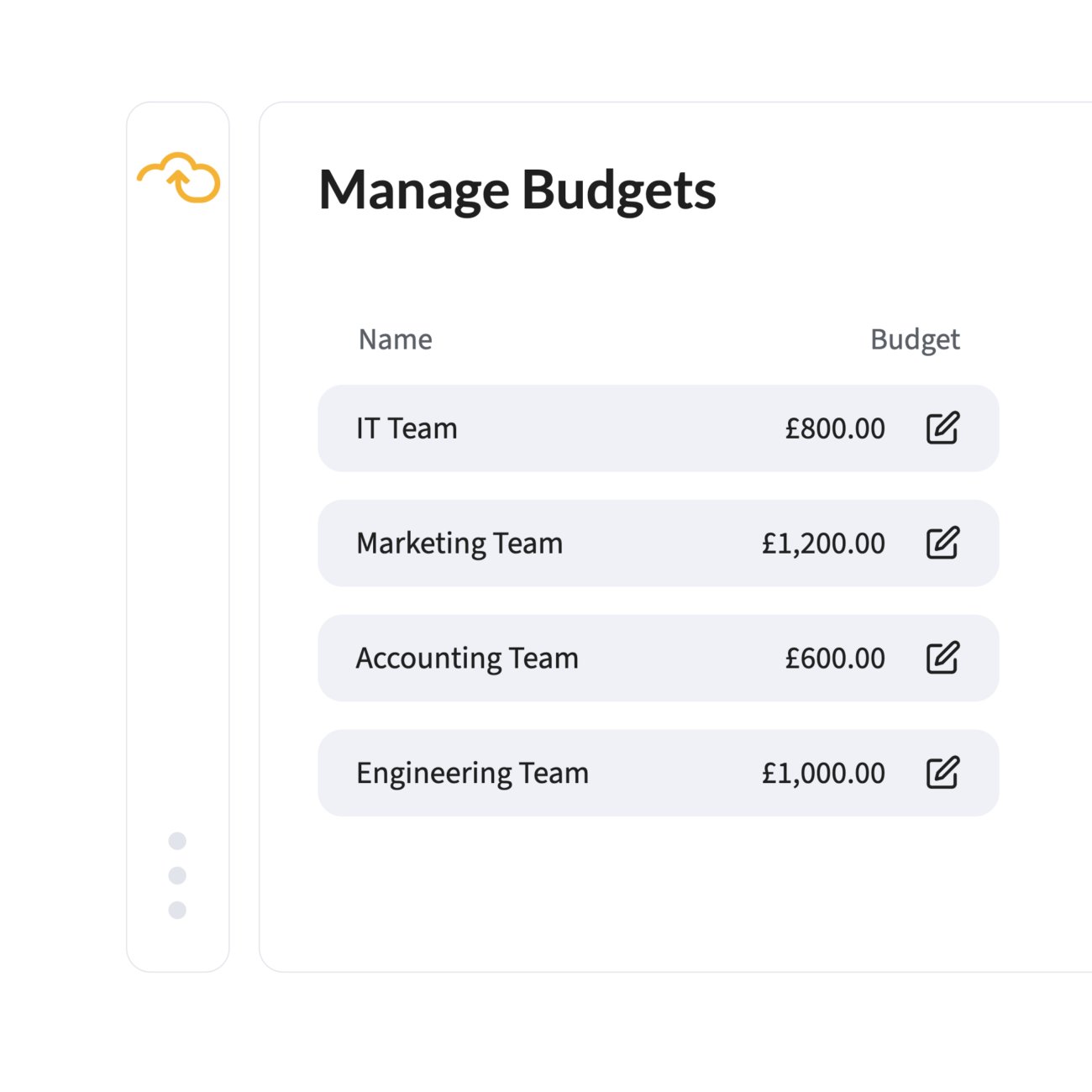
Budgets by department, account code, project or any combination, synced with your ERP.

2

Request

Every purchase request measured against the right budget as it is raised.

3

Approve with impact in view

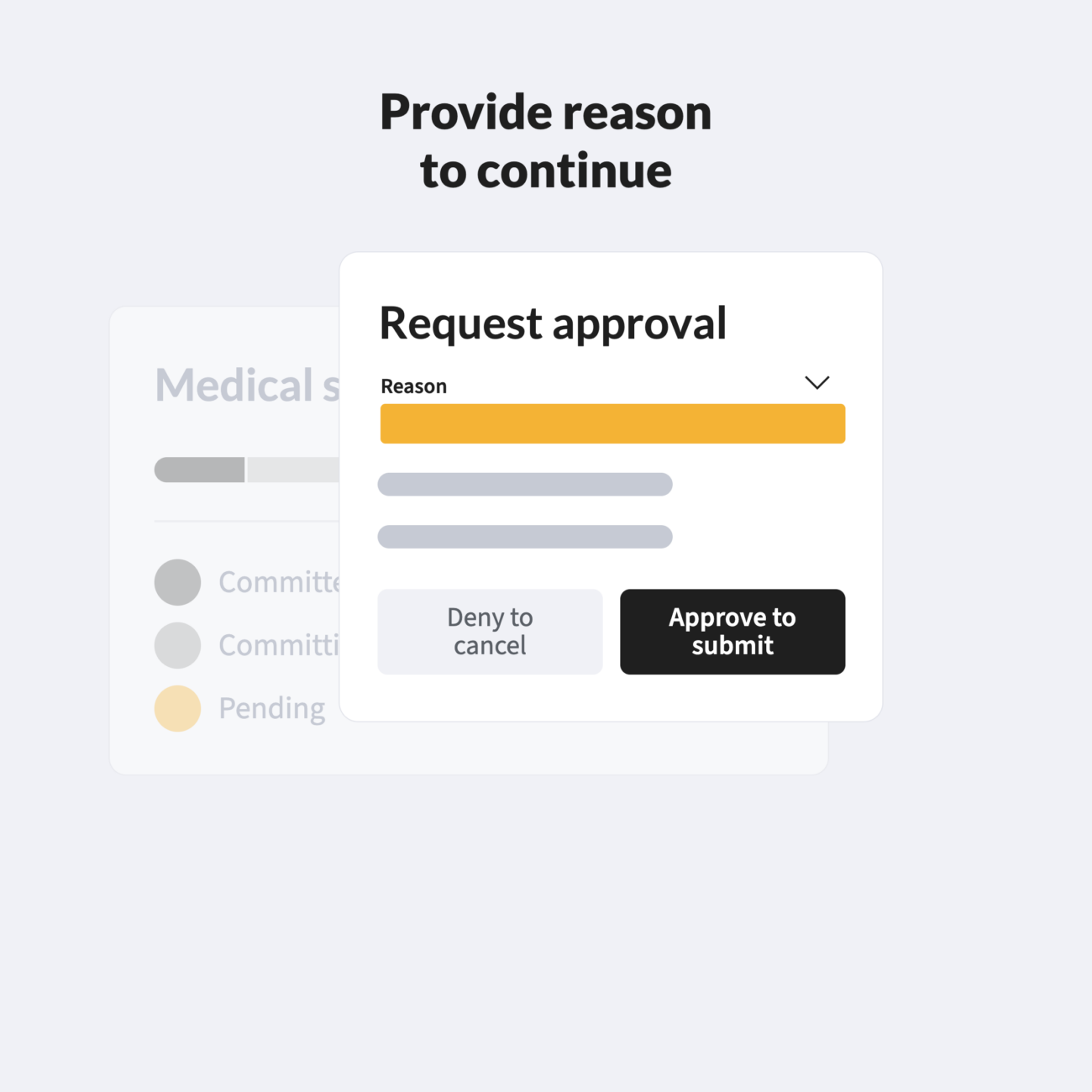
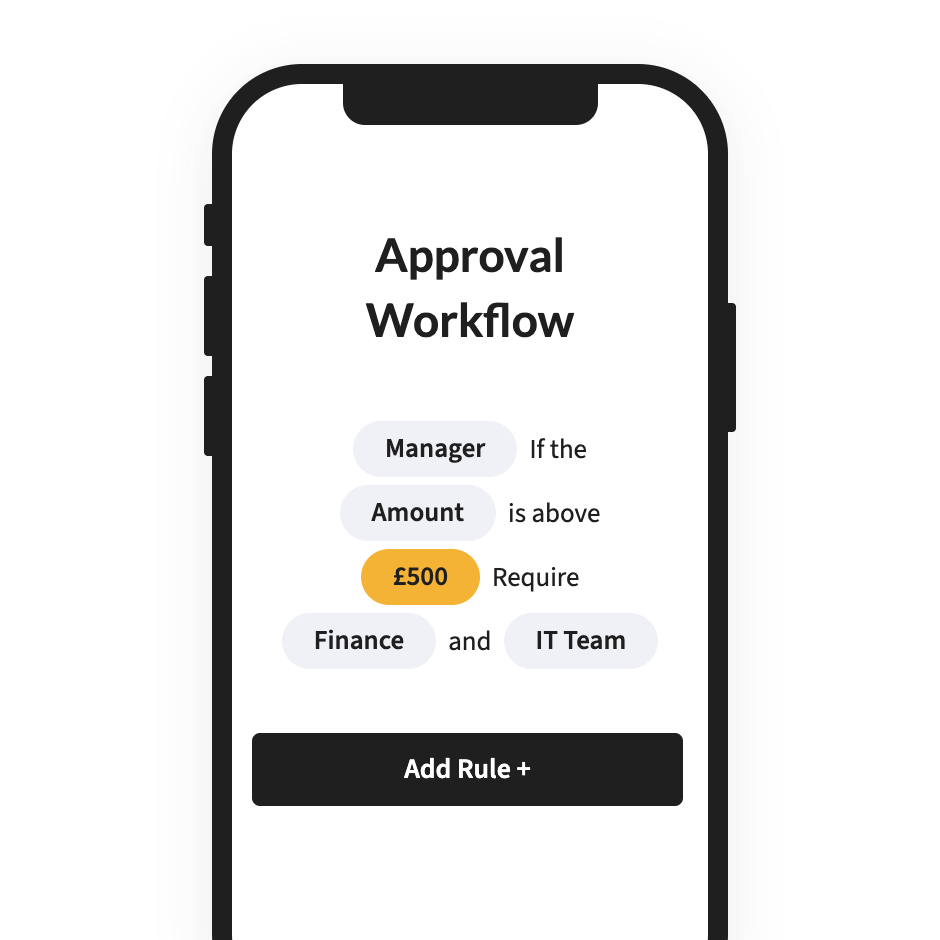
Approvers see what the spend does to the budget. Out-of-budget requests follow their own route.

4

Count it as it's committed

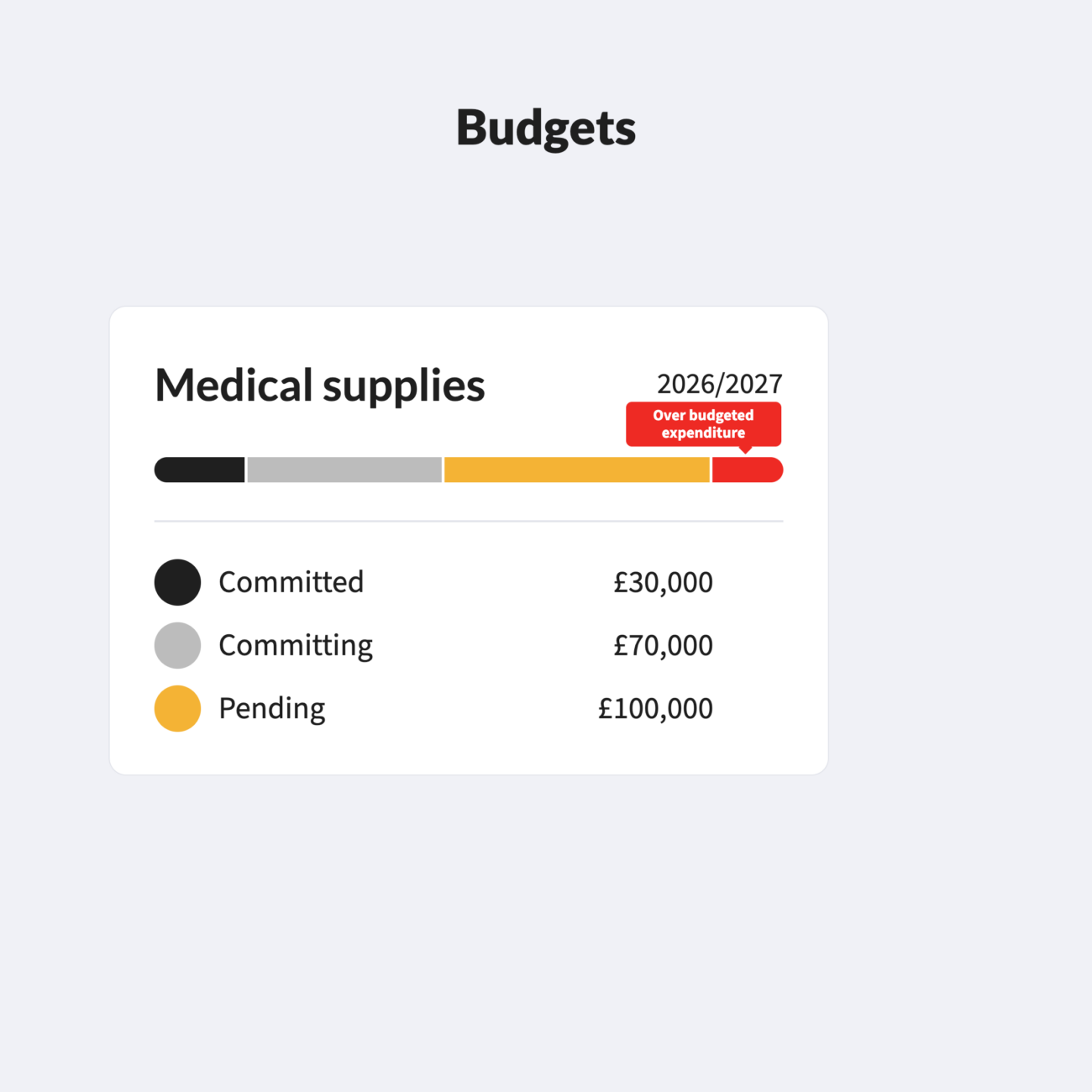
Committed spend counts straight away, including anything raised in your ERP.

5

Report

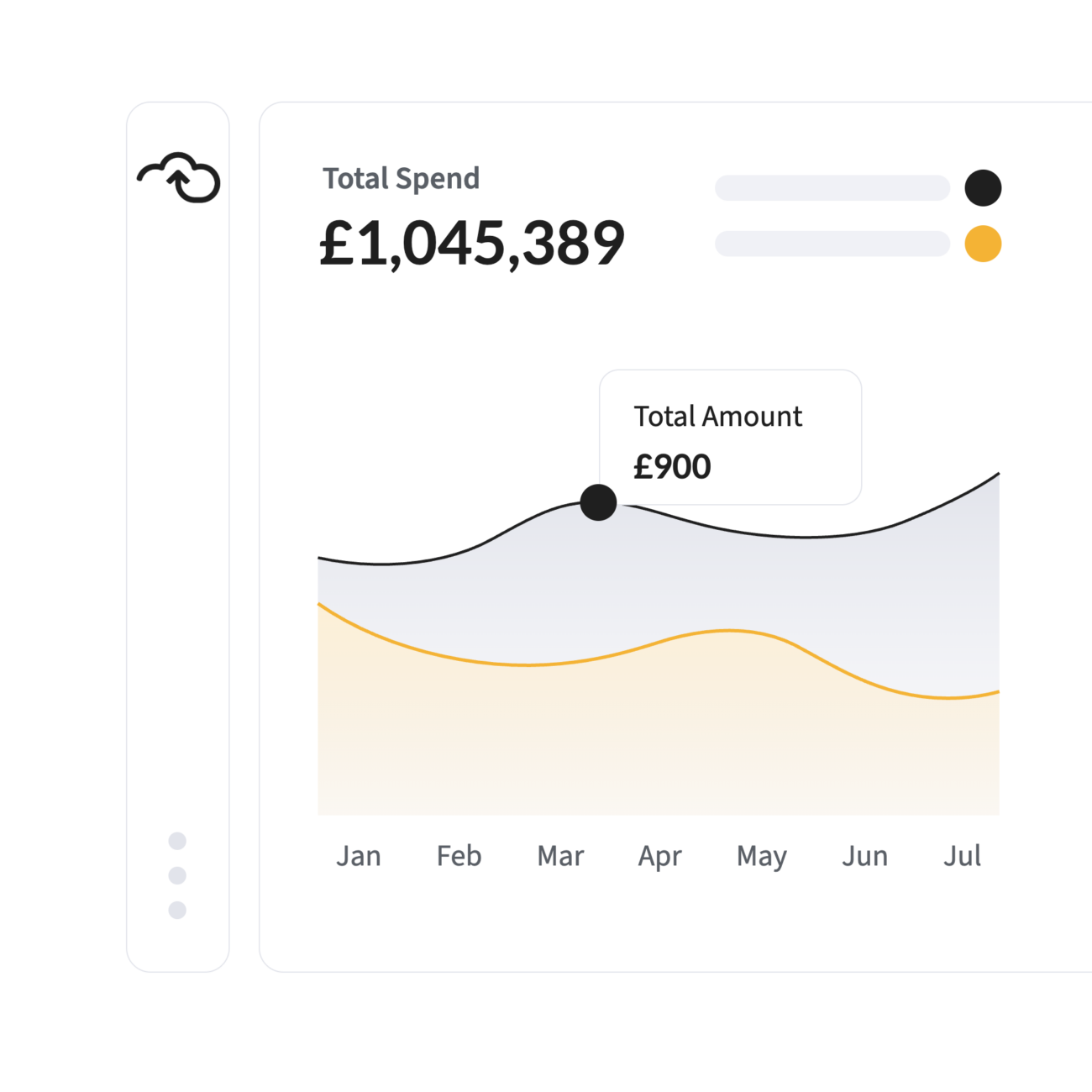
A live view of every budget: spent, committed and remaining.

Features

Budget structure that fits yours

Custom categories by department, account code or any combination of dimensions, integrated with your ERP rather than maintained beside it.

Approvals that show the impact

Approvers see what a purchase does to the budget before they approve it, and are accountable for the decision.

Every transaction counted

Real-time tracking that factors in everything, whether raised on the platform or in your ERP.

The current position, not last month's

Reallocate resource and reprioritise projects against where the budget actually stands.

A compliant out-of-budget process

Over-budget requests follow a defined route, with the exception and the reason recorded.

An audit log that stands up

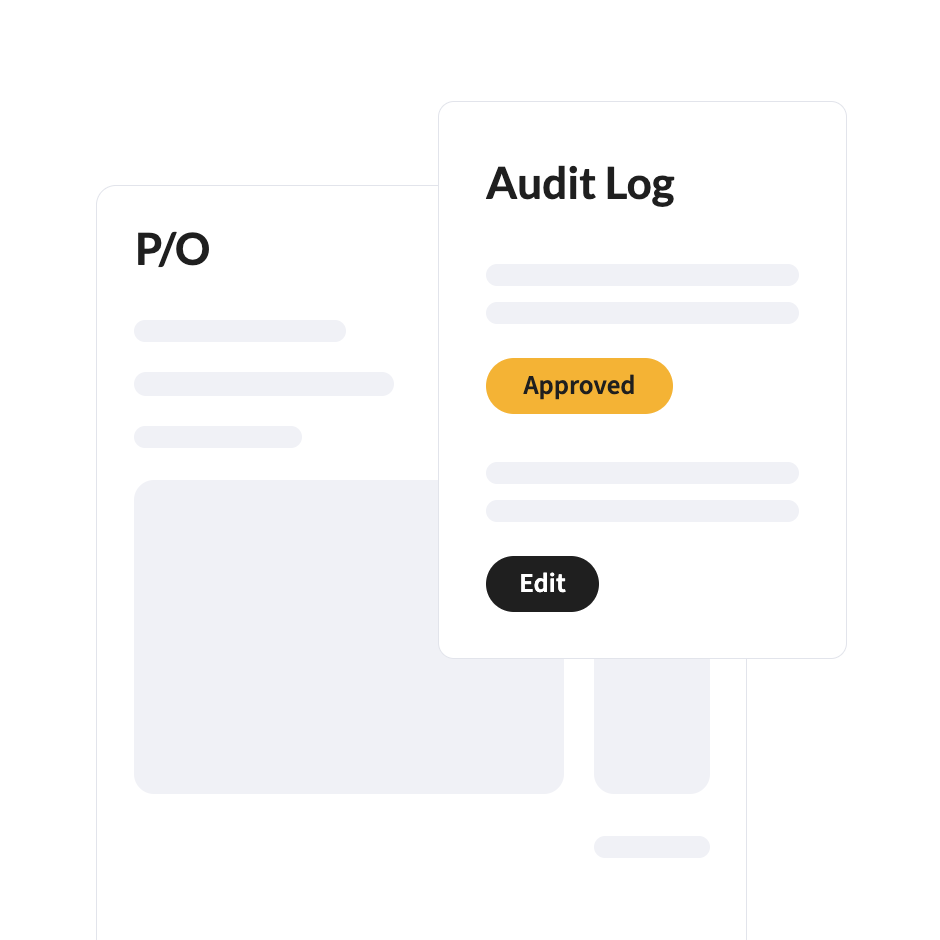
Comments, approvals and exceptions recorded against the budget they affected.

Multi-currency spend

Control expenditure across currencies against budgets set in your reporting currency.

Part of the FinOps platform

A budget that sees every commitment

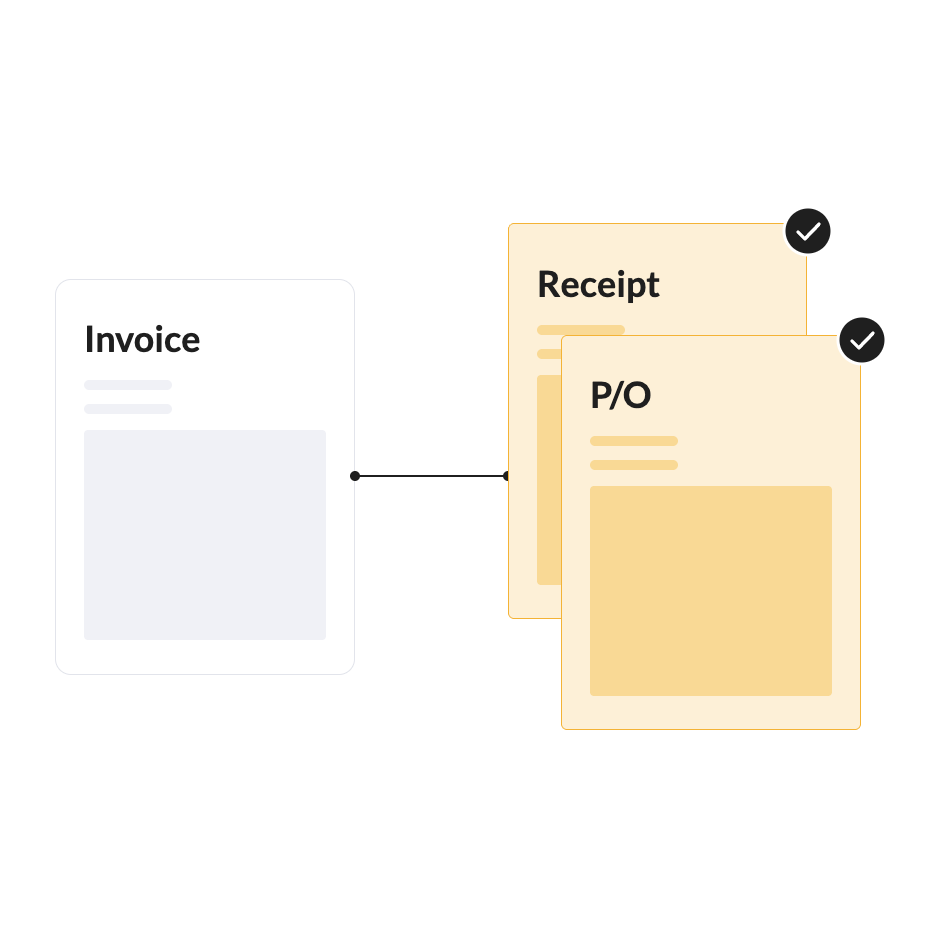
Requests raised in Purchase Orders are checked against the budget before approval. Invoices in Accounts Payable are counted against it on arrival. The budget sees spend as it is committed, not when the report runs.

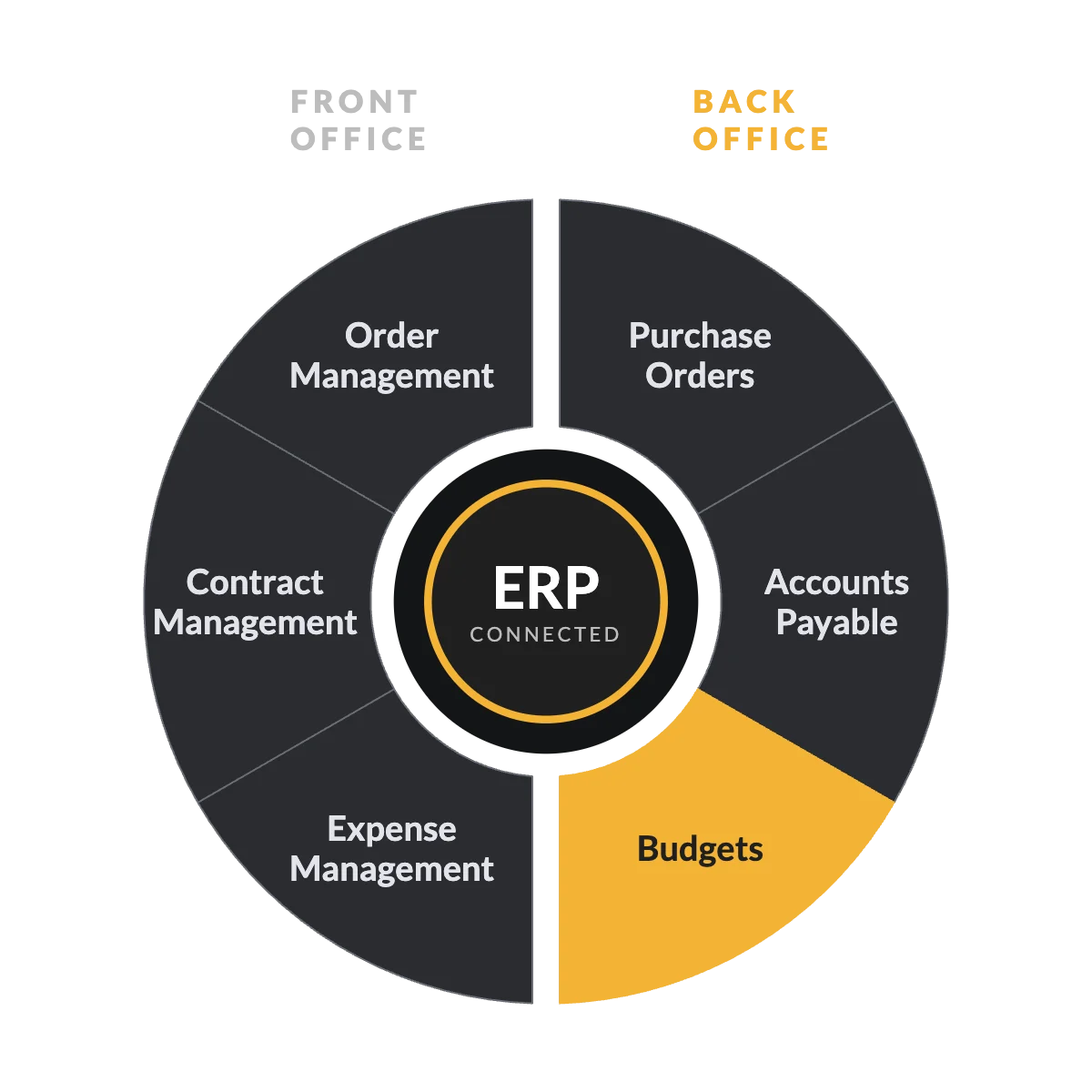
* Expense Management is available today as a standalone Webexpenses product. Full integration with the platform is coming soon.

Webexpenses saves you time and costs

Saved
per claim
0 Hours
Users worldwide
0 K
Reduction in errors
0 %

Average review

FAQs

How are budgets structured?

However your business is organised: by department, account code, project, entity or any combination, synced with your ERP.

Both. Spend counts when committed at order stage and updates when the invoice arrives.

It follows a defined out-of-budget approval route you set, with the exception, approver and reason recorded.

Yes, as part of every approval.

Yes. Real-time tracking includes ERP transactions.

Yes. A dashboard shows every budget’s status, including surpluses, in real time.

Budgets works best with Purchase Orders and Accounts Payable.

ISO 27001 certified and hosted on AWS, with a full audit log of every approval and exception.

See it against your own budgets

Bring the budget that caused the most questions last quarter. We’ll show you what it looks like when every commitment is counted as it is raised.

Platform

FRONT OFFICE

BACK OFFICE

Capabilities

EXPENSES

ACROSS THE PLATFORM

TRUST AND ROADMAP