The AI FinOps Platform

Approve the spend before it's spent

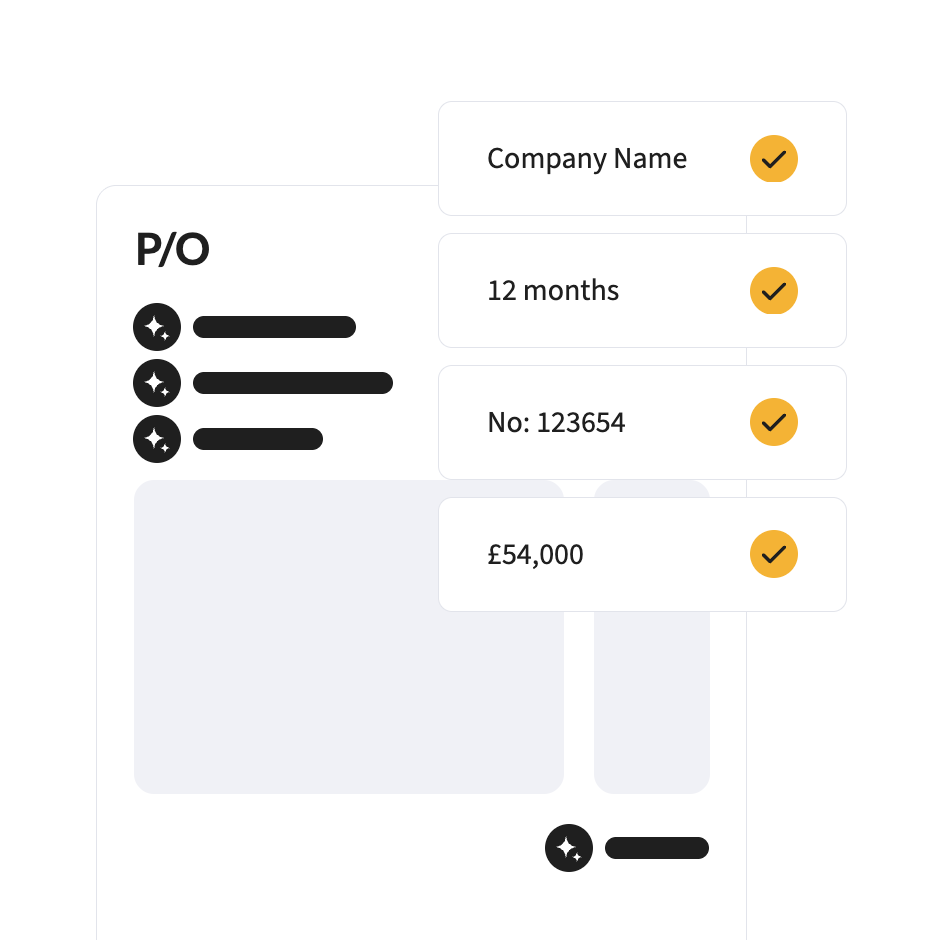
Requests raised in one place, checked against budget, policy and preferred suppliers, approved on your delegation of authority, and turned into purchase orders your suppliers can act on.

When to consider it

Sound familiar?

If two or more of these happen in your business, purchase orders will pay for themselves in control alone.

Purchase requests live in email

Nobody can tell you what’s been asked for or where it’s got to.

You find out about spend when the invoice lands

By then, it’s too late to change anything.

Buying doesn't match the budget

Requests are approved without anyone checking what’s left.

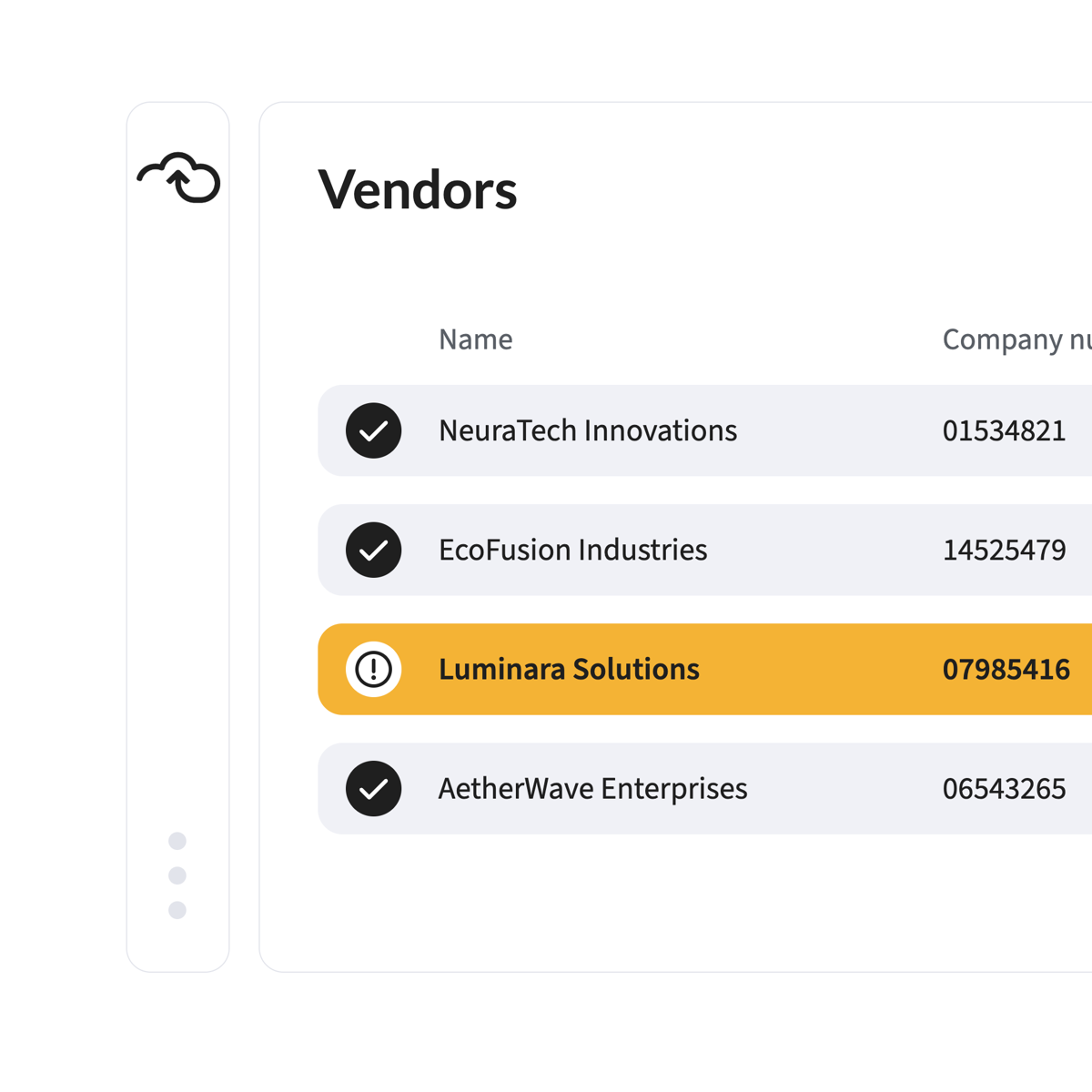
Unapproved suppliers keep appearing

Someone found a cheaper one. Or a quicker one. Or just a different one.

POs are wrong before they're sent

Wrong codes, wrong prices, wrong supplier details, and rework at invoice stage.

Audit asks who approved it

The answer is in an inbox, if it’s anywhere.

What you gain

Control at the point of commitment, not after the invoice

Show

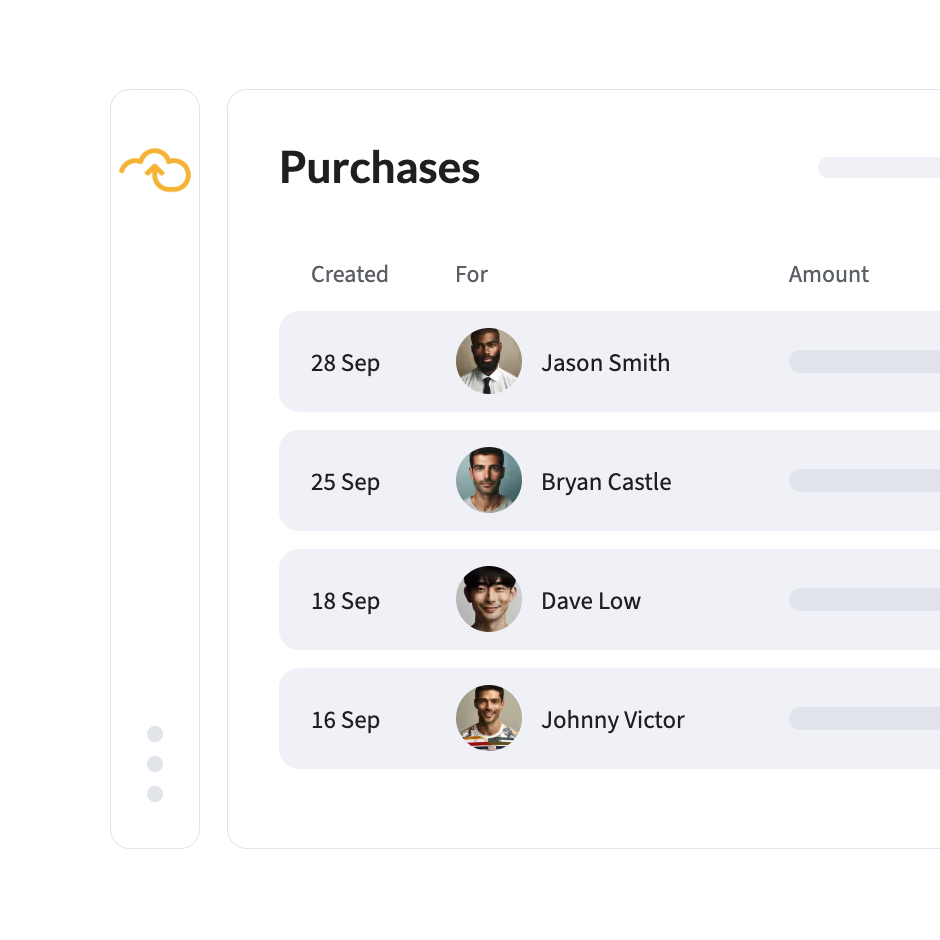
See what's committed, not just what's spent

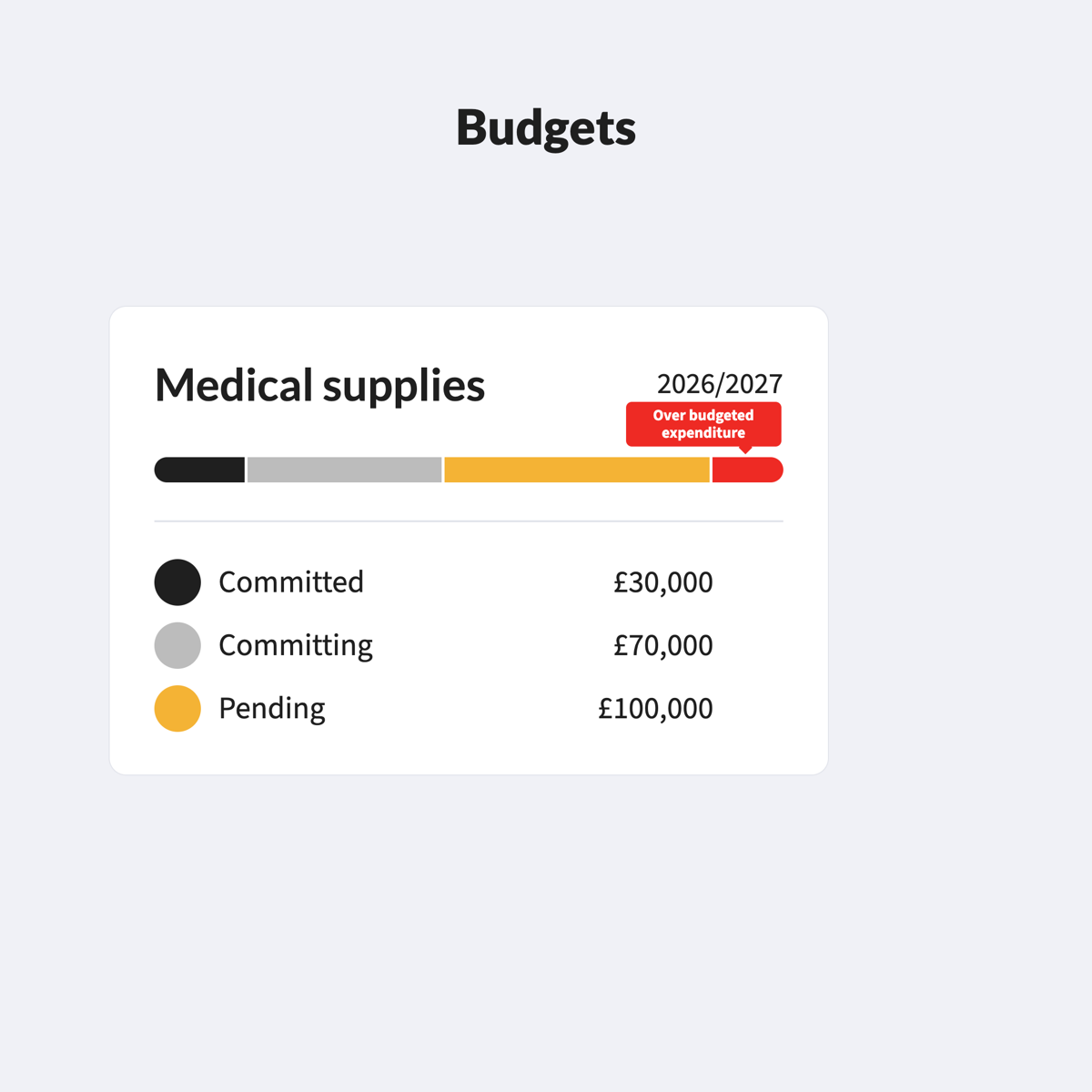
Every approved order shows against budget as soon as it’s raised, so the forecast can change before the money goes.

Protect

Buy from the suppliers you've agreed

Preferred suppliers and contract pricing apply as the request is raised, so off-contract buying doesn’t start.

Find

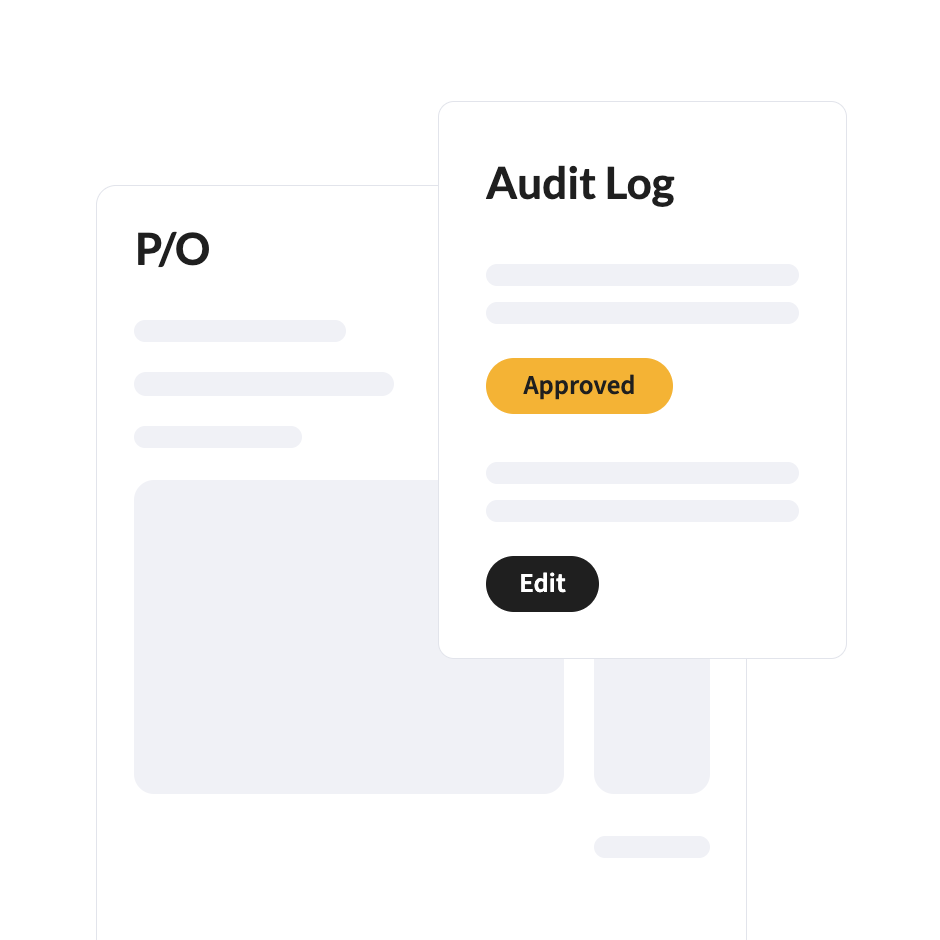
Answer audit in one click

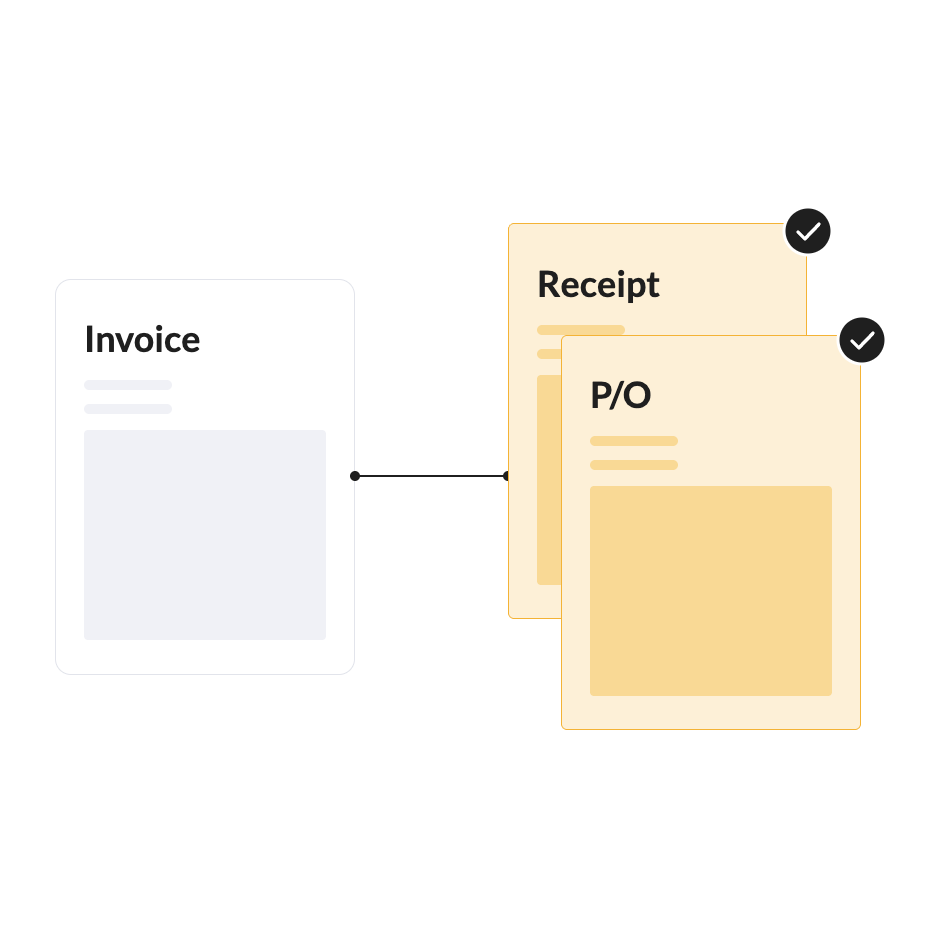
The request, approval, order, receipt and invoice sit on one record.

Case study
documents processed a month, up from 3,000
0 +
active projects visible in real time
~ 0
Gaffney Mechanical, construction engineering services, Ireland
How it works

One route from request to posted invoice

1

Request

Anyone raises a request in one place, with your fields, catalogues and rules applied.

2

Check

Measured against budget, policy, preferred suppliers and agreed pricing.

3

Approve

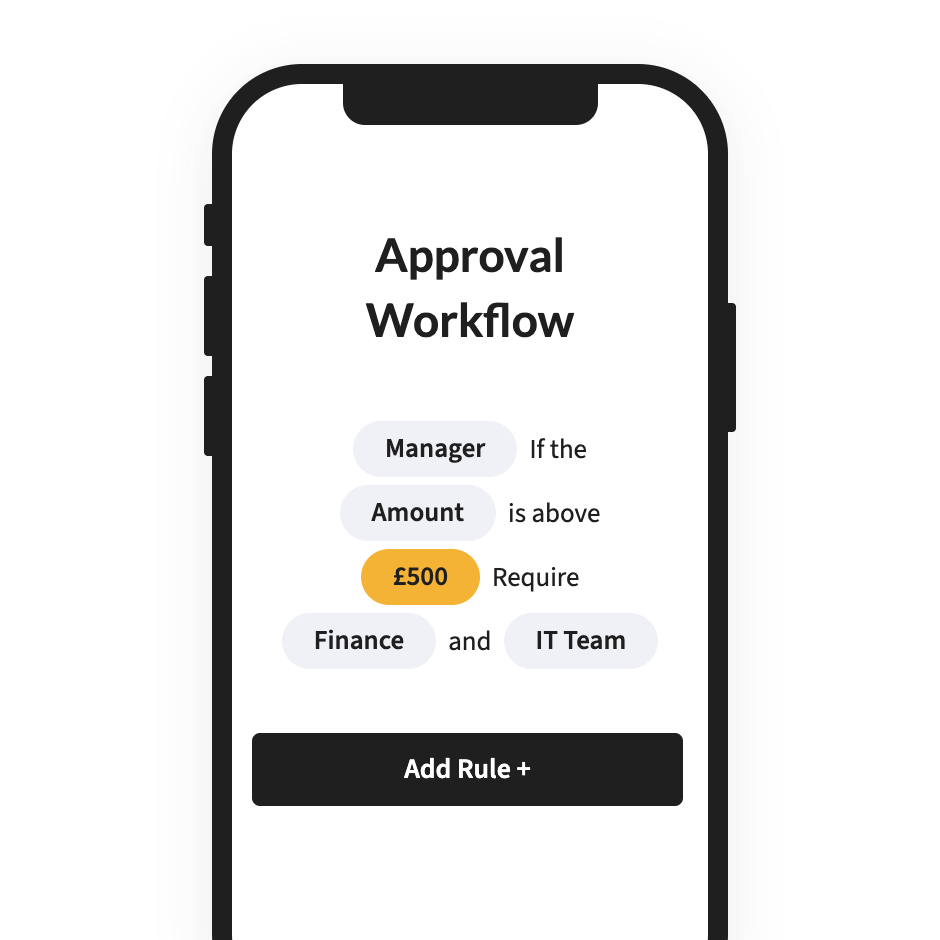
Routed on your delegation of authority, with reminders, cover and escalation.

4

Order

An accurate purchase order goes to the supplier, tracked through to delivery.

5

Match and pay

Accounts Payable matches the invoice to the order and receipt, then posts to your ERP.

Features

Purchase requests without the email chain

Anyone can raise a request in one place, with the fields and rules your business needs already applied.

Approvals on your delegation of authority

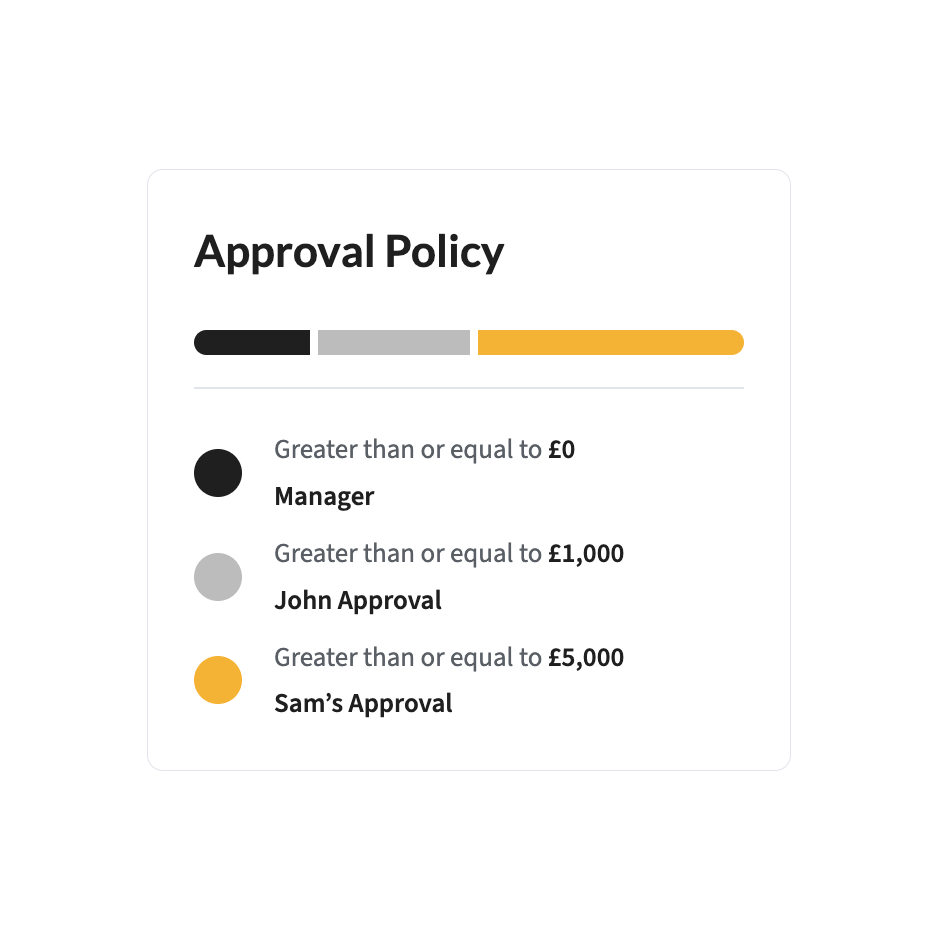
Approval hierarchies for the organisation you actually have. Reminders, cover and escalations keep things moving.

Purchase order management

Start from a supplier quote or a purchase request, create the order, send it and track its status. Quotes are read on arrival, so the order starts from real data.

Preferred suppliers and agreed pricing

Catalogue management with preferred vendors and negotiated terms applied as the request is raised. EDI and Punchout supported.

Budget checks before commitment

Every request measured against the right budget before approval. Approvers see the impact before they say yes.

Procure-to-pay in one run

Every step from request to payment on one platform, without the chasing, rekeying and out-of-policy purchases.

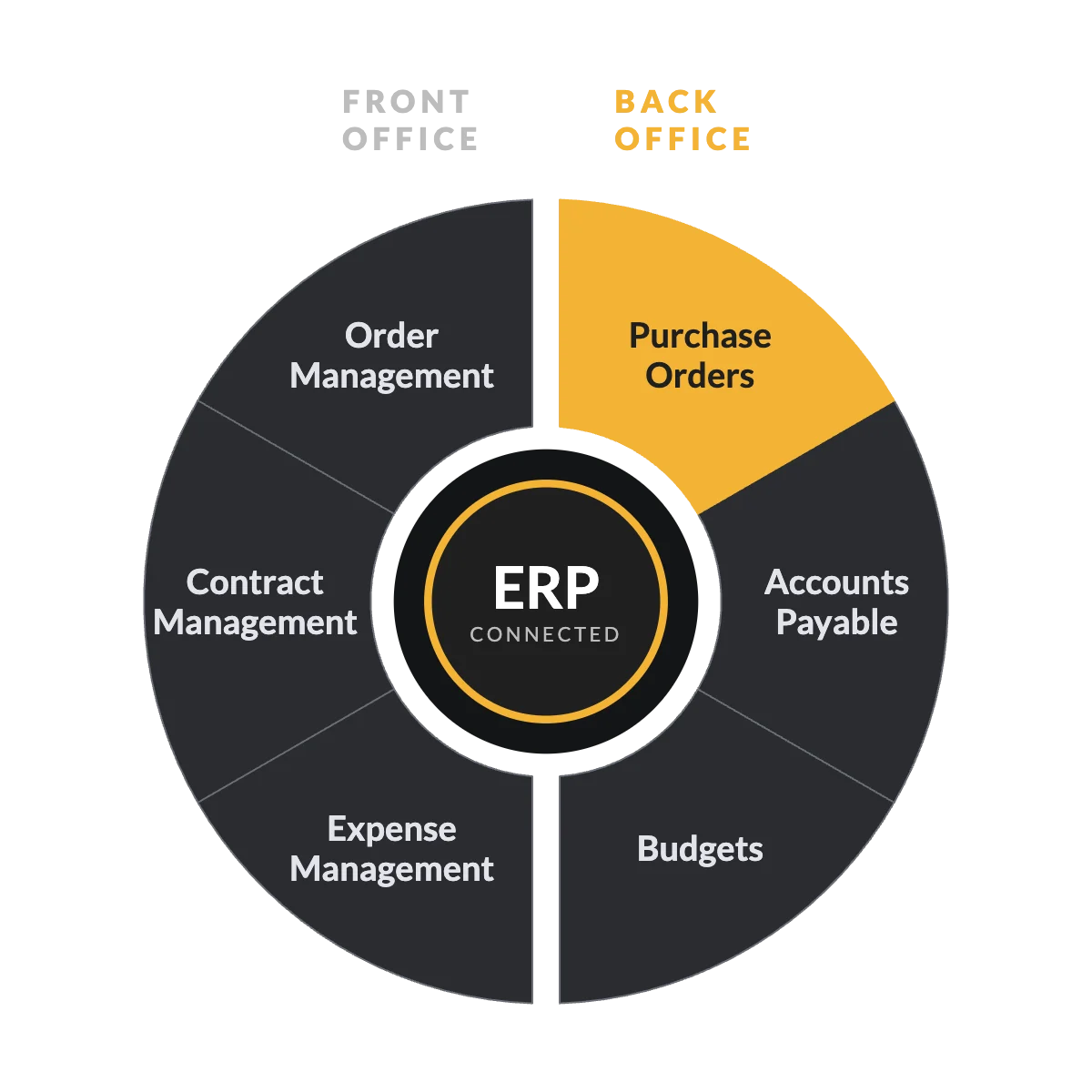
Part of the FinOps platform

The order is where control starts

Purchase Orders sits alongside Accounts Payable, Budgets, Contract Management, Order Management and Expense Management* on the FinOps platform. The budget behind a request, the contract behind a price and the invoice that follows the order share one record, so matching is a check, not a hunt. 

* Expense Management is available today as a standalone Webexpenses product. Full integration with the platform is coming soon.

Webexpenses saves you time and costs

Finance
teams
0 +
Users worldwide
0 K
Reduction in errors
0 %

Average review

Integrations

Orders your ERP already recognises

Suppliers, codes and budgets sync with your finance system, so the purchase order raised here matches the one your ERP expects.

FAQs

What's the difference between Purchase Orders and Accounts Payable?

Purchase Orders controls spend before it is committed: the request, the approval and the order. Accounts Payable handles the invoice when it arrives. They work best together.

Yes. Multi-level, value thresholds or a simple management chain, with reminders, cover and escalation built in.

Yes. Catalogues, preferred suppliers and negotiated pricing are applied as the request is raised.

Yes. Quotes are read on arrival and turned into purchase orders without retyping.

Yes, for suppliers who use them.

Yes. Itemised and blanket purchase orders are both supported.

Yes. Each entity has its own coding, approvers and budgets, with multi-currency as standard.

ISO 27001 certified and hosted on AWS, with a full audit trail from request to payment.

See it on your own purchase flow

Bring one request that took too long to approve. We’ll show you the route it would take on the FinOps platform.

Platform

FRONT OFFICE

BACK OFFICE

Capabilities

EXPENSES

ACROSS THE PLATFORM

TRUST AND ROADMAP