Approvals that follow your rules, not someone's inbox
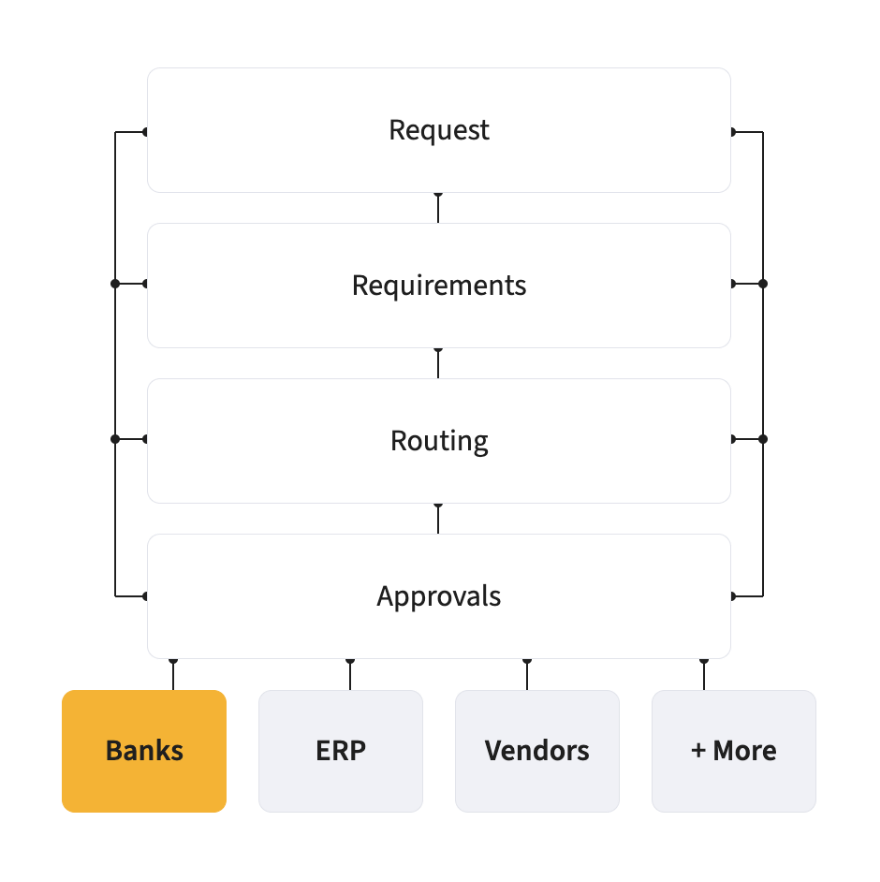
Claims, purchase requests, invoices, contracts and budget exceptions each follow the route you set, by value, department, entity or type. Reminders, cover and escalation keep things moving when someone doesn’t.
Most approval delays aren’t disagreements. Nobody knew it was waiting, the approver was on leave, or it went to the wrong person. Approval workflows reproduce your delegation of authority exactly, however complex, then make sure every item gets decided.
How it works
Set your rules
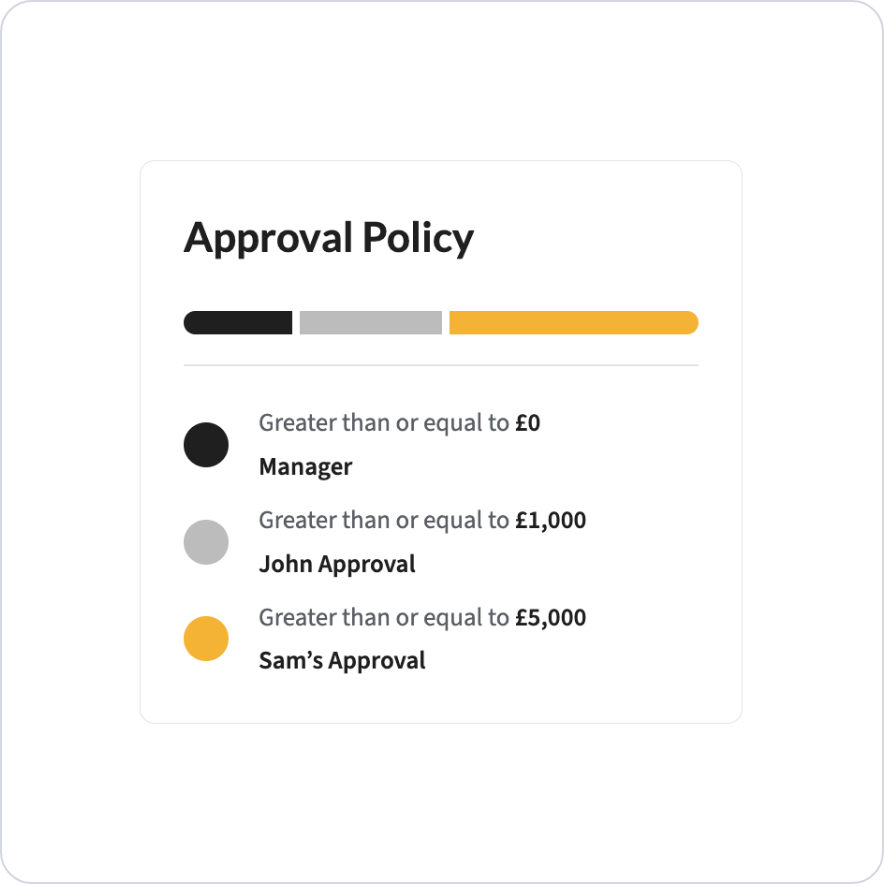
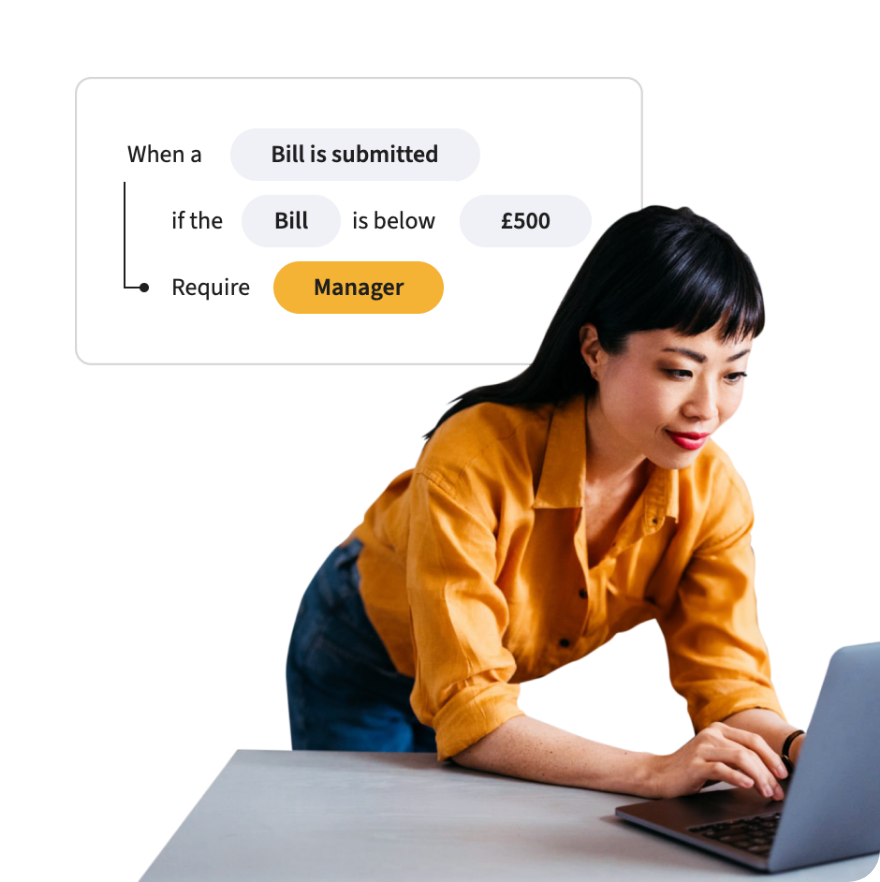
By value threshold, department, cost centre, entity, project or document type.
Route automatically
Every item to the right approver as soon as it is ready.
Keep it moving
Reminders, out-of-office cover and escalation.
Record it
Every decision logged with approver, time and comment.
Features
Any structure
From a simple management chain to multi-level delegation of authority with value thresholds.
One engine, every document
Claims, purchase requests, invoices, contracts, amendments and out-of-budget exceptions.
Budget in view
Approvers see the budget impact before they approve.
Mobile approvals
Approve in one tap from the phone.
Cover and escalation
Out-of-office delegation and automatic escalation when something sits too long.
Full audit trail
Who approved what, when and why.
Where it's used
All six modules, each with routes suited to what is being approved.
Webexpenses saves you time and costs
Saved per claim
0Hours
Users worldwide
0K
Reduction in errors
0%
Average
review
“Webexpenses allowed us to standardise claims, set and display policy limits, and take control of approval chains, all while providing a better user experience.”
FAQs
Can approval routes match our delegation of authority?
Yes, including multiple levels, value thresholds and different rules by entity or department.
What happens when an approver is away?
Out-of-office cover passes the item to a nominated delegate.
What if something isn't approved in time?
Reminders go out automatically and items escalate after a period you set.
Can different documents have different routes?
Yes. Claims, requests, invoices and contracts can each have their own.
Can we change routes without development work?
Yes. Your admins configure them in the platform.
Is every approval recorded?
Yes, with approver, timestamp and comments.
What next
Approvals in more detail, by what is being approved.
Automated expense approvals
Policy checks as claims are entered, and the right approver every time.