Budgets, orders, invoices and claims are coded to the right department and site as they happen, with an audit trail ready for the auditor or the board.

Heads of department spend against their own budgets, and the position reaches finance when the report is run.
Staff pay for educational visits out of pocket and claim later, so a trip’s real cost isn’t known until after it has run.
Within a trust, each school has its own approvers and habits, and the central team consolidates by hand.
The scheme of financial delegation is written down, and approvals in practice follow whoever replied to the email.
Work-based assessors and visiting staff drive between sites and employers, and mileage is the bulk of what they claim.
Procurement requirements apply above set values, and the check happens after the order, when it is too late to change it.
Budgets structured the way your business is, with every commitment measured against the right one before it is approved.
Explore Budgets →Requests raised in one place and approved against budget and policy before the money is committed. Nothing bought off-contract.
Explore Purchase Orders →Invoices read as they arrive, matched to the order and the receipt, and routed to whoever can approve them. More volume, same team.
Explore Accounts Payable →Out-of-pocket claims, mileage and card reconciliation. Policy applied as the claim is entered, and people paid without the chase.
Explore Expense Management →*Expense Management is available today as a standalone Webexpenses product. Full integration with the platform is coming soon.
Budget. Each department and site has its own budget, set up the way your trust or college is structured.
Order. A purchase is raised and approved against that budget, following your scheme of delegation.
Read. Supplier invoices are read as they arrive and matched to the order.
Claim. Staff expenses and mileage are coded to the department they belong to.
Report. The live position by department and site is ready for the governors, the auditor or the funder.

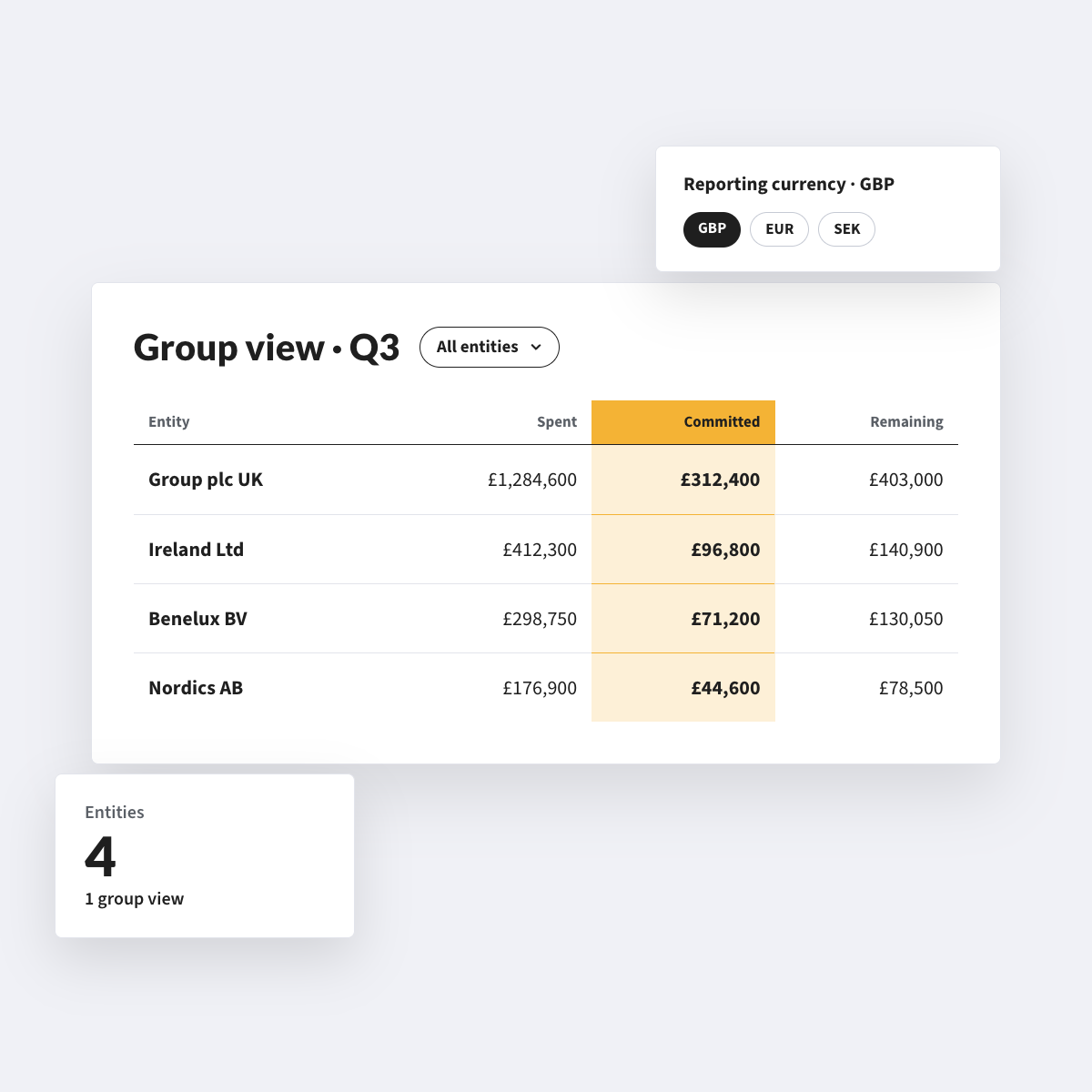
Each school, department or campus has its own cost codes, approvers and spending rules, and the central team sees a consolidated position. Approvals stay local, and nothing waits for head office.
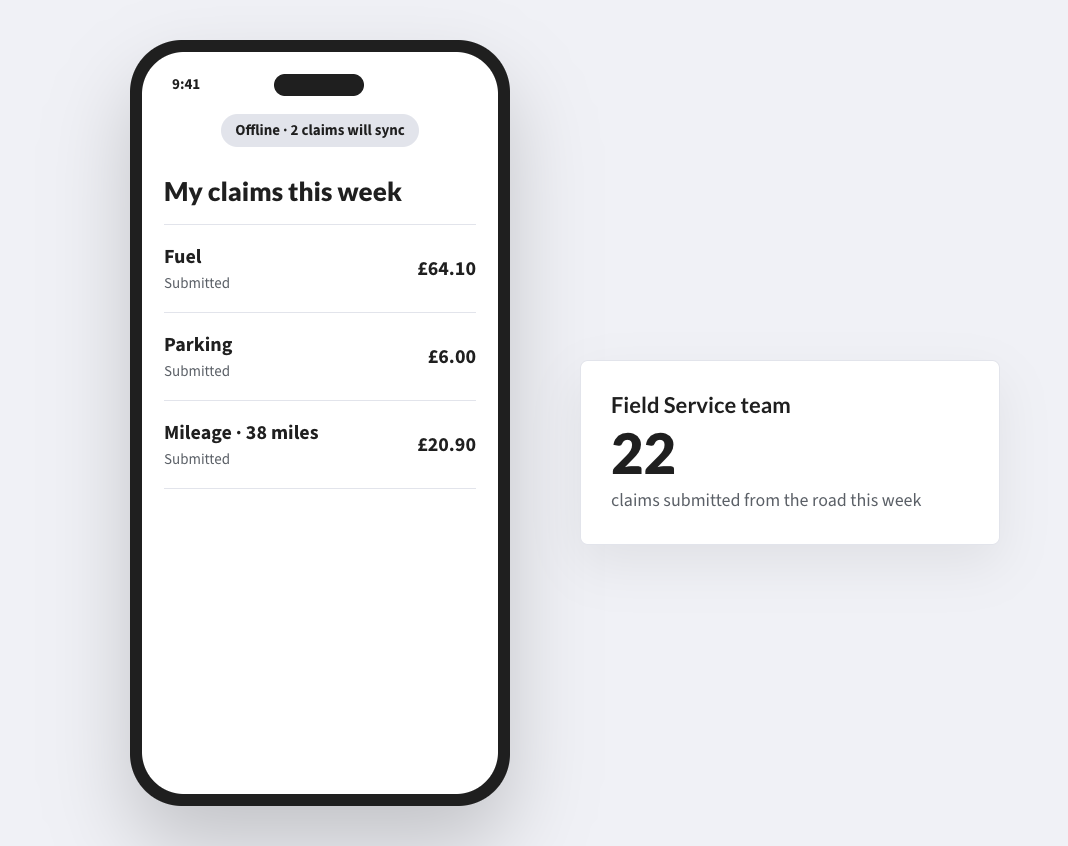
Teaching staff, assessors and visiting staff submit from their phones. Mileage is calculated at HMRC rates, and recurring journeys can be repeated without re-entering them.
*Expense Management is available today as a standalone product. Full integration with the platform is coming soon.
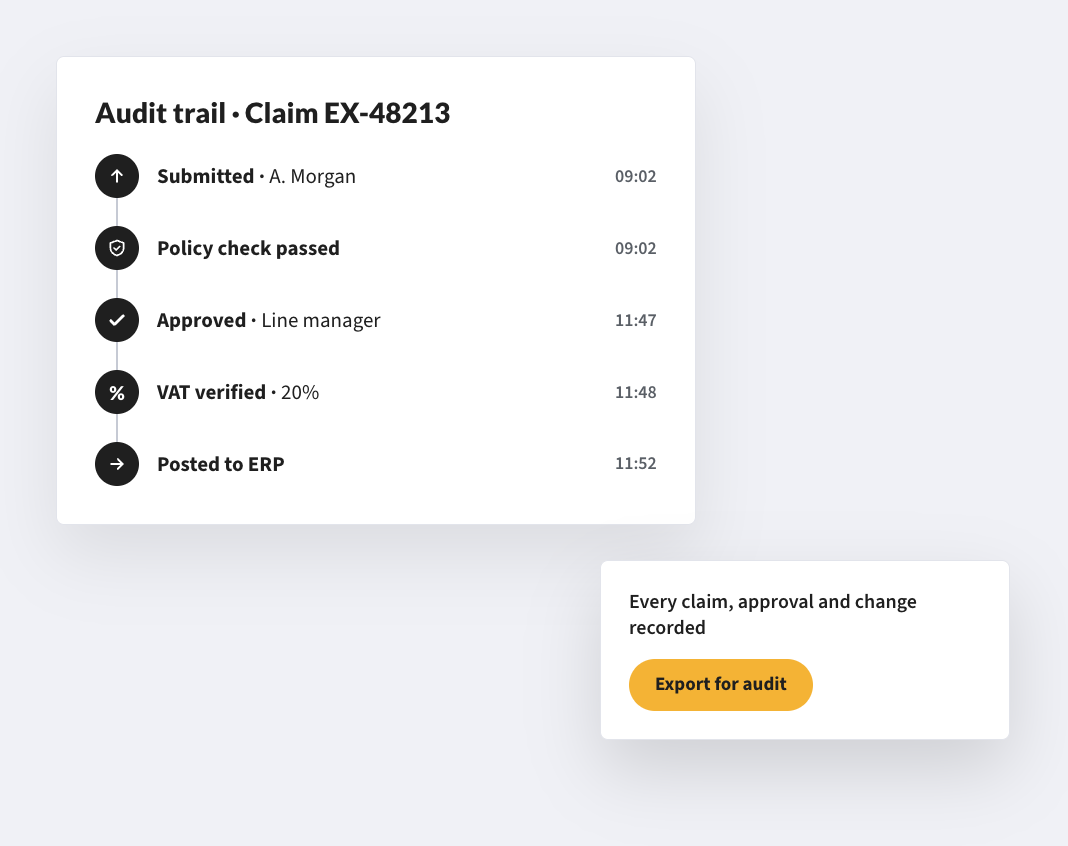
Every claim, receipt and approval is stored with a full audit trail, and out-of-policy claims are flagged before approval, not after the money has moved.
“We used to spend three to four days getting everything in, checked and then approved. This takes half a day to get everything done and dusted.”
VTCTFinancial Controller“For us, mileage is 95 percent of our expenses costs so the mileage features offered by the app was a major factor in choosing webexpenses.”
Smart Training and RecruitmentChief Executive OfficerYes. Each school or site can operate its own approval structure and budget visibility, while the central finance team has consolidated reporting. Each unit has its own cost codes and approvers without a separate instance.
Limits are configured by department, cost centre, project or individual. Claims that would breach a limit are flagged or blocked at submission, and finance sees where each budget stands without running a report.
Staff submit from the mobile app and, once approved, the claim is paid directly to their bank account where that is set up. They can track the status of a claim without chasing anyone.
No. You pay for active users, so staff who claim only a few times a year do not add permanent cost.
Webexpenses has native connectors for Oracle, Sage Intacct and Sage 200, and approved data posts without re-keying. For other systems, we scope it in the discovery call.
No. Expense Management is available today as a standalone product. Other modules start with a discovery call so we can scope what you need.
Expense Management is set up in five phases: onboarding, integration, presentation, testing and migration, then launch and hypercare, with our team alongside you throughout. Platform modules start with a discovery call, where we scope what you need and how it would be set up.
Budgets, orders, invoices and claims coded to the right department and site.
See how your purchase-to-payment controls score →Platform
FRONT OFFICE
BACK OFFICE
Capabilities
EXPENSES
ACROSS THE PLATFORM
TRUST AND ROADMAP
By Role
By Industry
By Industry
Platform
Help you decide
Vendor Validation
Broader Audience