The AI FinOps Platform

Orders in, sales orders out, no rekeying

Customer orders captured in whatever format they arrive, checked against your pricing and product codes, and turned into sales orders or invoices the same day.

When to consider it

Sound familiar?

If two or more of these happen in your business, order automation will pay for itself in turnaround time alone.

What is manual order entry costing you? Try the Order Cost Calculator →

Orders arrive around the clock, in every format

Email, PDF, spreadsheet, portal, and the occasional photo of a handwritten form.

Customers use their own product codes

Someone looks up every line by hand.

Pricing gets argued after the invoice

The wrong discount went on, and credit control is chasing a dispute.

More orders means another hire

Volume keeps growing, and the only plan for keeping up is another person on the order desk.

Sales and finance work from different versions

Reconciling them is a job in itself.

Online orders keep growing

The team handling them doesn’t.


Portals and EDI

Your portal takes some orders. The inbox gets the rest.

Most suppliers already have an online ordering portal, EDI with their biggest customers, or both. Neither reaches everyone. EDI needs the right systems on both sides, so it tends to stop at your largest accounts. And few businesses will turn away a customer who would rather email an order.

So the rest still land in the inbox: PDFs generated by a customer’s ERP, Excel sheets, Word documents and two lines typed into an email. Someone reads each one and keys it into your ERP.

Order Management starts with that remainder. It reads every order that arrives by email, whatever the format, and creates the sales order in your ERP.

Portal orders

Already digital.

EDI orders

Already digital.

Inbox orders

Keyed by hand. This is where Order Management starts.

Where the money goes

Order entry costs more than the time it takes

Keying orders by hand costs you in four places. Only the first one shows up on a timesheet.

1

People

Every order typed in is time your customer service team isn’t spending with customers. You didn’t hire them to copy lines out of a PDF.

2

Mistakes

In some businesses a wrong order is an awkward phone call. In others it’s a lorry on site with the wrong product, a crew standing idle, a free collection and damaged stock. Then a customer who tries someone else next time.

3

Turnaround

Your customer is often waiting on you to finish their own job. An order that sits in a queue for a day is a day they can’t get on with the work.

4

One person’s knowledge

When only one person knows that “16 x LN32 as usual” means a particular light fitting, your service depends on them being in. Order Management stores that mapping once, so the knowledge belongs to the business, not to one person.

What you gain

Orders in and invoiced the same day

Fewer disputes

Price arguments that never start

Pricing and product codes checked as the order arrives.


Collect sooner

Invoice the day the order lands

Orders turn into invoices the same day, which pulls cash collection forward.

One record

Sales and finance on the same version

One set of order data, so nobody reconciles two.


Case study
customer orders a month automated
0
extra hires to handle them
0
Alchin Long Group, architectural hardware, Australia
How it works

From customer order to sales order in one pass

1

Receive

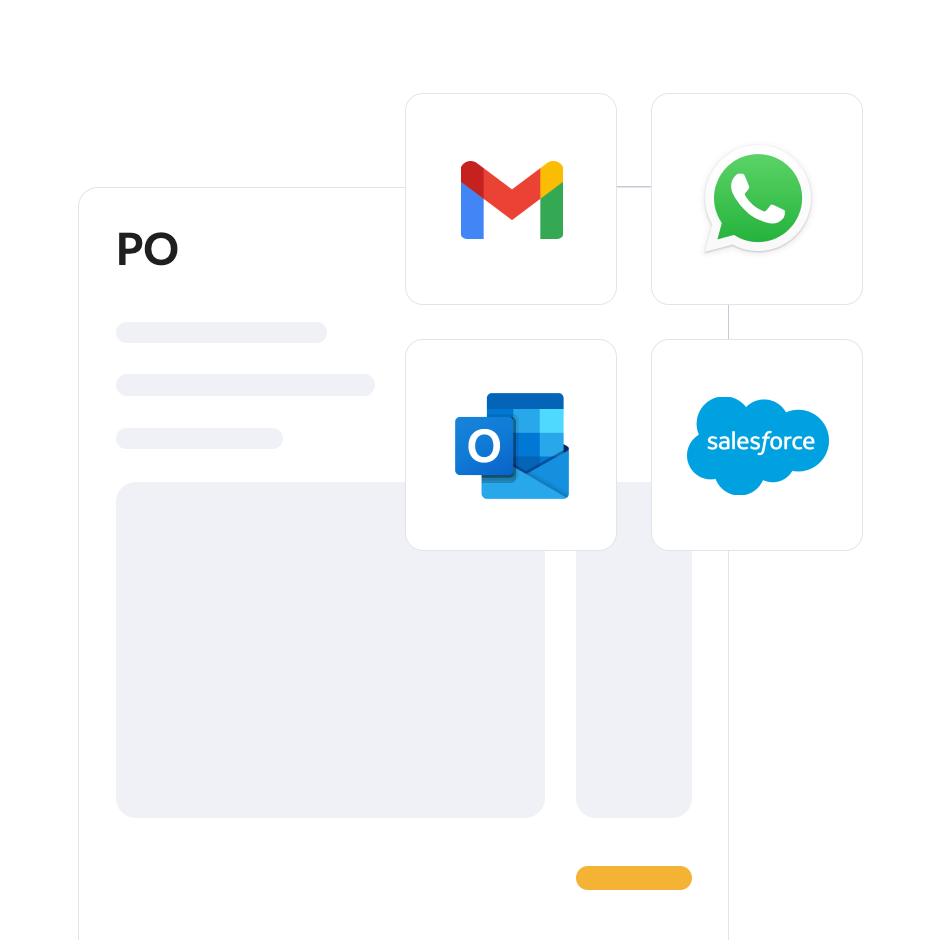
Orders from any source: email, upload or API, in any format.

2

Extract

Customer, products, quantities and prices read in seconds.

3

Map

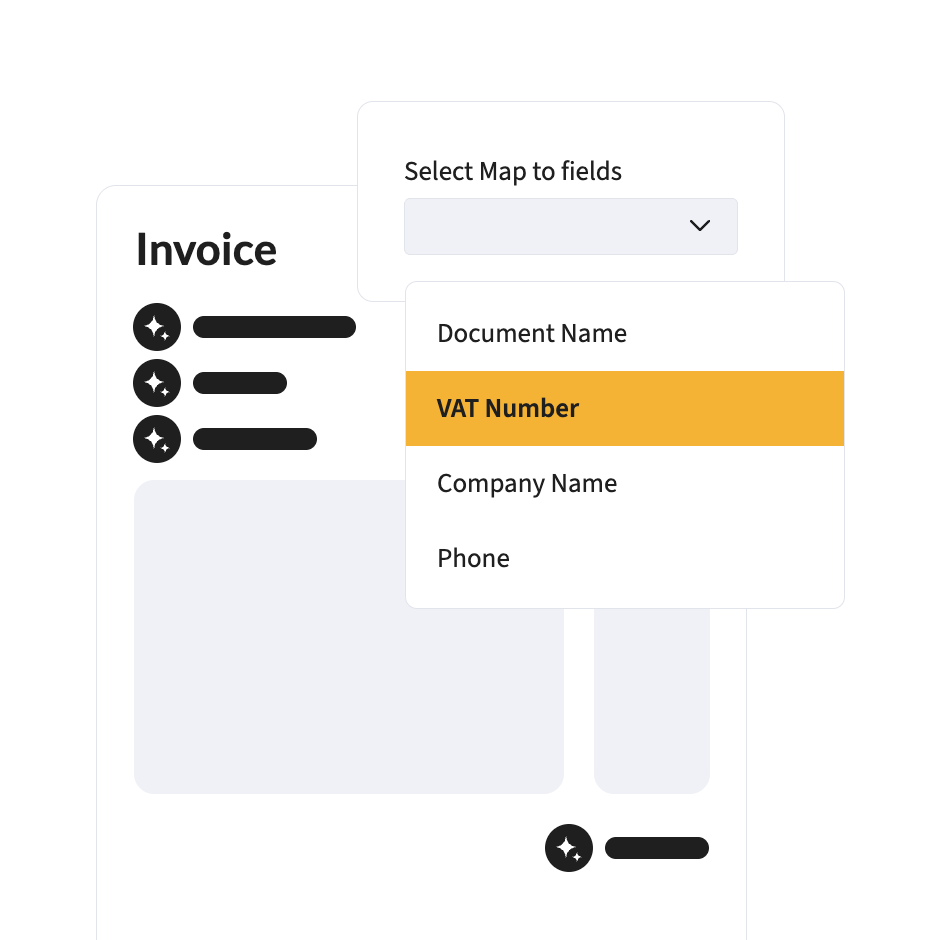
Customer SKUs matched to your internal product codes automatically.

4

Validate

Pricing checked against your ERP, with discounts, contract rates and promotions applied.

5

Create

Approved orders become sales orders or invoices in your ERP immediately.

Features

Orders from any source

Email, direct upload or API, in PDF, spreadsheet, Word or image format.

SKU mapping and standardisation

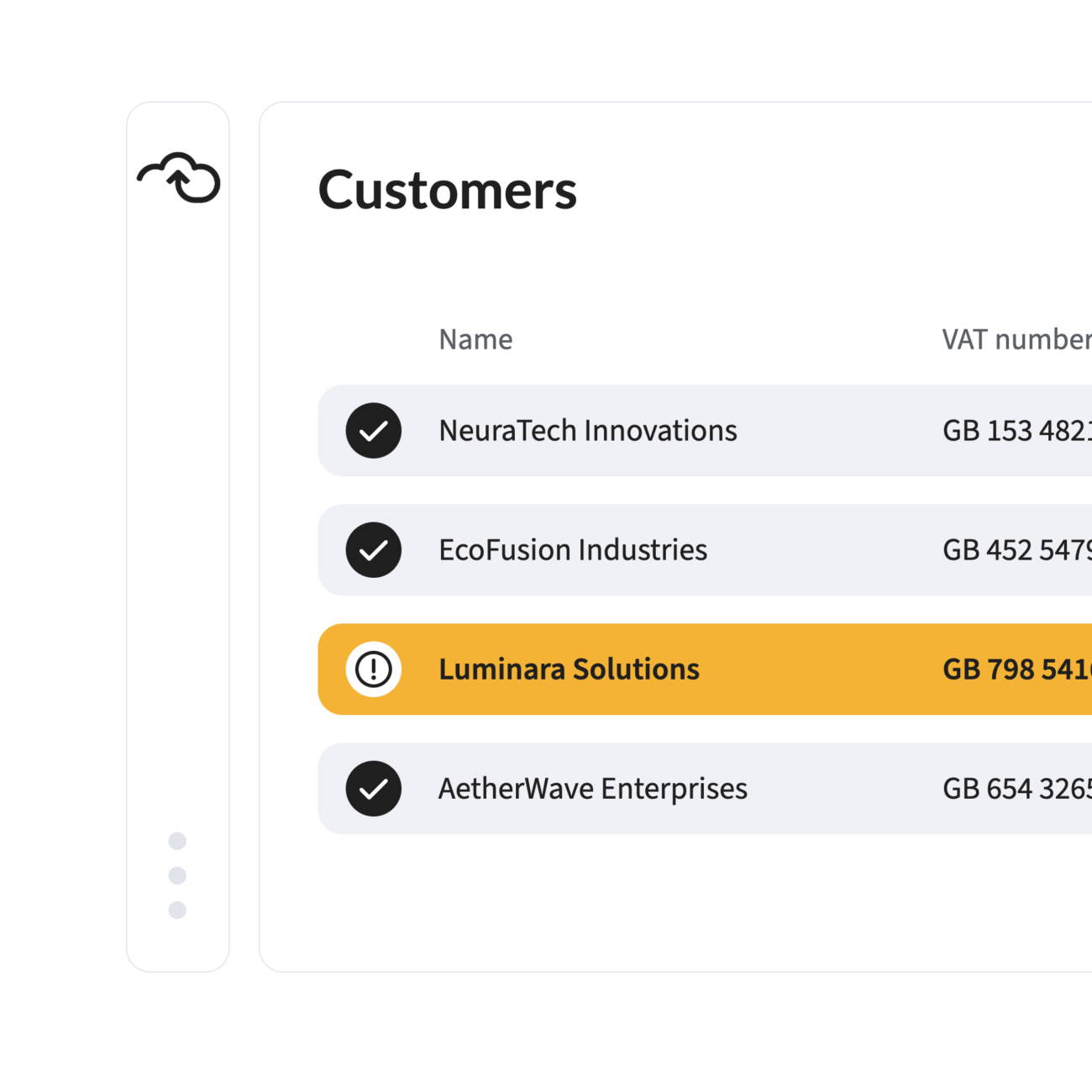
Customers order with their own part numbers, descriptions and nicknames. A code the system hasn’t seen before is flagged. Someone maps it once, and every future order with that code is matched without anyone stepping in.

Customer pricing validated on arrival

Discounts, contract rates and promotional pricing applied, so every order is processed at the rate you agreed.

Approvals where they're needed

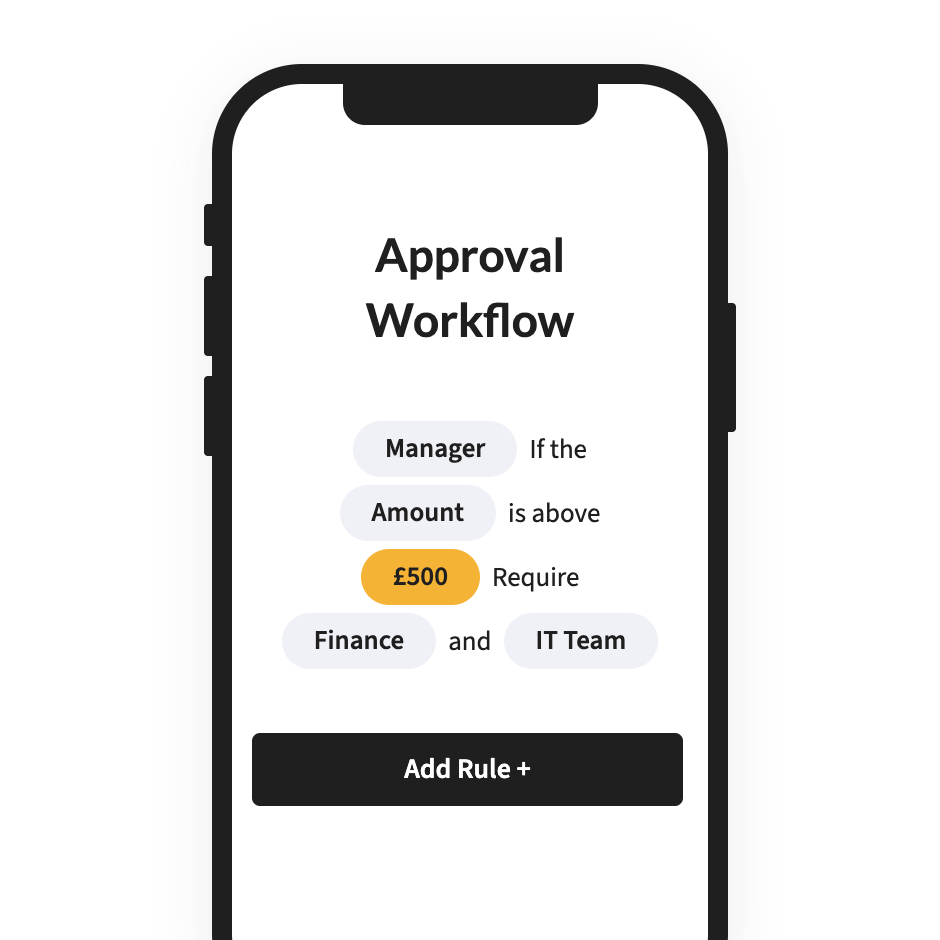
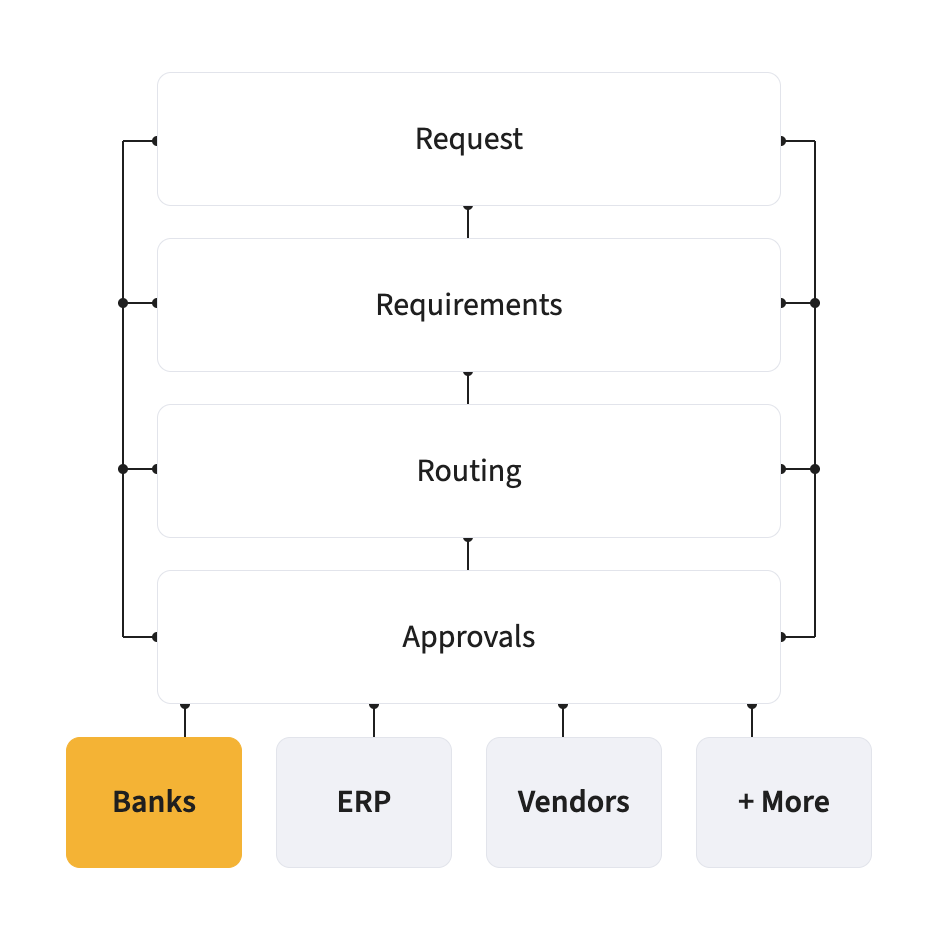
Unusual quantities, pricing exceptions or new customers routed for approval. Everything else flows straight through.

Connected to your ERP

Order data syncs in real time, converted into sales orders or invoices in one consistent flow.

Built for everyone who touches an order

Training and an interface for sales, customer service and operations, not only finance.

Units, weights and sizes converted

A customer orders two boxes; you stock single units. Order Management converts units of measure, reads weights and lengths from a line description and maps each combination back to the right stock code.

Work orders as well as products

Subcontractors receive job orders from builders by email. They’re processed like any other sales order, so the job is in your system as soon as it’s sent.

Who it’s for

Built for businesses that sell to other businesses

When a customer sends you a purchase order, it becomes your sales order. Order Management fits best where orders carry product codes, quantities and trade prices.

Wholesalers and distributors

Plumbing, electrical, building supplies, fasteners, motor parts. Trade customers email orders by the hundred, often with their own codes and prices copied from an old quote.

Purchase orders arrive from customer ERPs as PDFs, each laid out differently. Lines can carry colour, finish, length or weight.

Roofing, waterproofing and M&E firms receive work orders from builders by email. Services count as sales orders too.

Part of the FinOps platform

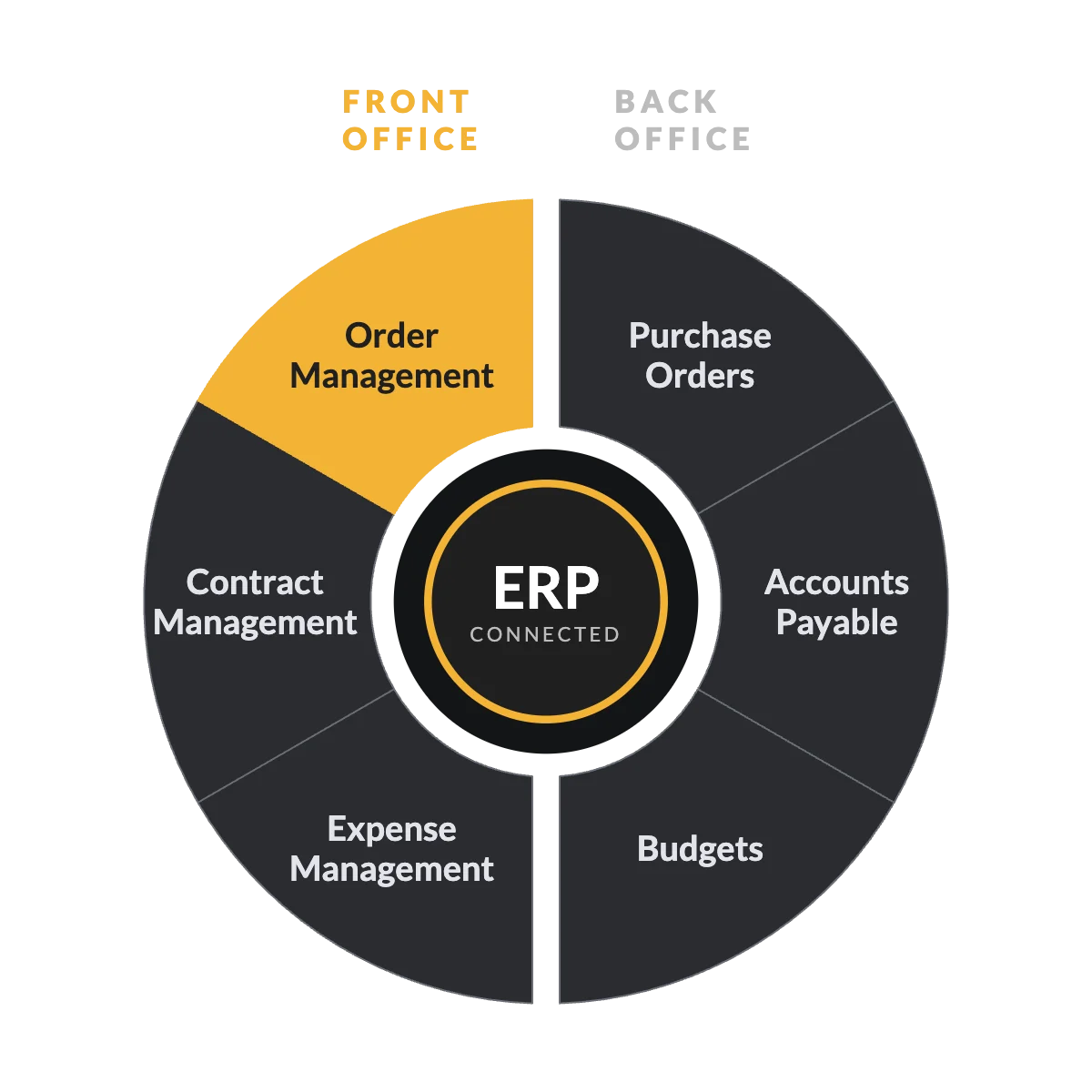
The sell side, on the same record

Customer contracts set the pricing incoming orders are checked against. The same platform that controls what you spend controls what you bill.

* Expense Management is available today as a standalone Webexpenses product. Full integration with the platform is coming soon.

Webexpenses saves you time and costs

Saved
per claim
0 Hours
Users worldwide
0 K
Reduction in errors
0 %

Average review

FAQs

What is sales order automation?

Software that takes customer orders from whatever format they arrive in, reads and validates them, and creates the sales order or invoice in your ERP without retyping.

Order Management doesn’t replace your ERP. It feeds it. It takes orders out of the inbox, checks them and creates the sales order in your ERP, so nobody has to type them in.

Usually, yes. Portals and EDI cover the customers who use them. The question is how many orders still arrive by email each month, and who keys them in. That’s the volume Order Management takes on.

Keep the relationship and lose the typing. Your team stays on the phone with customers while the system creates the orders. They see the exceptions, not every line.

Yes, as long as every combination maps back to an existing stock code. It can read colour, finish and length from a line, convert units and round weights to stocked sizes. If most orders need a new product code, talk to us first about what can be automated.

Yes. A sales order doesn’t have to be a physical product. Job orders from builders and main contractors are processed the same way.

Nothing changes. Each customer code is mapped once and stored, so orders keep matching correctly whoever is in.

Email, PDF, Excel, Word, CSV and images, plus direct upload or API.

No. Customer SKUs are mapped to your internal codes, and the mapping applies to every future order.

Against your ERP pricing, including customer discounts, contract rates and promotions. Anything that doesn’t match is flagged.

Orders are extracted in seconds and go straight into your ERP once approved.

Yes. The interface and training are designed for everyone who handles orders, with access by permission.

From 1,000 to tens of thousands of documents a month.

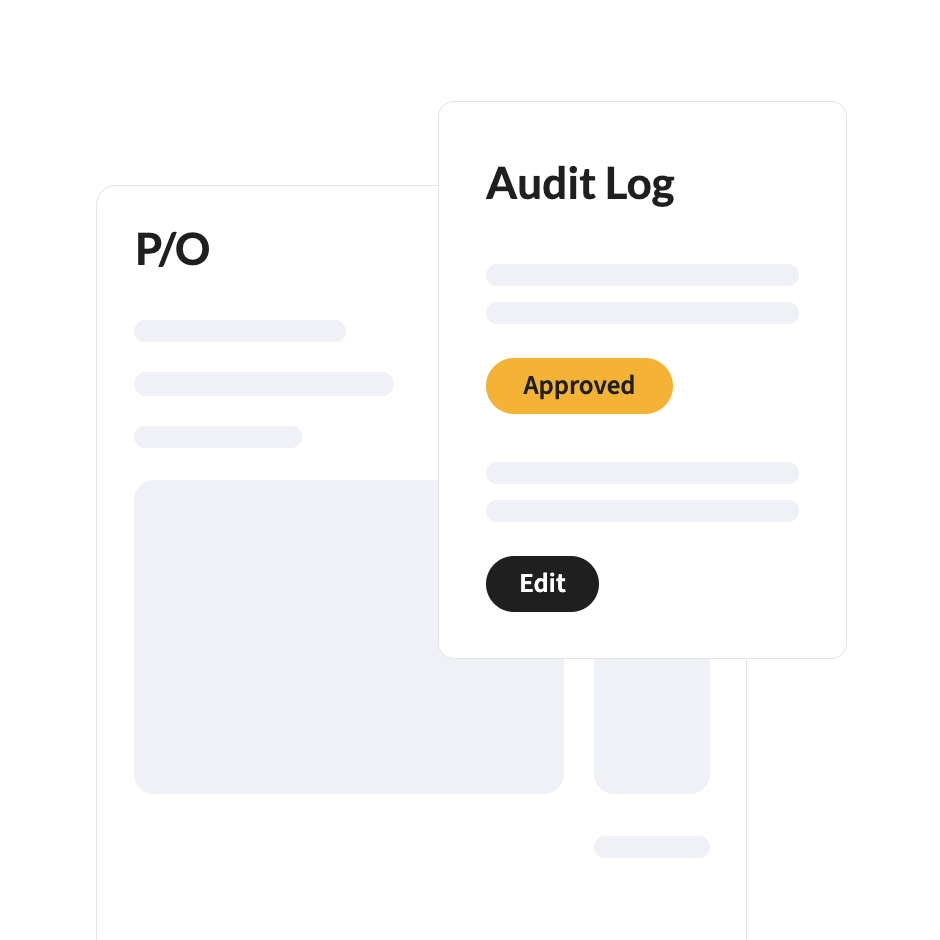
ISO 27001 certified and hosted on AWS, with permission-based access and a full audit log.

See an order go from inbox to ERP

We’ll walk you through an order as it arrives, gets checked against your pricing and product codes, and lands in your ERP as a sales order.

Platform

FRONT OFFICE

BACK OFFICE

Capabilities

EXPENSES

ACROSS THE PLATFORM

TRUST AND ROADMAP