Free Excel template

Contract renewal tracker

Most contracts don’t end. They roll over. This spreadsheet shows every notice deadline in one place, so you decide what happens before the date passes, not after.
Excel tracker and one-page guide · No sign-up needed
Cover of Contract renewal tracker

At a glance

Every notice deadline in one place

  1. 01Fill in the shaded columns. Supplier, owner, annual value, end date, notice period, uplift and renewal term. The tracker works out the rest.
  2. 02See what needs action. Every contract is flagged: notice date passed, act now, review soon or OK.
  3. 03Check the Summary tab monthly. What’s overdue, what’s due in the next 60 days and the value coming up for renewal.

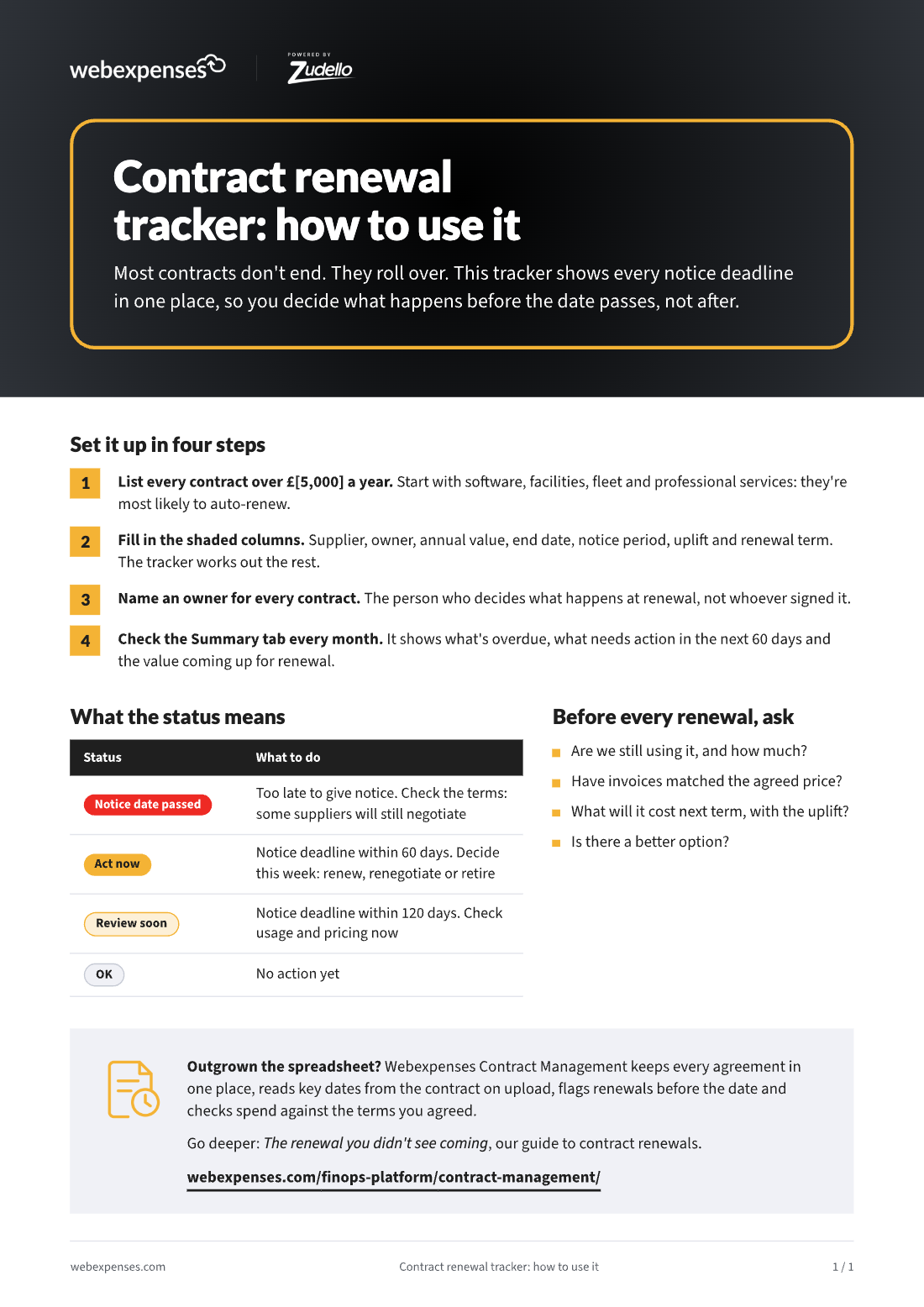
1. Set it up in four steps

  1. List every contract over a set annual value, such as £5,000. Start with software, facilities, fleet and professional services: they’re most likely to auto-renew.
  2. Fill in the shaded columns. Supplier, owner, annual value, end date, notice period, uplift and renewal term. The tracker works out the notice deadline, the status and what the next term will cost.
  3. Name an owner for every contract. The person who decides what happens at renewal, not whoever signed it.
  4. Check the Summary tab every month. It shows what’s overdue, what needs action in the next 60 days and the value coming up for renewal.

2. What the status means

StatusWhat to do
Notice date passedToo late to give notice. Check the terms: some suppliers will still negotiate.
Act nowNotice deadline within 60 days. Decide this week: renew, renegotiate or retire.
Review soonNotice deadline within 120 days. Check usage and pricing now.
OKNo action yet.

3. Before every renewal, ask

  • Are we still using it, and how much?
  • Have invoices matched the agreed price?
  • What will it cost next term, with the uplift?
  • Is there a better option?

Outgrown the spreadsheet? Webexpenses Contract Management keeps every agreement in one place, reads key dates from the contract on upload and flags renewals before the date.

Written for the people who sign it off and the people who make it work

For the decision-maker

CFO, Finance Director, Financial Controller

One view of every notice deadline and the value coming up for renewal, so nothing rolls over by accident.

For the team doing the work

Contract owners, procurement and finance teams

A ready-built spreadsheet: fill in the shaded columns and it flags what needs action, with a one-page guide to set it up.

See it on your own process

Book a discovery call and we’ll talk through how your team works today. Then we’ll tailor a demo to what matters to you.

Platform

FRONT OFFICE

BACK OFFICE

Capabilities

EXPENSES

ACROSS THE PLATFORM

TRUST AND ROADMAP