Professional Services

Every cost on the right client’s bill.

Code every claim, invoice and order to the client and engagement when it is raised, so rebilling is a report, not a reconstruction.

Sound familiar?

The disbursement nobody rebilled

Costs paid to third parties on a client’s behalf never reach the invoice, and the firm absorbs them.

The receipt that turned up three weeks later

Fee-earners claim long after the cost was incurred, and the recoverable expense is written off because the evidence is gone.

Coded to the wrong engagement

The wrong client or matter code is found when the client queries an invoice, not when the cost was incurred.

WIP that isn’t what it says

Unbilled time and costs sit in work in progress because the expenses side was never reconciled to the engagement.

Contractors and placements claim on someone else’s timetable

Temporary staff and contractors submit through different routes and different cut-offs, and payroll chases for the detail.

Fee-earners are always at the client’s site

Travel, mileage and subsistence get claimed in batches, and the client’s own rate rules make each one a small dispute.

Get your P2P Control Score →

The AI FinOps Platform

Four modules that keep the margin on every engagement

Expense Management*

Out-of-pocket claims, mileage and card reconciliation. Policy applied as the claim is entered, and people paid without the chase.

Explore Expense Management →

Budgets

Budgets structured the way your business is, with every commitment measured against the right one before it is approved.

Explore Budgets →

Purchase Orders

Requests raised in one place and approved against budget and policy before the money is committed. Nothing bought off-contract.

Explore Purchase Orders →

Accounts Payable

Invoices read as they arrive, matched to the order and the receipt, and routed to whoever can approve them. More volume, same team.

Explore Accounts Payable →

*Expense Management is available today as a standalone Webexpenses product. Full integration with the platform is coming soon.

From the client’s site to the client’s invoice

1

Incur. The cost is claimed, or the order is raised, and coded to the client and engagement at the point of entry.

2

Split. A cost that belongs to more than one engagement is split at submission, not corrected later.

3

Approve. The right engagement lead approves the cost against that engagement’s budget.

4

Post. Supplier invoices and purchase orders carry the same client and engagement codes into your ledger.

5

Rebill. What the client owes you is a report by client code, ready for the invoice.

Explore Budgets → and Explore Expense Management →

Coded at the point of spend

Coded at the point of spend

Client codes, project references and cost centres are configurable and applied when the cost is entered, so consultancies, agencies and practices can tie spend to the engagement without a separate reconciliation step. Receipts are required before a claim can be submitted.

*Expense Management is available today as a standalone product. Full integration with the platform is coming soon.
Claims that fit how people work

Claims that fit how people work

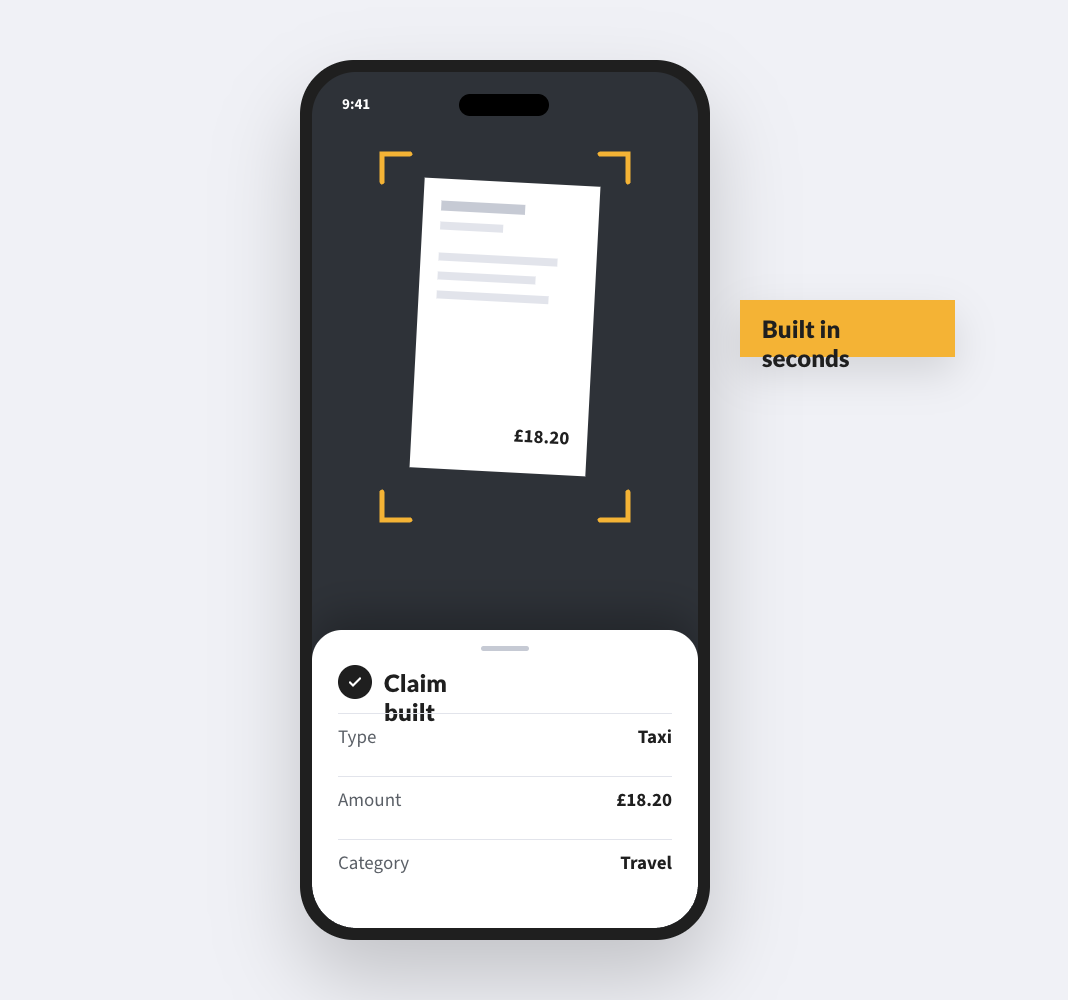
Fee-earners claim from their phones, scan the receipt and log mileage by postcode or GPS at HMRC rates. One claim with costs on several engagements can go to the right people for each.
The live position by engagement

The live position by engagement

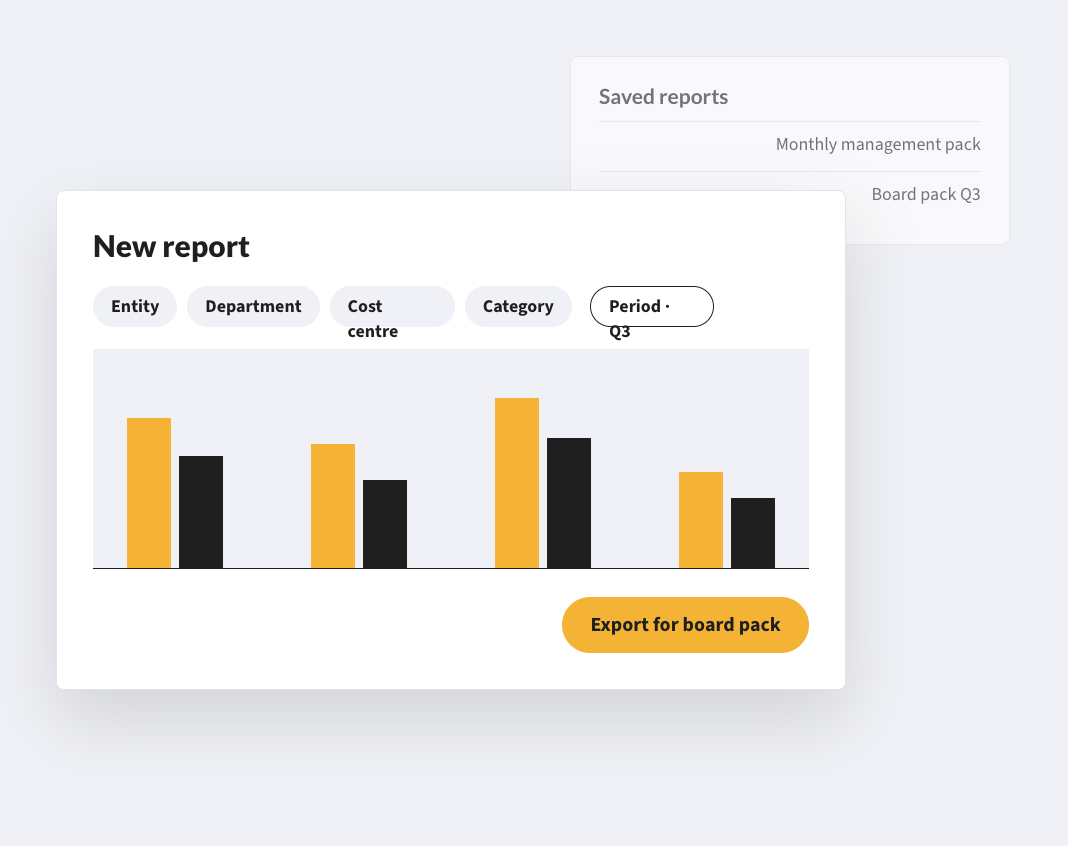
Budgets shows spend against each engagement as it builds, so an engagement running over shows up while there is still time to talk to the client.

CUSTOMERS

Professional services firms already run on Webexpenses

1 day to 2 hours
to consolidate and process the company’s claims

“It used to take me at least a day to consolidate, analyse and process all the expenses claims for the company but now, using Webexpenses, it only takes me a couple of hours.”

Procure4UK Business Analyst
1 minute
to process a claim, down from 7 to 8 minutes

“Webexpenses was probably one of the easier change processes we’ve done because people could see it make a difference very quickly. It was easy to convince them to change.”

DRP GroupIT Project Manager
1,400
claims a month, with no extra resources

“I cannot stress how much better Webexpenses has been than our old paper based system. The management information now available to us is substantial, everything is there!”

Adecco GroupHead of Payroll

FAQs

Can we track expenses against clients and engagements for rebilling?

Yes. Client codes and project references are configurable and applied at the point of entry, so cost is tied to the engagement it belongs to without a separate reconciliation step.

Can one claim be split across several clients?

Yes. A single expense item can be split across cost centres or client codes at submission, by the claimant or the approver.

How is VAT handled on expenses we rebill?

VAT is captured from receipts and categorised against the correct rate, and VAT-ready reports feed your accounting system. How a pass-through cost is treated for VAT and revenue is a question for your accountant.

Can contractors and temporary staff use it?

Yes. You pay for active users, so people can be added when a placement starts and removed when it ends.

Does it work with our finance system?

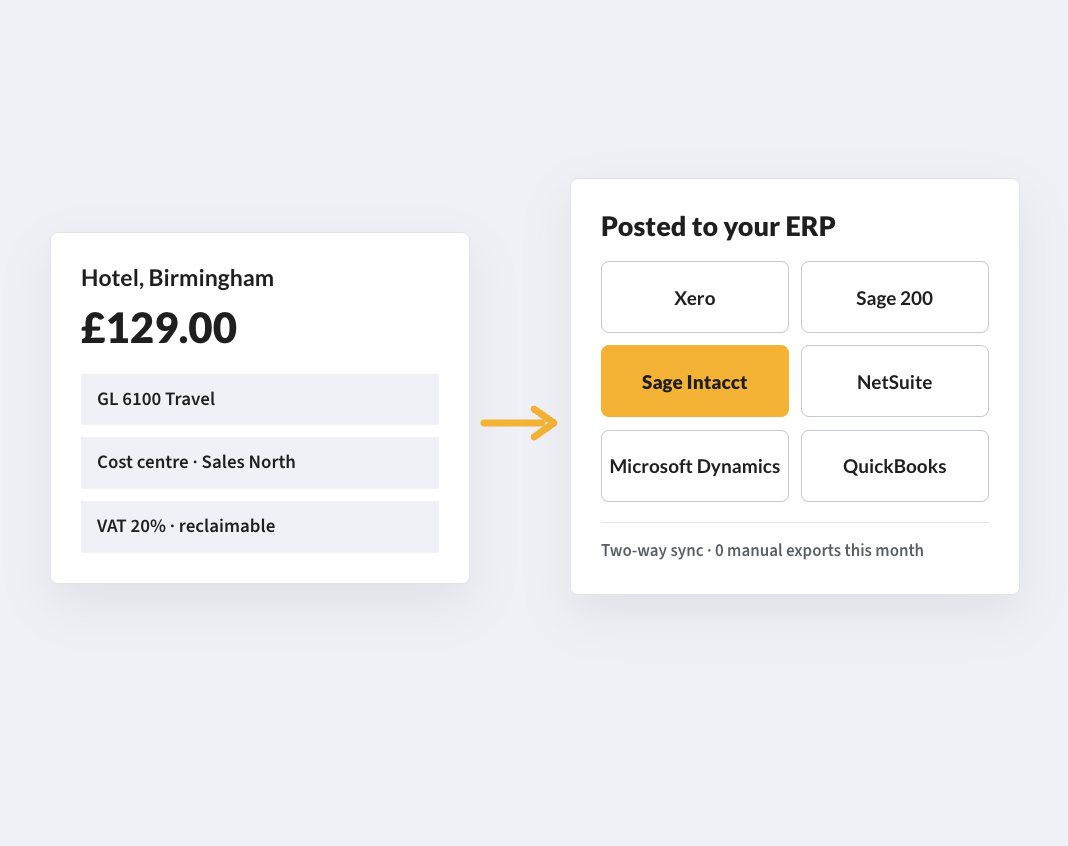
Yes. Webexpenses integrates with the main finance systems, including Oracle, Microsoft Dynamics, NetSuite, Sage Intacct, Xero and QuickBooks, and approved data posts without re-keying. For anything else, we scope it in the discovery call.

Do we have to buy the whole platform?

No. Expense Management is available today as a standalone product. Other modules start with a discovery call so we can scope what you need.

How long does it take to get live?

Expense Management is set up in five phases: onboarding, integration, presentation, testing and migration, then launch and hypercare, with our team alongside you throughout. Platform modules start with a discovery call, where we scope what you need and how it would be set up.

Rebill every cost you incurred for a client

Costs coded to the client and engagement from the moment they are raised.

See how your purchase-to-payment controls score →

Platform

FRONT OFFICE

BACK OFFICE

Capabilities

EXPENSES

ACROSS THE PLATFORM

TRUST AND ROADMAP