Free checklist

Is your ERP doing too much?

Signs you need a layer around your ERP, not a replacement. Tick the eight signs you recognise and see what your score says.
3 pages · 8-sign checklist · No sign-up needed
Cover of Is your ERP doing too much?

At a glance

Keep the ERP as the ledger. Fix the first mile.

  1. 01Your ERP is good at being the ledger. It holds the record, runs the reports and keeps the auditors happy.
  2. 02Most weren’t built for the first mile. Reading PDF invoices, chasing approvers and showing budget holders what’s left.
  3. 03Replacing it won’t fix that. A layer around the ERP can, while it stays the system of record.

1. Eight signs

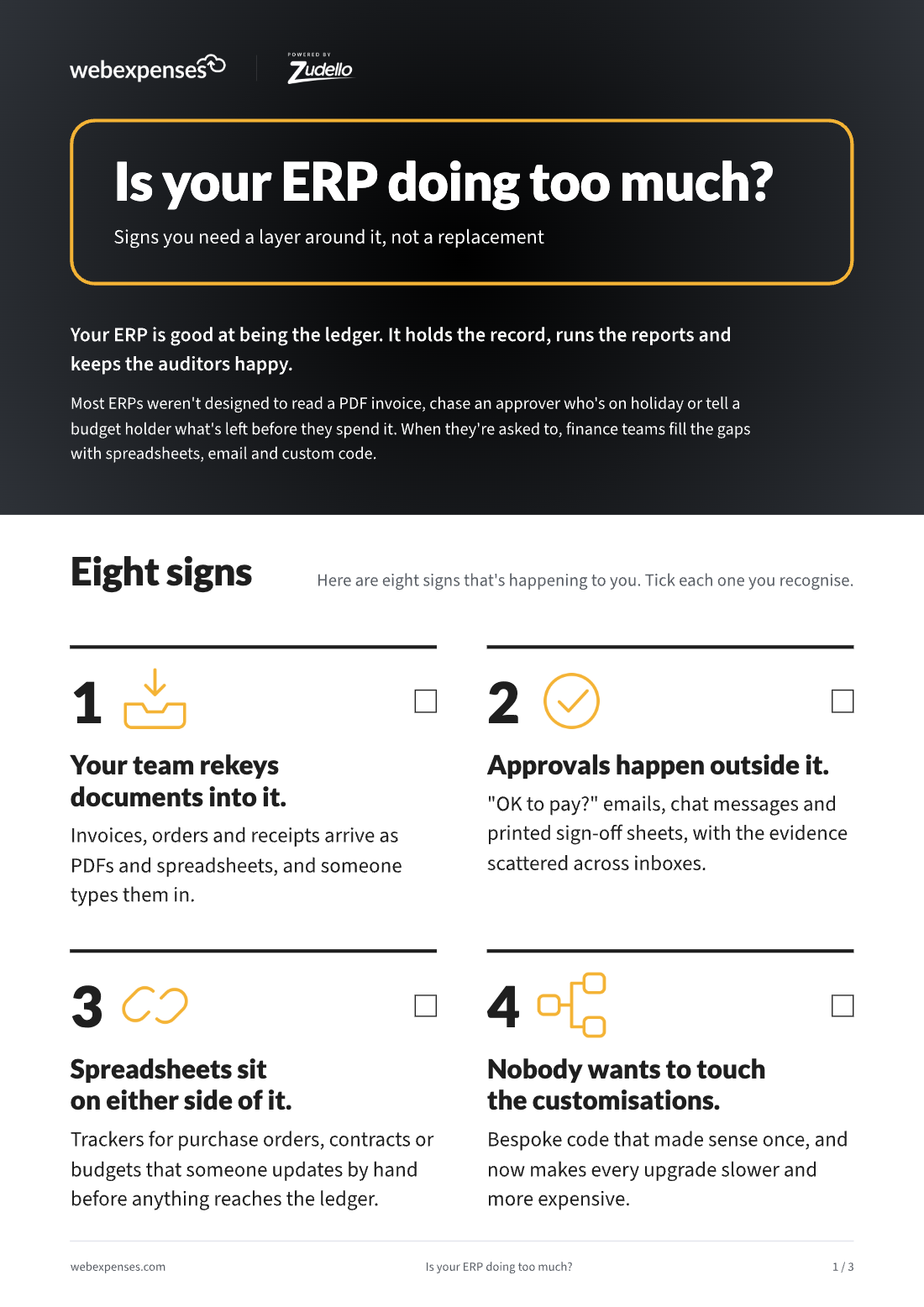
  1. Your team rekeys documents into it. Invoices, orders and receipts arrive as PDFs and spreadsheets, and someone types them in.
  2. Approvals happen outside it. “OK to pay?” emails, chat messages and printed sign-off sheets.
  3. Spreadsheets sit on either side of it. Trackers for purchase orders, contracts or budgets, updated by hand.
  4. Nobody wants to touch the customisations. Bespoke code that makes every upgrade slower and more expensive.
  5. You pay for seats people barely use. Managers who approve something once a month, on a full licence.
  6. Budget holders find out after the money’s spent. Reports show what happened, not what’s already committed.
  7. Month-end is when you find the problems. Mismatches that could have been caught on day 3 turn up on day 31.
  8. Contracts live in a shared drive. Renewal dates are found when the next invoice arrives.

2. What your score means

Signs you recognisedWhat it means
0 to 2Your ERP is doing its job. Keep an eye on the workarounds.
3 to 5The gaps are costing you time. A layer around the ERP is worth a look.
6 or moreYour ERP is doing jobs it wasn’t built for. Let’s talk.

3. Replace it, or work around it properly?

Replacing an ERP is a long, expensive project, and a new one still won’t read your invoices. The alternative is to leave the ERP doing what it’s good at and add a layer that handles the first mile: capturing documents, checking them, getting them approved and writing clean data back.

JobYour ERPThe FinOps platform
General ledger and statutory reporting✓
System of record✓
Reading invoices, orders and receipts✓
Approvals from people outside finance✓
Matching invoices to orders and receipts✓ then written back
Live budget position before spend is approved✓
Contracts and renewal dates✓

Works with leading ERPs including Sage Intacct, NetSuite and Microsoft Dynamics. See the full list on our integrations page.

Want a score for how connected your spend is today? Try the Spend Connectivity Score.

The FinOps platform takes on your ERP's naming, custom fields and dimensions, and writes clean data back to the same structure. Your ERP stays the system of record.

Written for the people who sign it off and the people who make it work

For the decision-maker

CFO, Finance Director

A quick way to judge whether you need a new ERP, or a layer that takes the first-mile work off the one you have.

For the team doing the work

Finance systems and finance operations leads

Eight practical signs to check against how your team works today, and a clear split of which jobs belong where.

See it on your own process

Book a discovery call and we’ll talk through how your team works today. Then we’ll tailor a demo to what matters to you.