Free checklist

Month-end close checklist: where the hours really go

Month-end rarely runs late because of the difficult work. It runs late because of the chasing. This checklist splits close into five stages, so you can log where your hours go and win them back.
4 pages · 5-stage checklist · No sign-up needed
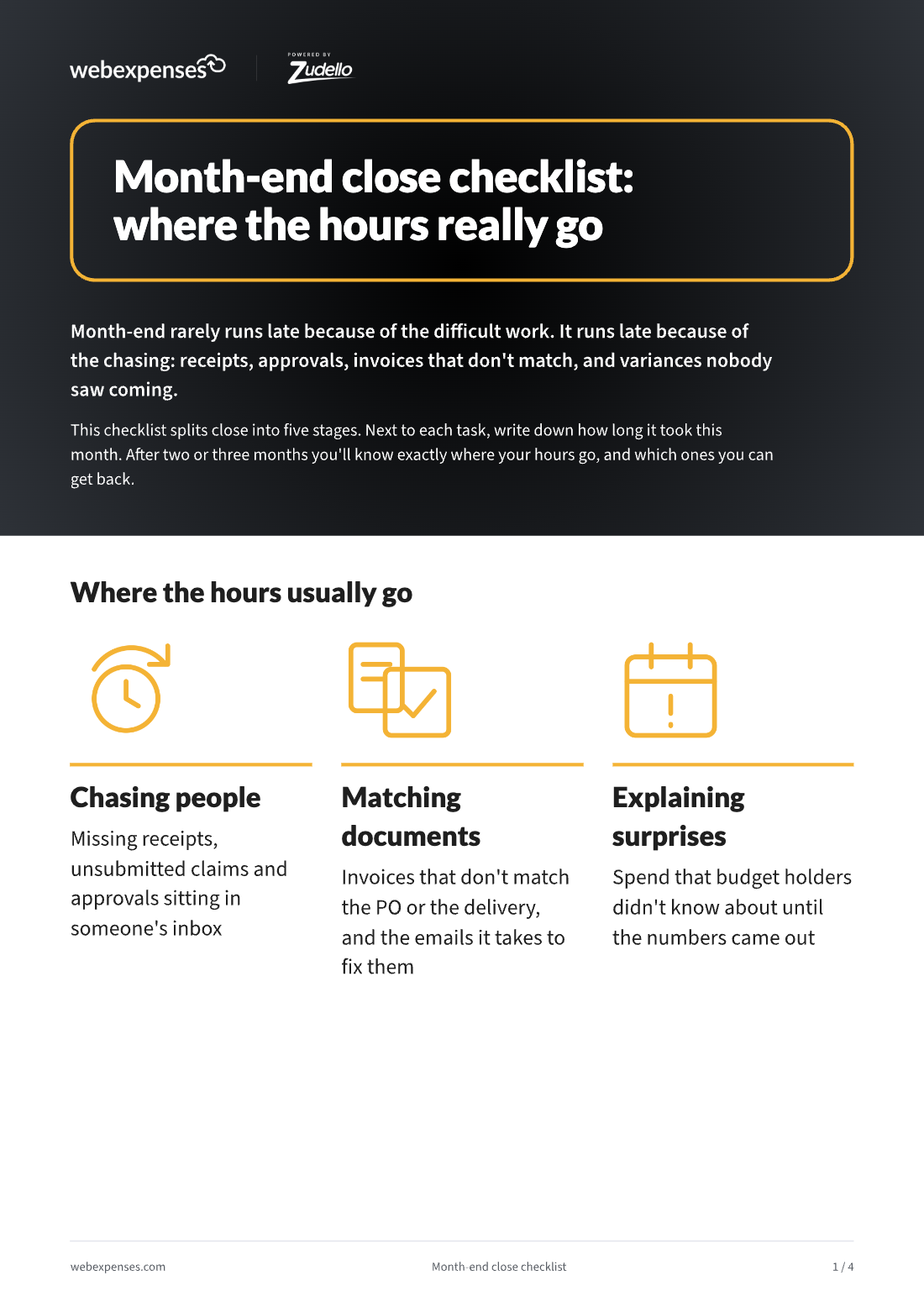
Cover of Month-end close checklist: where the hours really go

At a glance

Log it for two or three closes

  1. 01Five stages, from getting ahead to locking the period. Every task with an owner and a time column.
  2. 02Time sinks are flagged. Chasing people, matching documents and explaining surprises.
  3. 03Log the time for two or three months. You’ll know exactly where your hours go, and which ones you can get back.

1. The five stages

Adjust the days to your own timetable. Next to each task, write down how long it took this month.

Before month-end: get ahead

  • Send a cut-off reminder to claimants and budget holders
  • Chase outstanding expense claims and missing receipts (time sink)
  • Chase approvals sitting with managers (time sink)
  • Review open purchase orders and goods received but not invoiced

Days 1 to 2: capture and match

  • Check every supplier invoice for the month is in and coded
  • Reconcile supplier statements and chase missing invoices (time sink)
  • Match invoices to purchase orders and receipts, and resolve mismatches (time sink)
  • Post approved expense claims
  • Reconcile company card statements to receipts (time sink)
  • Accrue for goods and services received but not yet invoiced

Days 2 to 3: reconcile

  • Bank reconciliations
  • Intercompany reconciliations
  • Balance sheet reconciliations
  • Prepayments and deferred income

Days 3 to 4: review

  • Budget against actual variance review with budget holders (time sink)
  • Review manual journals
  • Check VAT coding on expenses and invoices

Days 4 to 5: report and close

  • Prepare management accounts
  • Lock the period
  • Note the three tasks that took longest this month

2. Where the hours usually go

  • Chasing people: missing receipts, unsubmitted claims and approvals sitting in someone’s inbox.
  • Matching documents: invoices that don’t match the PO or the delivery, and the emails it takes to fix them.
  • Explaining surprises: spend that budget holders didn’t know about until the numbers came out.

3. Getting the hours back

Look at the three tasks that took longest. If they’re the flagged ones, the fix usually isn’t working harder at month-end. It’s catching the problem when the transaction happens.

If the hours go on…What changes it
Chasing receipts and claimsWebexpenses Expense Management*: policy applied as the claim is entered, and people paid without the chase
Matching invoices and statementsWebexpenses Accounts Payable: invoices read as they arrive and matched to order and receipt, with supplier statements reconciled
Card reconciliationWebexpenses Expense Management*: card transactions matched to receipts as you go, not at month-end
Late approvalsWebexpenses Purchase Orders: spend approved before the money is committed
Budget surprisesWebexpenses Budgets: the live position, not last month’s

*Expense Management is available today as a standalone Webexpenses product. Full integration with the FinOps platform is coming soon.

Financial Controller? Read Month-end close: where your team’s hours go for the five numbers to track.

Most month-end hours start earlier in the month. Webexpenses catches problems when the transaction happens, not on day 31.

Written for the people who sign it off and the people who make it work

For the decision-maker

Financial Controller, Finance Director

A baseline for where close time goes, so you can see which hours are worth winning back first.

For the team doing the work

Finance and AP teams

Every close task in order, with an owner and a time column, and the usual time sinks flagged.

See it on your own process

Book a discovery call and we’ll talk through how your team works today. Then we’ll tailor a demo to what matters to you.

Platform

FRONT OFFICE

BACK OFFICE

Capabilities

EXPENSES

ACROSS THE PLATFORM

TRUST AND ROADMAP