
At a glance
Contents
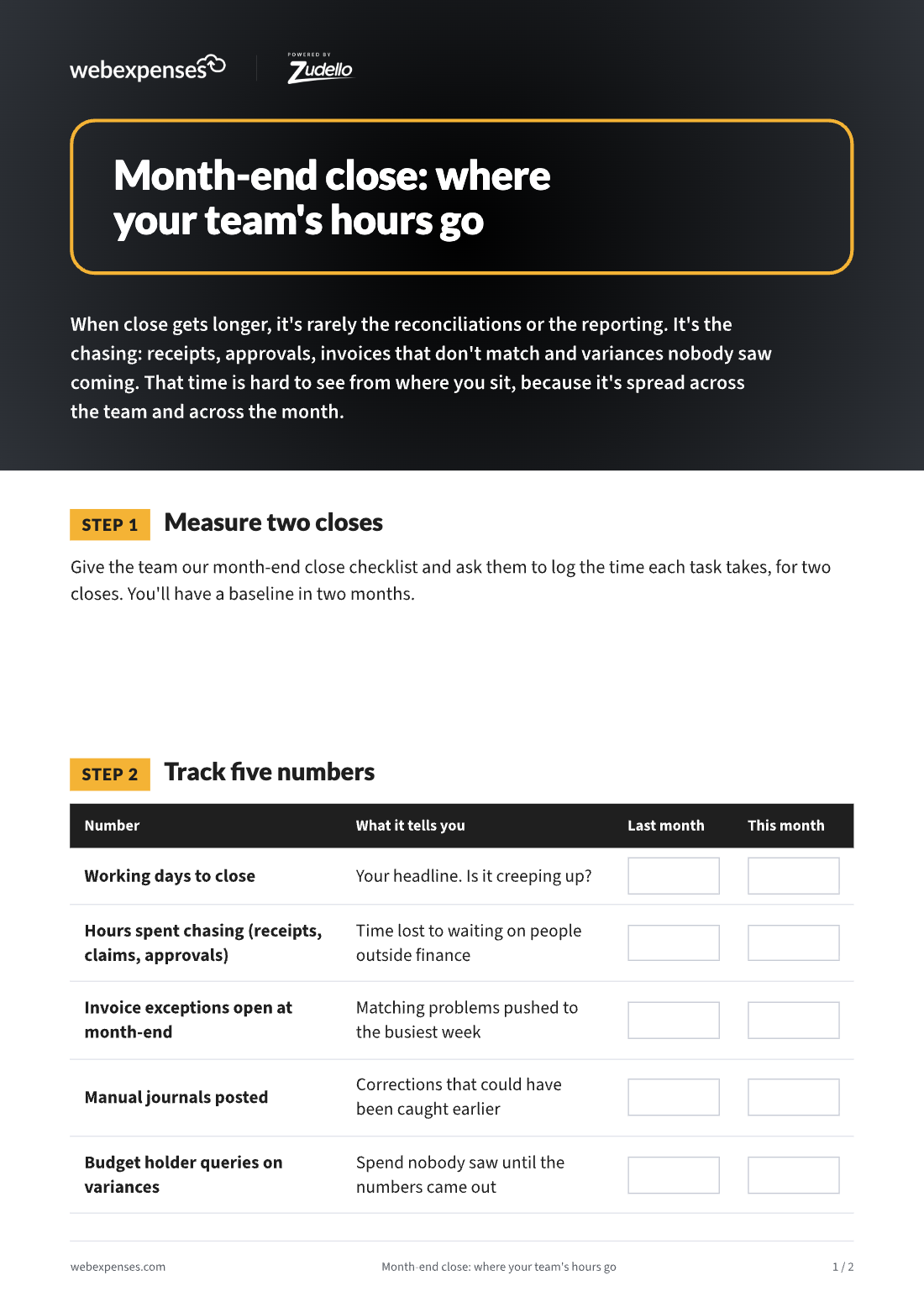
Close time is hard to see from where you sit, because it’s spread across the team and across the month. Give the team our month-end close checklist and ask them to log the time each task takes, for two closes. You’ll have a baseline in two months.
| Number | What it tells you |
|---|---|
| Working days to close | Your headline. Is it creeping up? |
| Hours spent chasing receipts, claims and approvals | Time lost to waiting on people outside finance |
| Invoice exceptions open at month-end | Matching problems pushed to the busiest week |
| Manual journals posted | Corrections that could have been caught earlier |
| Budget holder queries on variances | Spend nobody saw until the numbers came out |
Most of the month-end hours start earlier in the month. The fix is catching the problem when the transaction happens.
| Time sink | Usually caused by | What changes it |
|---|---|---|
| Chasing receipts and claims | Policy checked after submission | Webexpenses Expense Management*: policy applied as the claim is entered |
| Card reconciliation | Statements matched once a month | Card transactions matched to receipts as they come in |
| Invoice exceptions | No PO, no receipt, wrong price | Webexpenses Accounts Payable: invoices matched to order and receipt on arrival |
| Supplier statements | Missing invoices found late | Statements reconciled, missing invoices requested in one click |
| Late approvals | Approvals in email, approvers away | Approval routes with reminders and out-of-office cover |
| Budget surprises | Commitments invisible until invoiced | Webexpenses Budgets: committed spend counted when it’s raised |
*Expense Management is available today as a standalone Webexpenses product. Full integration with the FinOps platform is coming soon.
Want fewer variance surprises? Send budget holders our month-end checklist: 10 things finance will ask you.
Webexpenses catches month-end problems when the transaction happens: policy checked as claims are entered, invoices matched on arrival, and committed spend counted when it's raised.
For the decision-maker
For the team doing the work
Platform
FRONT OFFICE
BACK OFFICE
Capabilities
EXPENSES
ACROSS THE PLATFORM
TRUST AND ROADMAP
Vendor Validation
Broader Audience