Charities & Not-for-profit

Every pound traced to the right grant, before the funder asks.

Spend is coded to the right fund or grant at the point of purchase, so reporting to funders is a report, not a rebuild.

Sound familiar?

Restricted money, spent in a hurry

Spend lands on general funds and gets journalled to the right grant weeks later, if anyone spots it.

The funder wants it by project

Reporting means rebuilding a spreadsheet, and allocating direct costs and overheads to each project by hand.

Trustees ask whether it was approved

Grant conditions say what the money can be spent on, and trustees answer for it when it isn’t used as intended.

Staff and volunteers spend out of their own pockets

Events and community projects run on goodwill and personal cards, and the claims arrive in a pile.

Fundraisers and field teams are always out

Events, shops and community work mean staff travel constantly and claim after the fact.

Growth outpaces the finance team

Funding grows, headcount grows, the finance team stays the same size, and admin takes the time that should go on the mission.

Get your P2P Control Score →

The AI FinOps Platform

Four modules that keep every pound with its fund

Budgets

Budgets structured the way your business is, with every commitment measured against the right one before it is approved.

Explore Budgets →

Purchase Orders

Requests raised in one place and approved against budget and policy before the money is committed. Nothing bought off-contract.

Explore Purchase Orders →

Accounts Payable

Invoices read as they arrive, matched to the order and the receipt, and routed to whoever can approve them. More volume, same team.

Explore Accounts Payable →

Expense Management*

Out-of-pocket claims, mileage and card reconciliation. Policy applied as the claim is entered, and people paid without the chase.

Explore Expense Management →

*Expense Management is available today as a standalone Webexpenses product. Full integration with the platform is coming soon.

From purchase to funder report

1

Budget. Each fund or grant has its own budget, cost codes and spending limits.

2

Order. A purchase is approved before the money is committed, against the right fund.

3

Read. Supplier invoices are read as they arrive and coded to the fund.

4

Claim. Staff expenses are coded to the fund or cost centre when they are submitted.

5

Report. Spend by fund or grant exports in the format your funder or trustees need.

Explore Budgets → and Explore Purchase Orders →

Ring-fenced, then reported

Ring-fenced, then reported

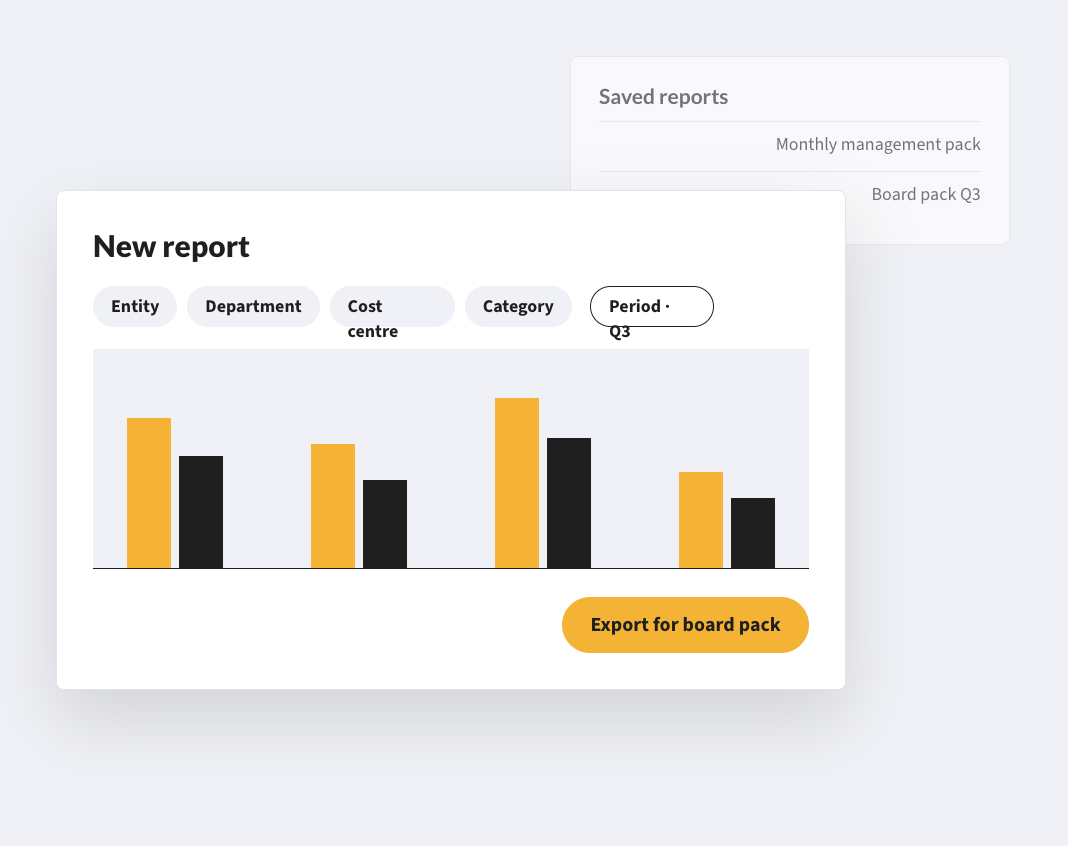
Grant-funded and restricted budgets have their own cost codes, approval rules and spending limits. Claims against a fund are tracked separately, so reporting against each one is separate and exportable.
Paper-free, and counted

Paper-free, and counted

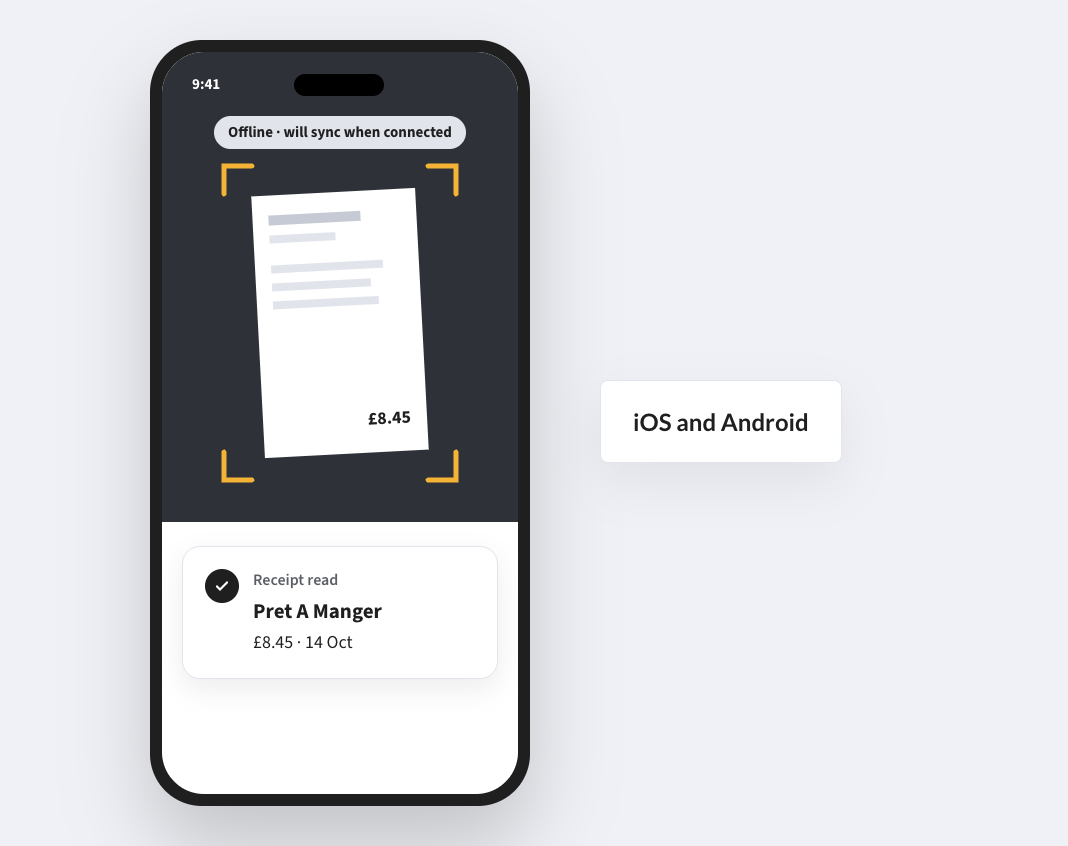
Several charities describe the win partly in sustainability terms. All We Can’s live credit card feeds support its net-zero emissions goal, and Global Action Plan has moved to paper-free ways of working.
Small teams, many people spending

Small teams, many people spending

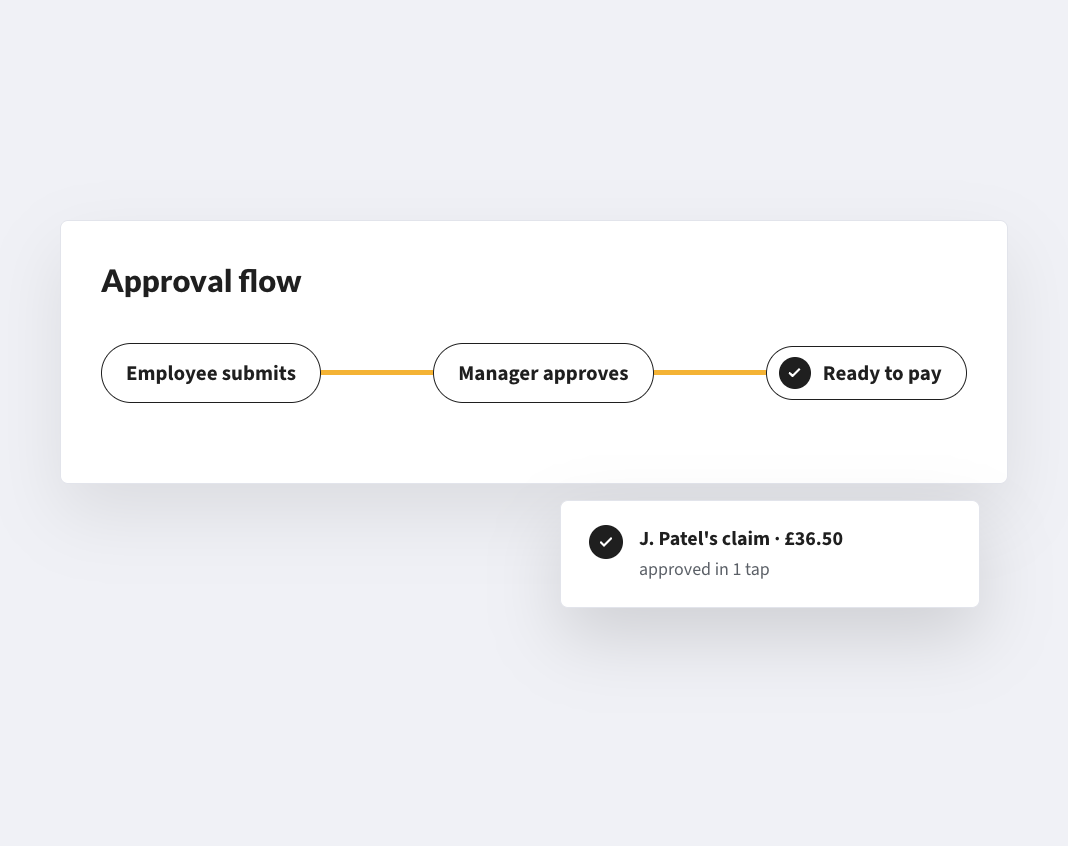
Staff in shops, events and community projects submit from their phones. Budget holders approve against their own cost centre without needing access to the central finance system.

*Expense Management is available today as a standalone product. Full integration with the platform is coming soon.

CUSTOMERS

Charities already run on Webexpenses

155
users supported through rapid growth

“The amount of time we have saved is remarkable. The managers are happy as they no longer have piles of paperwork on their desks, awaiting approval.”

3 days
a month saved, with live card feeds supporting its net-zero goal

“With a small amount of effort, you can gain huge savings in time and efficiency which by far offset the small cost to run the solution.”

All We CanHead of Operations and Resources
1.5 hours
saved on each claim

“With Webexpenses it has become a much more efficient process – it’s cut out a lot of time-consuming and repetitive data entry. We estimate that it’s cut the process by around one and a half hours for each claim.”

Global Action PlanFinance Assistant

FAQs

Can grant-funded or restricted expenditure be tracked separately from general budgets?

Yes. Grant-funded and restricted-fund budgets are ring-fenced with their own cost codes, approval rules and spending limits. Reporting against each fund is separate and exportable in the format your funder or board requires.

Can a multi-site charity run on one platform?

Yes. Each site, shop or branch can have its own approval structure and budget visibility, while the central team has consolidated reporting.

How do staff and volunteers get reimbursed?

Staff submit from the mobile app and, once approved, the claim is paid directly to their bank account where that is set up.

Do we pay for people who rarely claim?

No. You pay for active users, so occasional claimants do not add permanent cost.

Does it work with our finance system?

Webexpenses has native connectors for Oracle, Sage Intacct and Sage 200, and approved data posts without re-keying. For other systems, we scope it in the discovery call.

Do we have to buy the whole platform?

No. Expense Management is available today as a standalone product. Other modules start with a discovery call so we can scope what you need.

How long does it take to get live?

Expense Management is set up in five phases: onboarding, integration, presentation, testing and migration, then launch and hypercare, with our team alongside you throughout. Platform modules start with a discovery call, where we scope what you need and how it would be set up.

Show the funder where every pound went

Spend coded to the right fund or grant from the moment it is committed.

See how your purchase-to-payment controls score →

Platform

FRONT OFFICE

BACK OFFICE

Capabilities

EXPENSES

ACROSS THE PLATFORM

TRUST AND ROADMAP