Two-way and three-way matching are terms you’ll run into often in finance, especially in accounts payable. Each is a way to check a supplier invoice before you pay it. All that separates them is the number of documents the invoice is compared with.
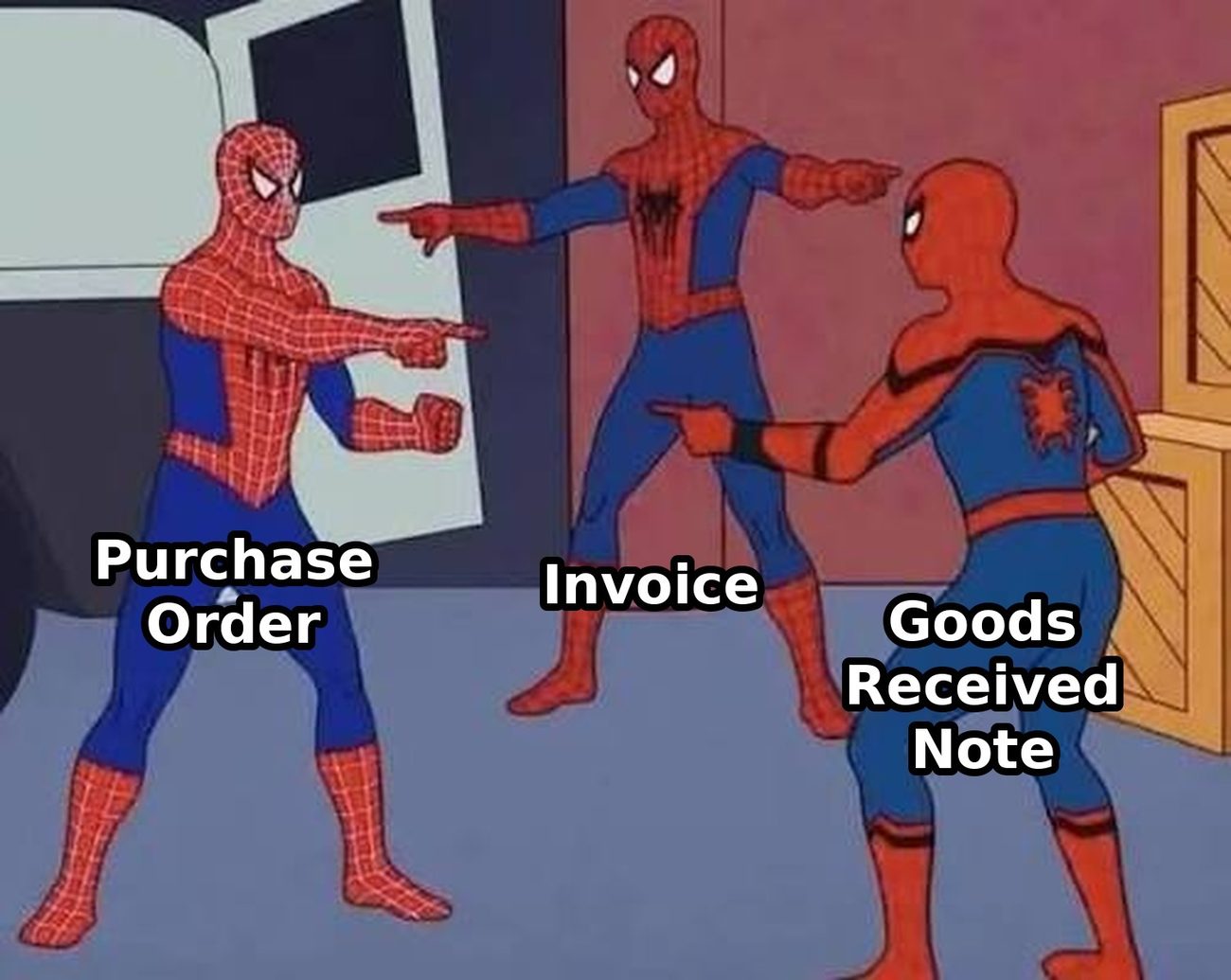
Two-way matching checks the invoice against the purchase order. Three-way matching also checks it against the goods received note, the record of what actually arrived.
As a rule, use three-way matching for physical goods, because it’s the only method that confirms the goods turned up. Use two-way matching for services, such as consultancy, cleaning or a fixed monthly fee, where there’s nothing physical to receive.
Most finance teams don’t pick one method for everything. You set the level of matching by supplier, category or value. Regular bills such as rent, utilities and subscriptions often need no purchase order at all, just an approver who knows what the bill should be.
What two-way matching is
Two-way matching is the process of checking a supplier invoice against its purchase order before you pay it. Your AP team, or your AP software, confirms four things: the right supplier, the right items, the right quantity and the right price.
It catches the most common invoice problems. A supplier bills at last year’s price list, or forgets a discount you negotiated. An extra line appears that nobody ordered. An invoice arrives with no PO at all, which tells you someone bought outside your process.
What two-way matching can’t tell you is whether anything turned up. If you ordered 15 items and the invoice charges for 15, the invoice matches the PO perfectly, even if only 12 arrived.
For services that’s rarely a problem, because the person approving the invoice usually knows whether the work was done. For physical goods it’s a real gap.
What three-way matching is
Three-way matching is the process of checking a supplier invoice against the purchase order and the goods received note (or delivery note) before you pay it. The goods received note is the record, made at the point of delivery, of what actually arrived.
That third document closes the gap. Say you order 15 laptops at £600 each from an approved supplier. The supplier invoices £9,000, but only 12 laptops arrive, and nobody tells finance.
With two-way matching, the invoice matches the PO and you pay £9,000 for £7,200 of laptops. With three-way matching, the receipt says 12, the invoice says 15, and the invoice is held until someone resolves the difference.
Three-way matching also handles partial deliveries properly. If you order 100 units and 60 arrive, an invoice for 60 matches, and the PO stays open for the other 40.
Three-way matching isn’t only for stock and equipment, though. You can use it for capital expenditure too, such as building works, vehicles and larger maintenance or repair jobs, where you want confirmation that the work was delivered before you pay.
It also suits services paid in stages. If a project is invoiced at milestones, a sign-off that each milestone is complete stands in for the goods receipt, so you only pay for the stages that are actually done.
The catch is that someone has to record what arrived, at the time it arrives. This is where three-way matching most often breaks down. The boxes arrive, the equipment goes on desks, and the receipt is never recorded. Or it’s booked in three weeks later, from memory, because AP asked.
A three-way match against a receipt made up after the fact checks nothing.
If some of your goods need testing or inspection before you accept them, build that into the receipt. Record the goods as received only once they’ve passed, so the three-way match checks the invoice against what you’ve actually accepted.
Two-way vs three-way matching at a glance
| Method | Compares | Error(s) caught | Best for |
| No match | Invoice and approver judgement | Very little on its own | Utilities, rent, subscriptions |
| Two-way | Invoice and PO | Wrong price, wrong items, no PO | Services and fixed fees |
| Three-way | Invoice, PO and goods receipt | All of the above, plus goods not received and short deliveries | Physical goods and materials |
How to choose the right method
The test for each type of spend is whether there’s something physical to receive. If there is, use three-way matching. If there isn’t, two-way is probably enough.
In practice, most finance teams end up with a mix:
- Physical goods and materials (stock, equipment, parts, raw materials), along with capital projects such as building works and vehicles, go through three-way matching, because a short delivery is a real risk and the receipt is the only proof.
- Services and fixed fees (consultancy, maintenance contracts, agency retainers) go through two-way matching, where the approver confirms the work was done. Services invoiced at milestones can go through three-way matching instead, with a sign-off for each stage.
- Regular bills with no PO (rent, utilities, software subscriptions) are approved on their own, where a PO would add admin and no control. They still need an approver who knows what the bill should be, and a budget they’re coded to.
You can also set the level by supplier, category or value, so your rules follow how you actually buy instead of one setting for everything.
Write these rules down. When it’s clear which spend needs a PO and which matching level applies, your team stops making the decision invoice by invoice, and your auditor can see the policy behind every payment.
Your software should let you choose
Your spend isn’t all one type, right. So one matching setting for every invoice doesn’t work:
- Set everything to three-way and your team chases goods receipts for consultancy invoices that never had a delivery.
- Set everything to two-way and you pay for short deliveries without knowing.
- Do nothing and you’re relying on approvers to spot every error on their own.
What you need is the flexibility to apply the right check to the right spend, and to update it as your suppliers and buying change.
When you’re comparing AP software, check that you can set the matching level by supplier, category or value rather than one setting for the whole account. Check that it handles both itemised and blanket purchase orders, and that invoices without a PO, such as rent and utilities, still go through approval.
Check, as well, that you can set tolerances for both price and quantity, and that exceptions show which line is out and by how much.
How to make matching work
Choosing the method is the easy part. Matching only works if the documents it relies on are accurate and on time.
- Match against the right kind of PO
- An itemised PO lists each line: product, quantity and unit price. Matching happens line by line, so a single line at the wrong price stands out instead of hiding in a total. Several invoices can draw down against one PO, each matched against what’s left.
- A blanket PO commits a value with a supplier over a period without listing every item, such as cleaning at £1,500 a month for a year. Invoices are matched against the supplier, the category and the balance left. Blanket POs save a lot of admin, but they need an end date and a tracked balance. An open-ended blanket PO is a standing approval nobody remembers giving.
- Record receipts when goods arrive
Three-way matching depends on someone at each site recording what was received, against the PO, when it arrives.
Make it something simple: a quick entry on a phone, with a photo of the delivery note if needed, does more than a form someone fills in later. Make it someone’s job at every site that takes deliveries.
- Set tolerances that don’t create noise
Insist on an exact match and every penny of rounding becomes an exception. Allow too much and you’ve stopped checking. A matching tolerance sets the line: how far the invoice can differ from the PO or the receipt before it’s flagged.
There are two kinds. A price tolerance limits how far the invoice price can differ from the PO price, and is usually a percentage, a fixed amount, or whichever is lower, such as 2% or £50.
A quantity tolerance limits how far the invoiced quantity can differ from what was received, which helps with goods sold by weight or length. Start tight and loosen once you’ve seen the exceptions, because tightening a tolerance after a problem is harder.
Vary tolerances by category: fuel and raw materials move in price for example, while software licences shouldn’t (at least not regularly). Decide up front whether delivery charges need their own PO line or sit inside a tolerance.
Then review your tolerances every quarter. If one supplier is always just inside tolerance, look closer.
- Send each exception to the person who can fix it
Most invoices match. The ones that don’t take most of the time, and the fix is rarely working harder in AP.
It’s getting each exception to the person who can resolve it. A price mismatch goes to the buyer, who checks the contract price. A quantity mismatch or a missing goods receipt goes to whoever took the delivery.
An invoice with no PO goes to the budget holder for retrospective approval, logged as an exception. A new set of bank details goes to AP and the supplier manager, who verify it by phone on a known number before anyone pays.
Give every exception a deadline, because an exception with no deadline becomes a late payment. Record the reason with a short list of codes, so you can count them and fix the cause, not just the invoice.
- Track your first-time match rate
Your first-time match rate is the share of invoices that match with no one touching them.
It’s the headline number for any matching process. Alongside it, track exceptions by reason, time to resolve an exception, invoices paid late because of exceptions, and duplicates caught.
Together they tell you whether your method, your tolerances and your routing are working.
How Webexpenses Accounts Payable handles matching
Webexpenses Accounts Payable, which is powered by Zudello, reads invoices as they arrive and matches them against what you ordered and received. It’s built so that your team handles the exceptions, not every invoice.
You choose the level of matching. Set two-way or three-way matching by supplier, category or value, against itemised or blanket purchase orders.
Invoices are read to line level. Invoices arrive as PDFs, spreadsheets, Word documents, CSVs and images. Each one is read down to the individual lines, so matching happens line by line, and duplicates are caught before they’re processed twice.
Receipts are recorded where the goods arrive. Whoever takes the delivery records what was received on their phone, with photos attached from the mobile app. AP has a goods receipt to match against without chasing the site.
Tolerances are yours to set. Allow small price or quantity differences without holding the invoice, and keep everything else flagged.
Exceptions show exactly what’s wrong. You see which line doesn’t match and by how much. The discrepancy goes to the right person to approve, query or reject, instead of sitting in an AP inbox.
Prices are checked against your contracts. With Webexpenses Contract Management, invoices are also checked against the rate you agreed, so a price rise that nobody accepted gets caught at the match.
Supplier statements are reconciled. Statements are matched against your invoices. Missing invoices and differences are flagged, and you can request a copy from the supplier in one click.
Your ERP stays in charge. If you already raise stock POs in your ERP, keep doing it: they’re pulled in for matching. Matched, coded data is written back to your ERP, which remains your system of record.
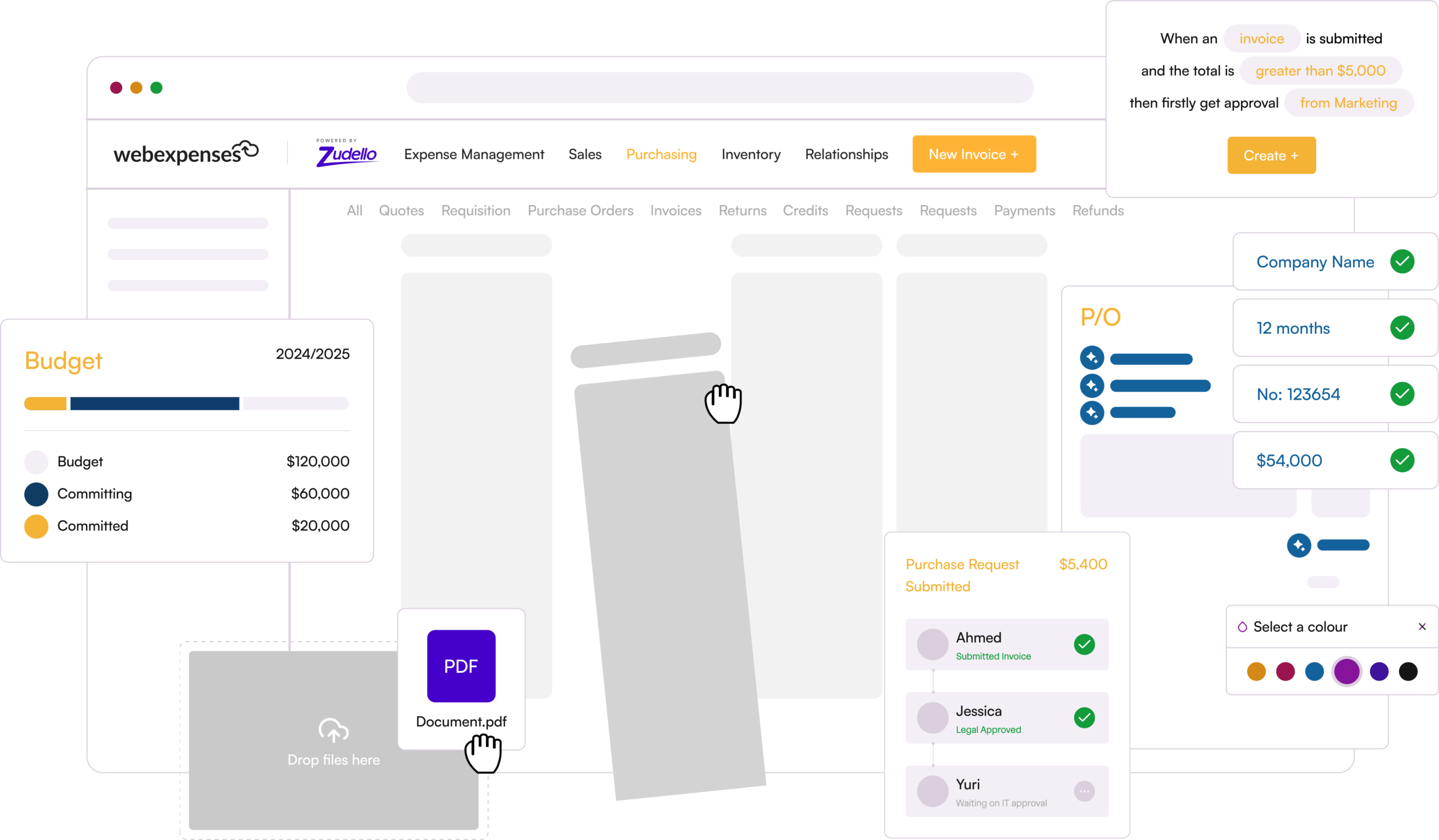
Add Webexpenses Purchase Orders and you get the front part of the process too: requests approved against budget, POs raised from the approved request with agreed prices filled in, and one record from request to payment.
Every finance team matches differently, so we start with a conversation, not a demo. Book a discovery call and we’ll talk through how invoices reach you today, where matching slows down and what your exceptions cost you, then tailor a demo to what matters to you.