If you work in accounts payable, a big part of your week goes on checking and paying supplier invoices. There are hundreds of them, sometimes thousands, and nobody has time to go through every one line by line. So your AP software does the first check for you. It compares each invoice with its purchase order and flags the ones that don’t match.
Now, very few invoices match to the penny. So as a result most AP software lets you set a tolerance: the size of difference it treats as acceptable. With a 5% tolerance, an invoice that’s 2% over the purchase order goes through without an alert, while one that’s 20% over, for example, is flagged for someone to review.
Where you set that line decides which invoices your team looks at, and which ones get paid without anyone seeing them.
Where percentage-only works – and where it falls apart
At a small scale (or if your invoices tend to be small), a percentage-only tolerance may well do the job. But at a bigger scale, a percentage-only invoice matching tolerance lets large errors through without review.
In other words, a 5% tolerance is sensible on a £200 invoice, where it allows a £10 difference. On a £50,000 invoice, the same 5% means a £2,500 difference is marked as a match.
Someone will still approve an invoice that size, but they’ll see it’s matched and have little reason to go looking for the gap. And these costs stack up quickly.
The fix is to combine a fixed amount with a percentage, and to set different limits for different invoice values. That way your large invoices get a proper check, and your small ones don’t fill up your review queue over a few pounds of rounding.
What an invoice matching tolerance is
An invoice matching tolerance is the difference you allow between an invoice and the documents it’s checked against before the invoice is flagged for review.
When a supplier invoice arrives, your AP process compares it with the purchase order. This is called two-way matching. In three-way matching, you also check it against the goods received note, so you only pay for what was ordered and what actually turned up.
In practice, the figures rarely match to the penny. Prices change between order and delivery. Suppliers round VAT differently. Delivery charges get added. A shipment arrives a few units short. If your process flagged every one of these, your team would spend its days approving invoices that are, for all practical purposes, correct.
A tolerance sets the line. If the purchase order variance is inside it, the invoice moves on to approval or posting. If it’s outside, someone has to look at it. Get the line in the right place and you catch overcharges and errors without burying your team in false alarms.
Why a percentage alone isn’t enough
A percentage tolerance scales with the invoice, so the amount of money it lets through grows as the invoice gets bigger. That’s the opposite of what you want, because your largest invoices carry the most risk.
Here’s what a single 5% tolerance allows at three invoice sizes:
| Invoice value | 5% tolerance allows | What that looks like |
| £200 | £10 | A rounding difference or a small delivery charge. Fine to let through |
| £20,000 | £1,000 | A wrong unit price or an extra line nobody ordered. Worth a look |
| £1,000,000 | £50,000 | Enough to be a serious overcharge, duplicate line or pricing error. Should never pass unchecked |
The percentage is the same in every row, but you’ll notice the risk isn’t. At the bottom of the table, you’re trusting a single rule to approve tens of thousands of pounds of difference without anyone seeing it.
The problem works in the other direction too. If you tighten the percentage to protect your large invoices, say to 0.5%, your small invoices start failing over differences of a pound or two.
Your team ends up reviewing hundreds of low-value invoices that were never really wrong, and the ones that matter get less attention.
This is why a percentage on its own can’t do the job. It’s either too loose at the top or too tight at the bottom.
The fix: combine a fixed amount with a percentage
A combined tolerance sets two limits, a fixed amount and a percentage, and an invoice only passes if the difference is within both.
Take a rule of £50 and 5%. The percentage protects your small invoices from being flagged over pennies, and the fixed amount puts a ceiling on how much money can slip through on a large one:
| Invoice value | 5% limit | £50 limit | Difference allowed |
| £200 | £10 | £50 | £10 |
| £20,000 | £1,000 | £50 | £50 |
| £1,000,000 | £50,000 | £50 | £50 |
Now nothing over £50 gets through without someone seeing it, however big the invoice. That’s a much safer position than letting £50,000 pass on a percentage alone.
You’ll notice the £50 cap is very strict on a £1 million invoice. A difference of £50 on an invoice that size is often just a rounding issue, and you may not want your team reviewing it.
That’s where the next step comes in: setting different tolerances for different types of invoice.
How to choose your thresholds
The right tolerance depends on the invoice, so most finance teams set more than one. There are three common ways to split them.
- By value band. Set a tighter rule for small invoices and a looser fixed amount for large ones. For example, you might use £10 and 5% under £1,000, £50 and 2% up to £50,000, and £500 and 0.5% above that. Your highest-value invoices still get checked, but not over rounding.
- By supplier. Some suppliers invoice exactly what you ordered, every time. Others regularly add delivery charges or adjust prices. You can give trusted suppliers a slightly wider tolerance and keep a tighter one for new suppliers or those with a history of errors.
- By category. Goods with fixed prices, such as software licences, can run on very tight tolerances. Categories where prices move, such as fuel, raw materials or freight, usually need more room.
Whichever approach you take, start with your own data. Look at the last six to twelve months of invoices that were flagged. Work out how many were genuine errors and how many were approved without change. If most flags end in approval, your tolerances are too tight. If errors are reaching your ERP and being found later, they’re too loose.
Then review your settings regularly. Supplier relationships change, prices move and your invoice volumes grow. A tolerance set once and forgotten will drift out of line with how your business actually buys.
It’s also worth agreeing your tolerance policy with your auditors. A documented, consistent rule is easier to defend than one-off decisions made invoice by invoice.
How Webexpenses/Zudello handles matching tolerances
Webexpenses now includes accounts payable automation from Zudello, the AP and finance operations platform that joined Webexpenses in 2026. It lets you set tolerances the way this article describes, rather than relying on one percentage for every invoice.
Tolerances built around your invoices
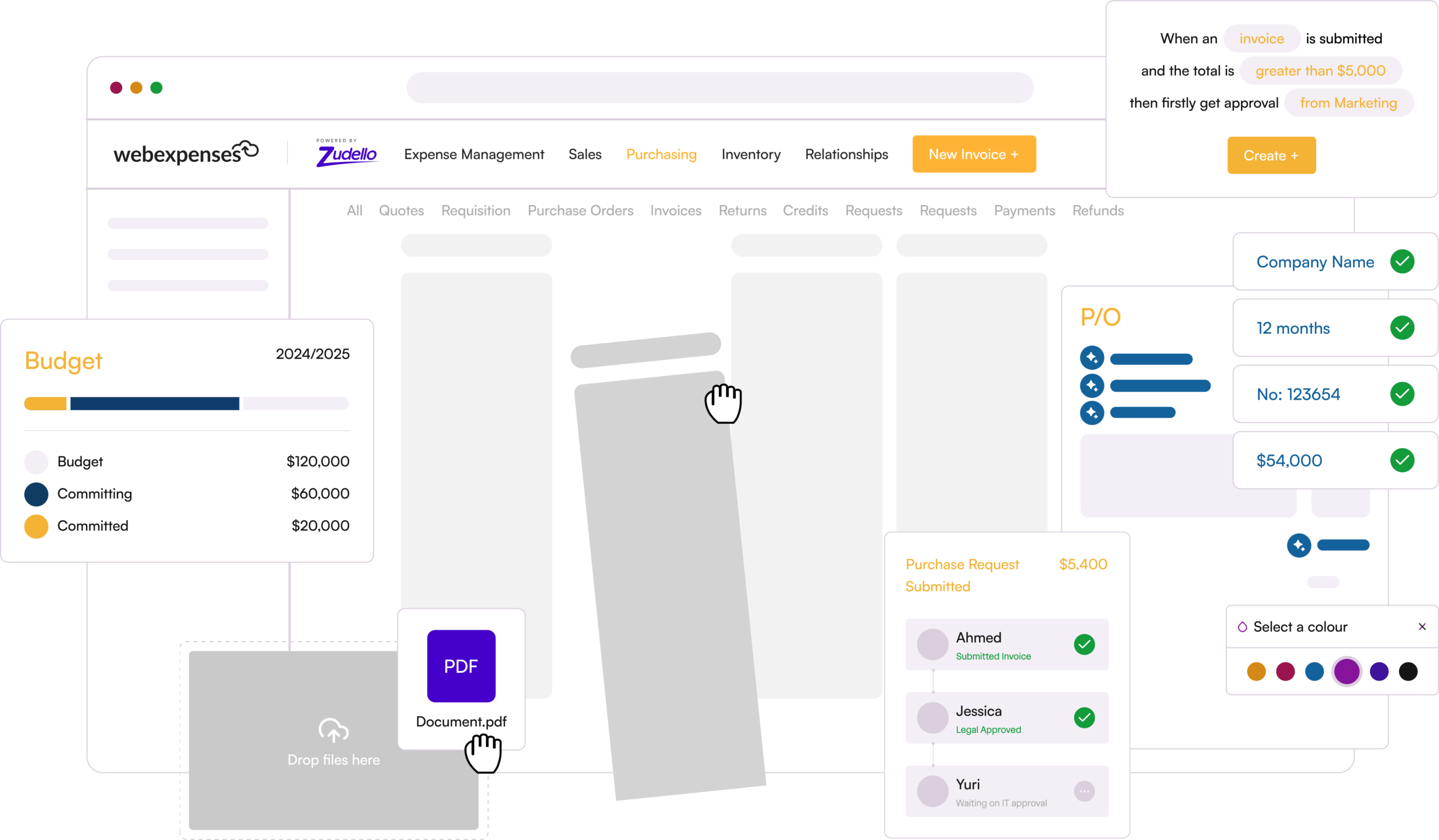
You can measure a tolerance as a percentage, a variance amount, or both together. That means you can set a rule like £50 and 5%, so small differences pass and large ones are always caught. You decide where the lines sit, and you can change them as your suppliers and volumes change.
Invoices in, data out
Suppliers email invoices to your Zudello inbox, or your team forwards them in. Zudello reads the invoice, pulls out the supplier, line items and totals, and matches them against your purchase orders. Files that aren’t invoices, such as a photo sent by mistake, are set aside for review and don’t count against your document allowance.
Only the right invoices reach your team
Invoices inside tolerance move on to approval, or straight to your ERP if you choose. Invoices outside tolerance are held for someone to review. Your team spends its time on the differences that matter, not on rounding.
Touchless posting when you’re ready
Once you’re confident in your tolerances, you can let clean invoices post to your ERP without manual approval. You can build this during setup and switch it on later. We recommend testing it in a sandbox first, and only using it for invoices with no validation issues.
Approvals that match your structure
You can route invoices by value, location, subsidiary or user group. When someone is away, you can delegate their approvals for a set period, and you can approve several invoices at once while holding back the ones you want to query.
Your ERP stays in charge
Your ERP remains the master record for suppliers and GL codes. Zudello syncs that data on a schedule, usually hourly or daily, and transactions flow both ways. Zudello connects with systems including Sage Intacct, Microsoft Dynamics 365, NetSuite, Xero and SAP Business One.
A clear audit trail
Every action is recorded, including who approved what and when. When an auditor asks why an invoice was paid with a difference, you can show the tolerance rule it passed and the trail behind it.
One fee alongside your expenses
If you already use Webexpenses for expenses, cards or mileage, AP sits under the same fee rather than a separate contract.
If your current tolerance is a single percentage, it’s worth seeing how your invoices would look with a combined rule. Book a demo and we’ll walk you through tolerance settings using examples from your own invoice mix.
Want the full picture? Our guide Two-way, three-way, no-way covers matching types, tolerances, exception handling and the numbers worth tracking. Download the guide.